Elementor image carousels with real depth
The standard elementor image carousel slides flat pictures from left to right. These 8 carousel widgets add depth: perspective rings, door and clip transitions, swipe stacks and an autoplay progress bar, all filled with your own images, text and links.





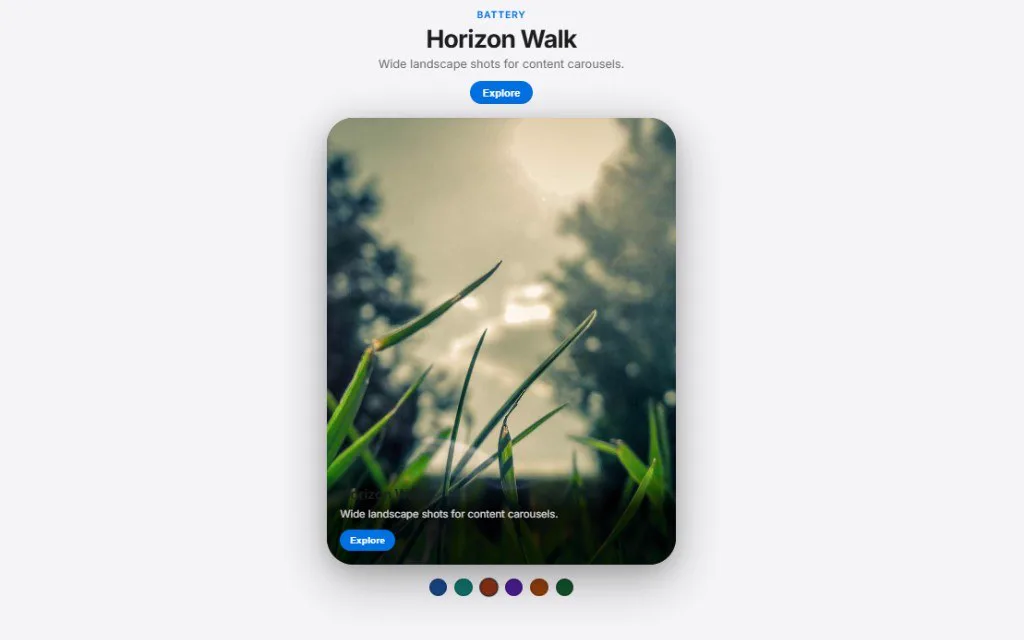
Pick a widget, see it move.
Every widget below is released for Elementor today. Open a demo to try the effect, then customize it for your own page.
Try them right here
Two of the widgets run live on this page. Try them out, then explore every demo of this category below.
Elementor carousel widgets 8
Sliders with real depth: perspective rings, swipe stacks and clip wipes that still work with touch.



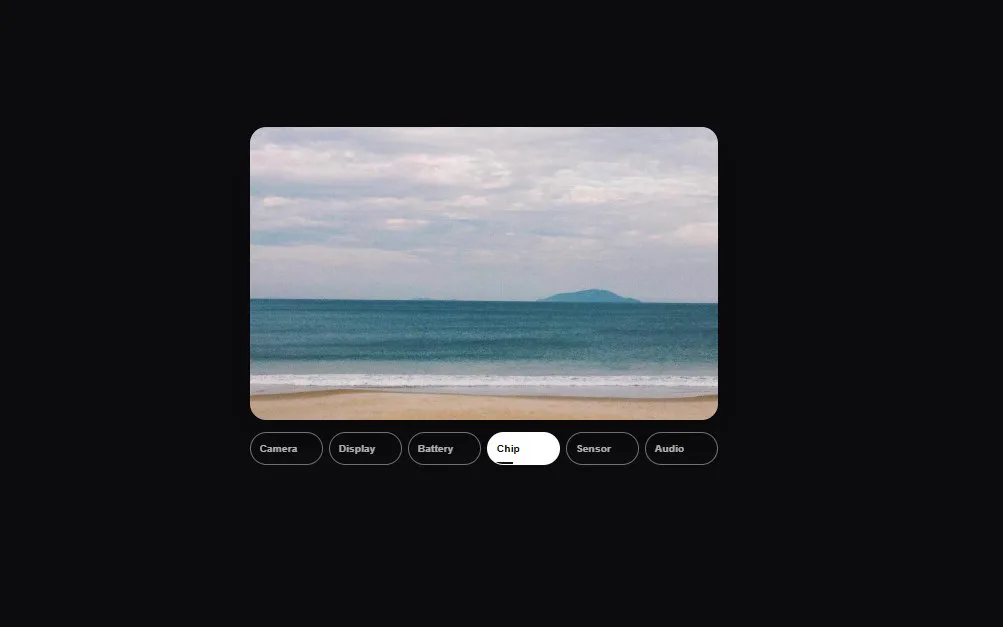
Autoplay Progress Carousel
Slides advance on their own, with a progress bar on the active one.
Open live demoHow it works in Elementor.
Three simple steps from the demo to a live section on your Elementor site. I test every widget in the Elementor editor before it is released.
-
01
Pick a widget
Choose it in the Motion Modules Library, complete with a live preview on desktop and mobile.
Screenshot: Motion Modules Library -
02
Customize in the editor
Adjust copy, images, colors, timing and layout without writing a line of code.
Screenshot: Motion Modules editor -
03
Import into Elementor
On your first login the account asks for your builder. Choose Elementor, download the Motion Modules for Elementor plugin and activate it. Then drag any widget from the Motion Modules categories in the Elementor panel and paste your design with the Import button in its Content tab.
Screenshot: Elementor widget panel
Works with the free version of Elementor. The widgets use the standard Elementor widget API and are tested with Elementor 4.3 (free). Elementor Pro is not required.
How to choose an Elementor carousel that people use.
Carousels have a mixed reputation. Many visitors never see the third slide, and an autoplay that moves too fast is frustrating. A good carousel still earns its place when it shows several equal items in little space. Before you add one, I would check four things.
1. Are the items really equal?
A carousel works for projects, products, team moments or features of the same weight. If one message matters most, put it in a static section instead, because it may hide on slide four.
2. Make the next slide visible
Perspective and stacked carousels show part of the next item, which invites people to swipe. That is one reason the widgets here use depth instead of flat slides.
3. Touch and keyboard
On a phone, a carousel has to follow the finger. The widgets are built on Swiper, which ships inside the plugin, and support swiping on touch screens. Test it once on a real phone.
4. Calm autoplay or none
If you use autoplay, give each slide enough time to be read. The Autoplay Progress Carousel shows how long a slide stays, so visitors know what is happening.
Each slide is a repeater item in the Content tab, so you add, remove or reorder images and text without touching code.
Elementor vs. Motion Modules.
| Area | Elementor built in | Motion Modules widget |
|---|---|---|
| Image carousel | Image Carousel widget with arrows, dots and a lightbox. | 3D perspective, inverted and door open carousels with real depth. |
| Other carousels | Testimonial Carousel; Media Carousel, Slides and Loop Carousel in Pro. | Card swipe stack, depth stack and clip wipe transitions. |
| Autoplay | Autoplay with speed setting. | Autoplay with a visible progress bar per slide. |
| Content | Image Carousel takes images with captions. | Repeater items with image, heading, text and link. |
For a simple row of logos or photos, Elementor's Image Carousel is enough. Use a widget when the carousel itself should be the eye catcher.
Questions before you start.
Do the carousels work on touch screens?
Yes. They are built on Swiper, which ships inside the plugin, and follow swipes on phones and tablets.
Do I need Elementor Pro?
No. The widgets are tested with the free version of Elementor 4.3. Elementor Pro is not required.
Is there a testimonial carousel?
Not as a dedicated widget yet. You can place quotes and names in the text fields of a carousel, but a testimonial widget with ratings is not part of the library today.
Can I use my own images and links?
Yes. Every slide is a repeater item with image, heading, text and link in the Content tab.
Using more than one builder? See all 12 modules on the WordPress slider plugin page. More effects are on the Elementor widgets hub, or see the Divi modules.
Make Elementor move.
One licence covers all 85 widgets, every builder and unlimited websites. Start with the free 14-day trial, no credit card required.