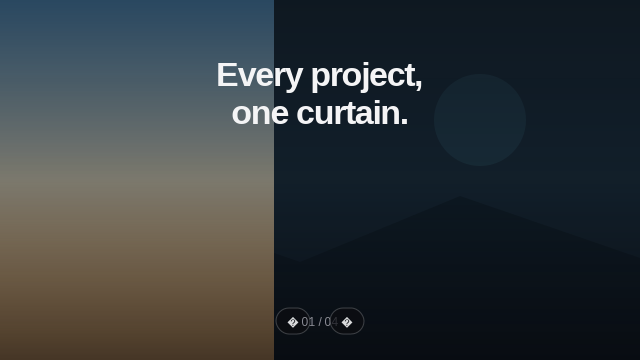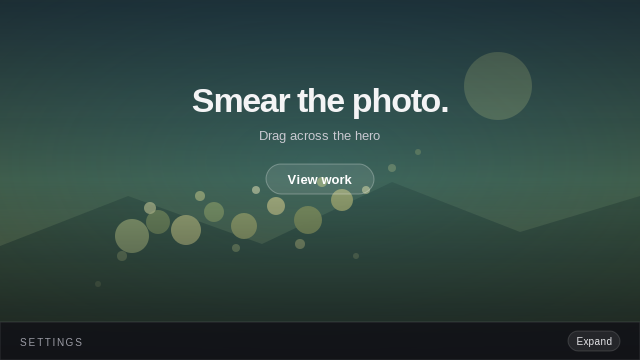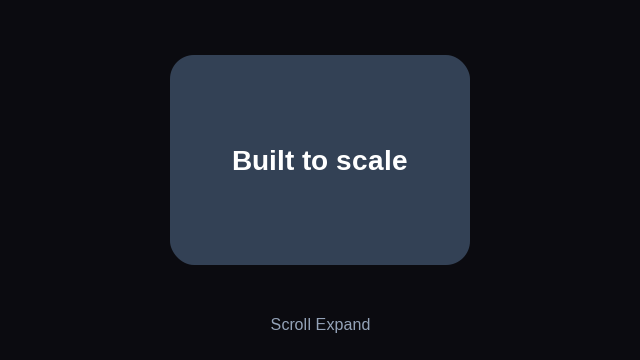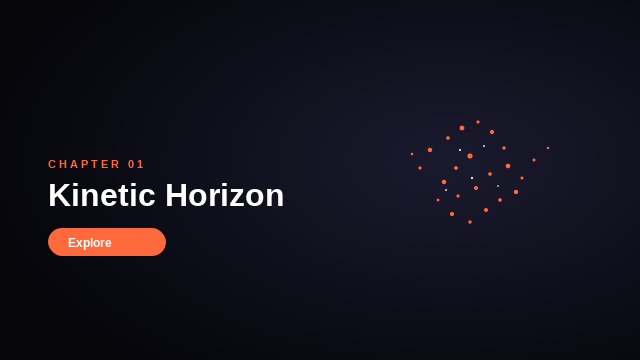
Hero and Row Elements
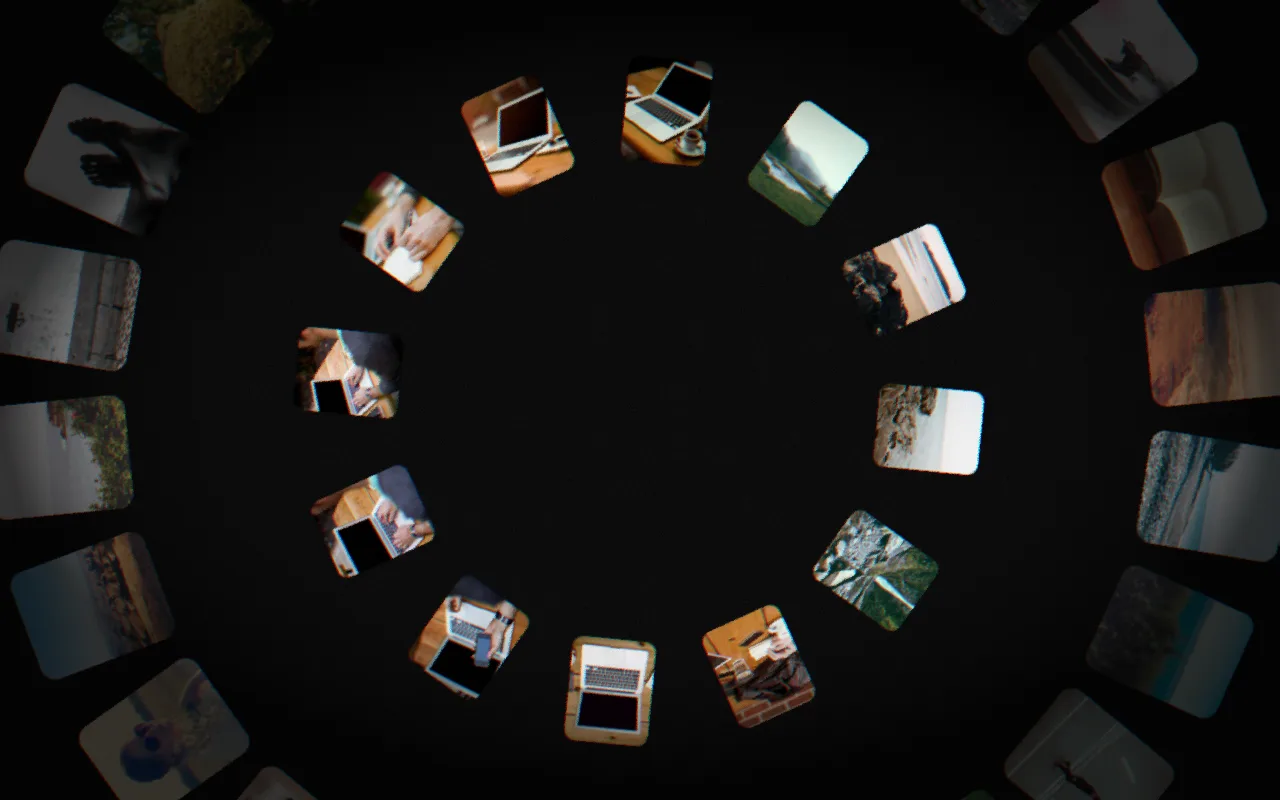
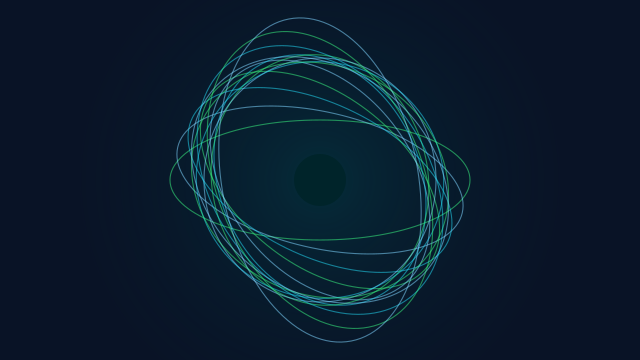
Choose one of six animated effects, from orbs to a wireframe mesh.
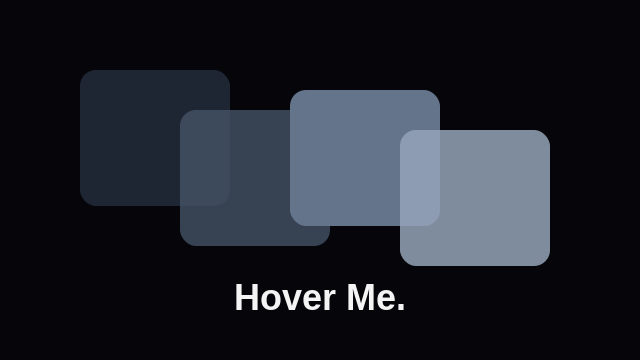
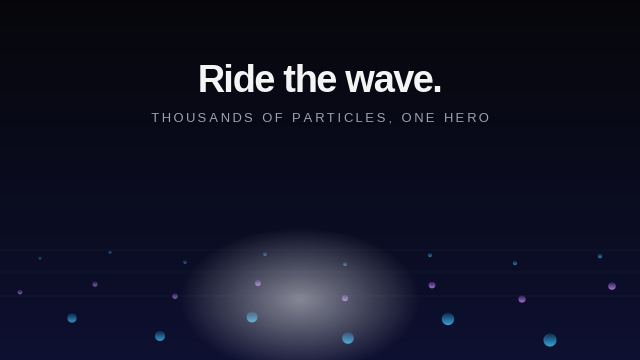
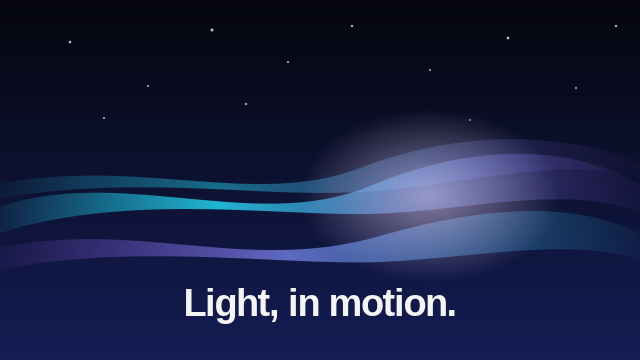
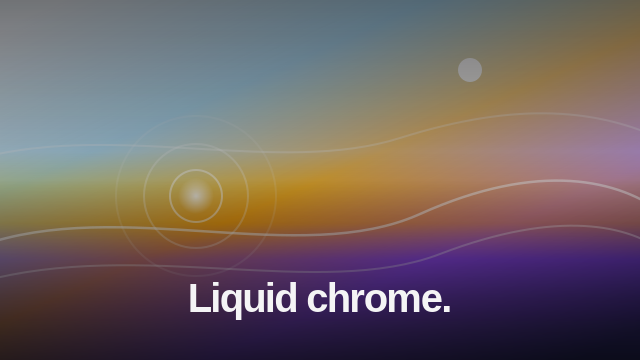
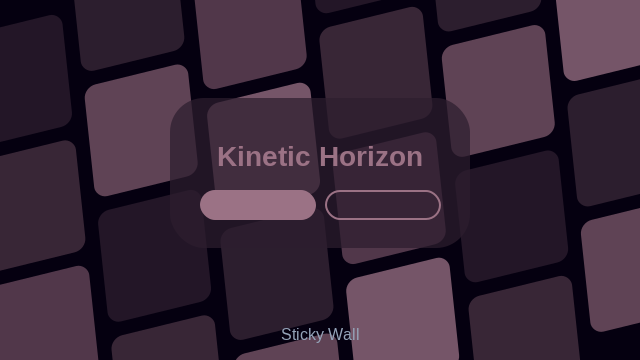
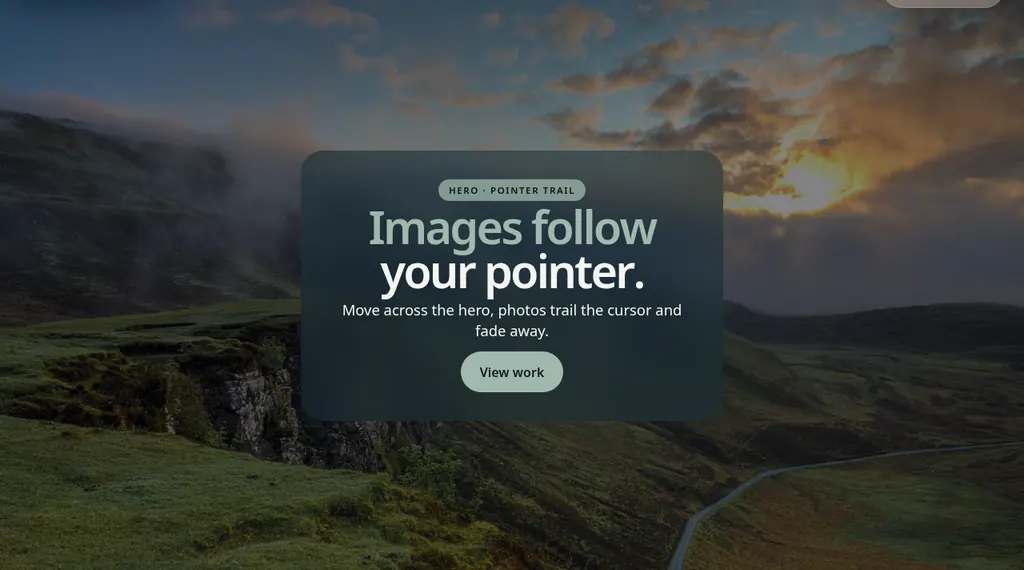
Open live demoThe first screen decides whether visitors scroll on. These 11 Elementor hero section widgets put motion behind your own headline, text and buttons: particles, aurora light, chrome ripples, ink, image trails and heroes that expand as you scroll.
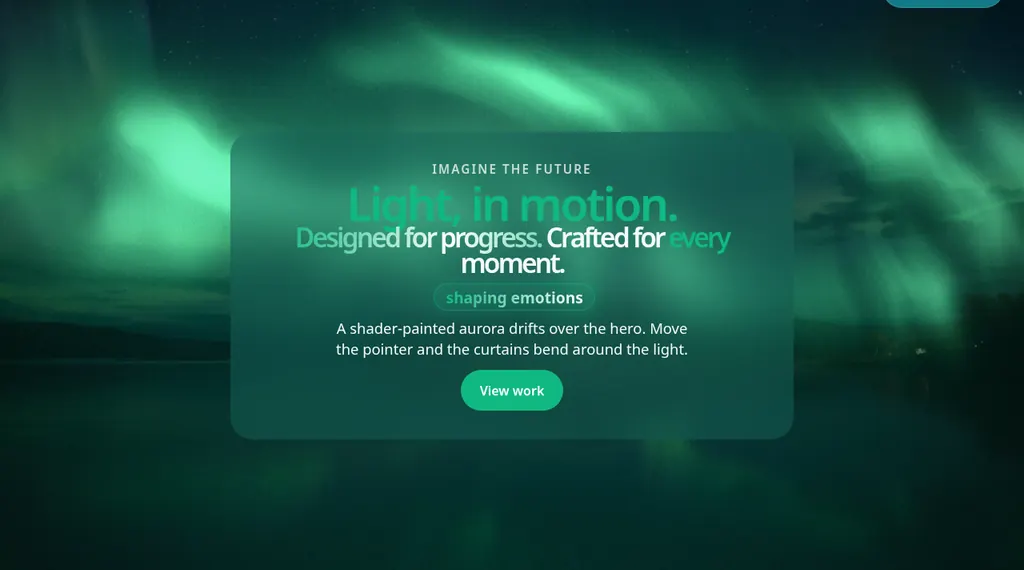
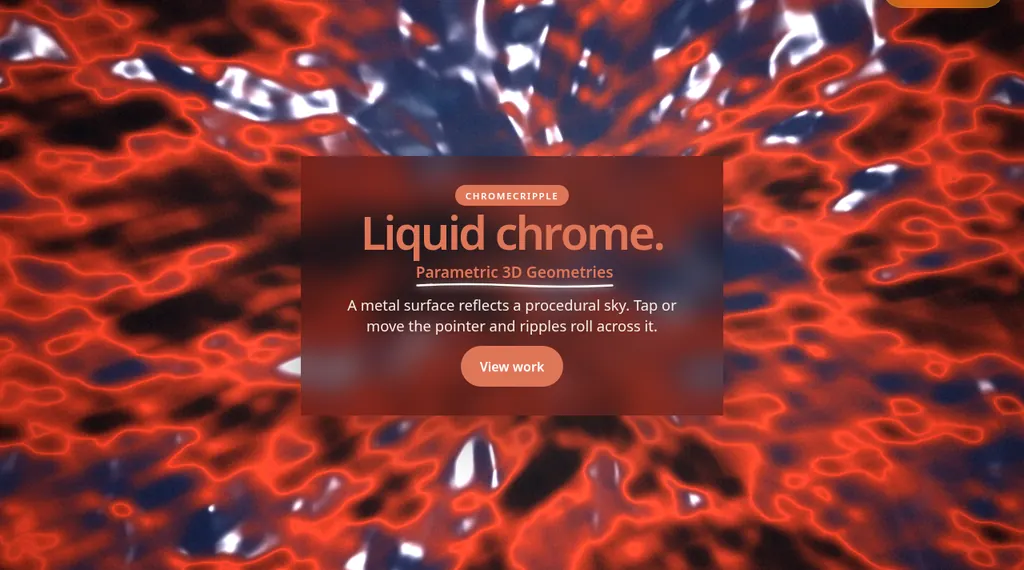
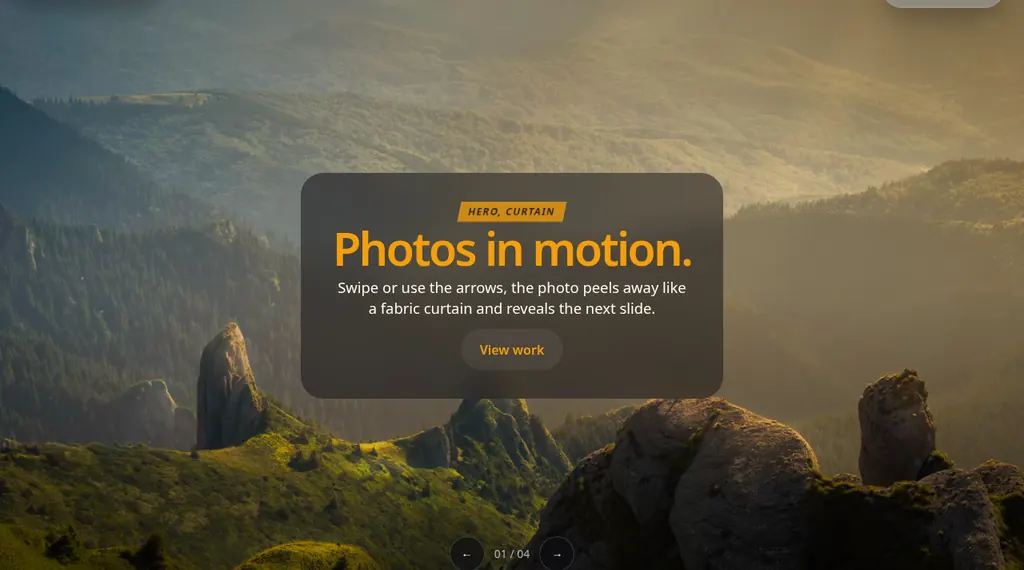
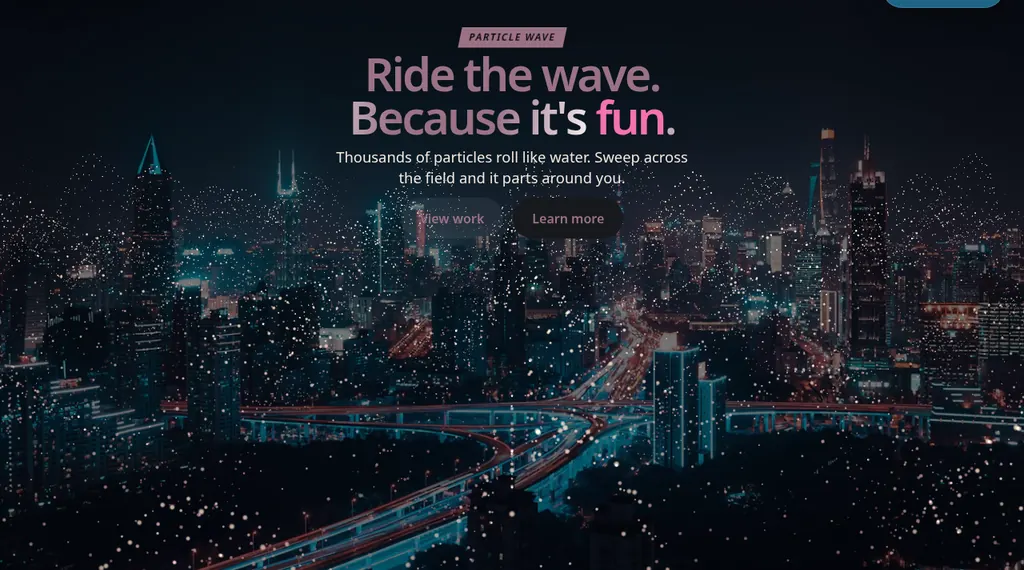
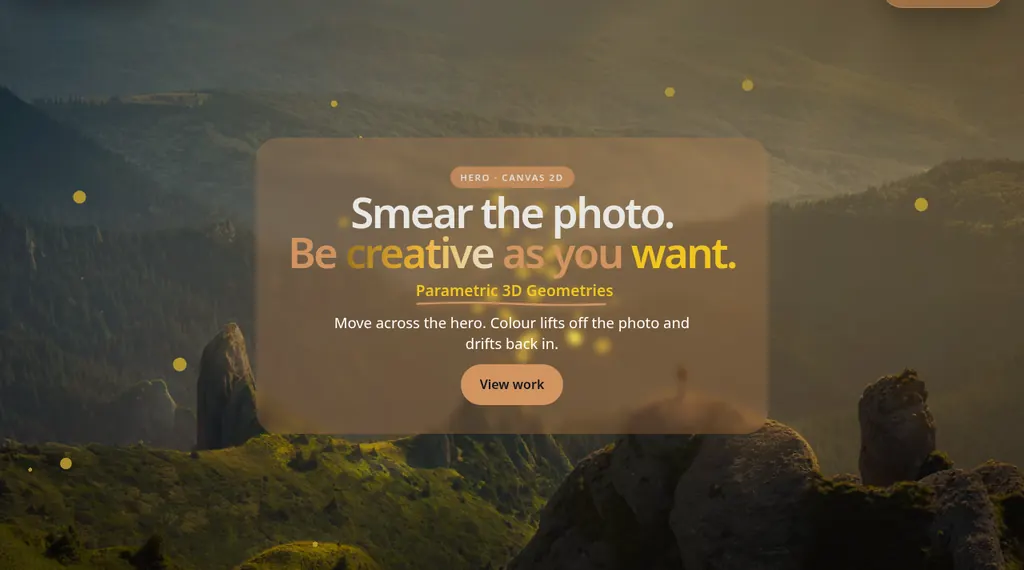
Every widget below is released for Elementor today. Open a demo to try the effect, then customize it for your own page.
Two of the widgets run live on this page. Try them out, then explore every demo of this category below.
Opening sections with motion behind your headline and buttons. Each hero widget keeps your own copy, images and calls to action on top of the effect.
Choose one of six animated effects, from orbs to a wireframe mesh.
Open live demoThree simple steps from the demo to a live section on your Elementor site. I test every widget in the Elementor editor before it is released.
Choose it in the Motion Modules Library, complete with a live preview on desktop and mobile.
Adjust copy, images, colors, timing and layout without writing a line of code.
On your first login the account asks for your builder. Choose Elementor, download the Motion Modules for Elementor plugin and activate it. Then drag any widget from the Motion Modules categories in the Elementor panel and paste your design with the Import button in its Content tab.
Works with the free version of Elementor. The widgets use the standard Elementor widget API and are tested with Elementor 4.3 (free). Elementor Pro is not required.
A hero section has one job: tell visitors in a few seconds what you offer and what to do next. Motion can help with that, or it can get in the way. Before you pick an effect, I would look at four things.
Your headline has to stay readable over every frame of the animation. Check light text on the brightest moment of the effect and dark text on the darkest. Each widget lets you set colours and overlays so the copy keeps enough contrast.
A primary button, maybe a quieter secondary link, and nothing else that competes. The effect should lead the eye towards the button, not away from it.
The hero is usually the largest element on the first screen, so it shapes how fast the page feels. Use compressed images, keep video out of the hero if a still image works, and test the page with a real phone on mobile data. The widgets only load their scripts on pages where you use them, and nothing comes from an external CDN.
A full screen hero on a desktop can push the button below the fold on a phone. Set a sensible height in Elementor's responsive controls and make sure the headline and the button are visible without scrolling.
If you are unsure, start with a calm effect such as the aurora gradient, add your copy, then compare it with a bolder one like the image trail on your phone. Keep the one that still supports your message after five minutes.
| Area | Elementor built in | Motion Modules widget |
|---|---|---|
| Background | Container backgrounds with images, video, gradients and a slideshow. | Interactive backgrounds: particles, aurora light, chrome ripples, ink and image trails. |
| Motion | Entrance animations; Motion Effects such as mouse track and scrolling in Pro. | Effects that react to the pointer or the scroll position, built into one widget. |
| Slider hero | Slides widget in Pro. | Particle Slider with transitions between your slides. |
| Scroll intro | Not available as one element. | Scroll Expand Hero and Sticky Wall Hero, tied to the scroll position. |
If a still photo with a strong headline says it all, Elementor's own container is enough. A widget makes sense when the first screen should feel alive.
Yes. Every hero widget has editable headings, text and buttons in its Content tab, and the effect runs behind them.
No. The widgets are tested with the free version of Elementor 4.3. Elementor Pro is not required.
Each widget only loads its scripts on pages where you use it, and the libraries ship inside the plugin. Use compressed images and test the page on a real phone to keep the first screen fast.
I build every widget mobile first and check it at phone width before release. Set the hero height in Elementor's responsive controls so the button stays visible.
Explore all 12 animated hero sections across five builders, visit the Elementor widgets hub or see the Divi modules.
One licence covers all 85 widgets, every builder and unlimited websites. Start with the free 14-day trial, no credit card required.