Liquid Hover Buttons
20 Elementor button hover effects from liquid wave fills and mercury drops to neon laser borders.
Open live demoAdd an interactive elementor flip box, liquid CTA buttons and pointer-reactive bento grids to any Elementor Free or Pro layout. Explore 6 tactile hover widgets built for instant visual feedback without hand-coded CSS keyframes.
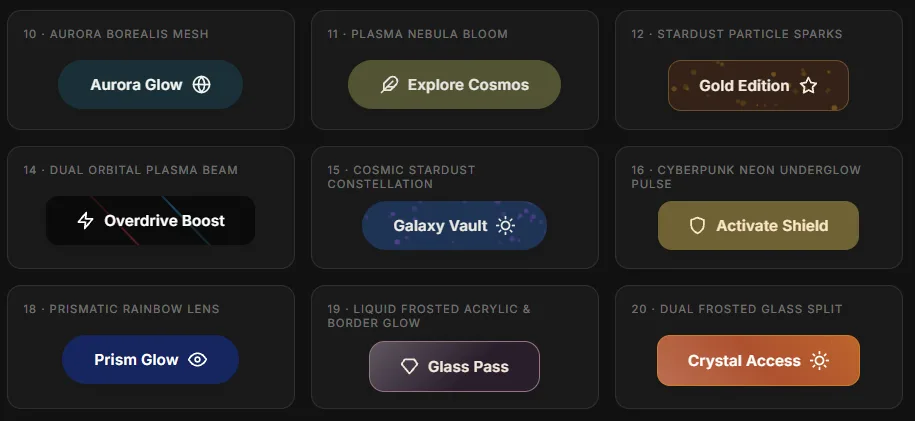
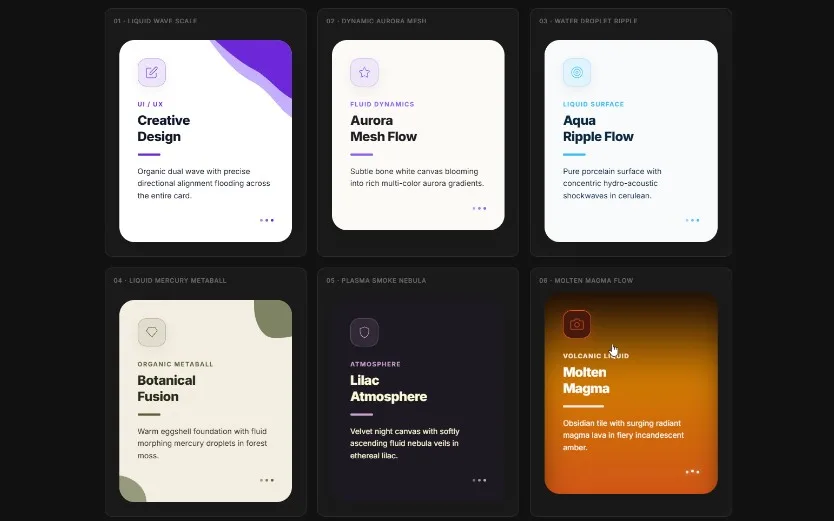
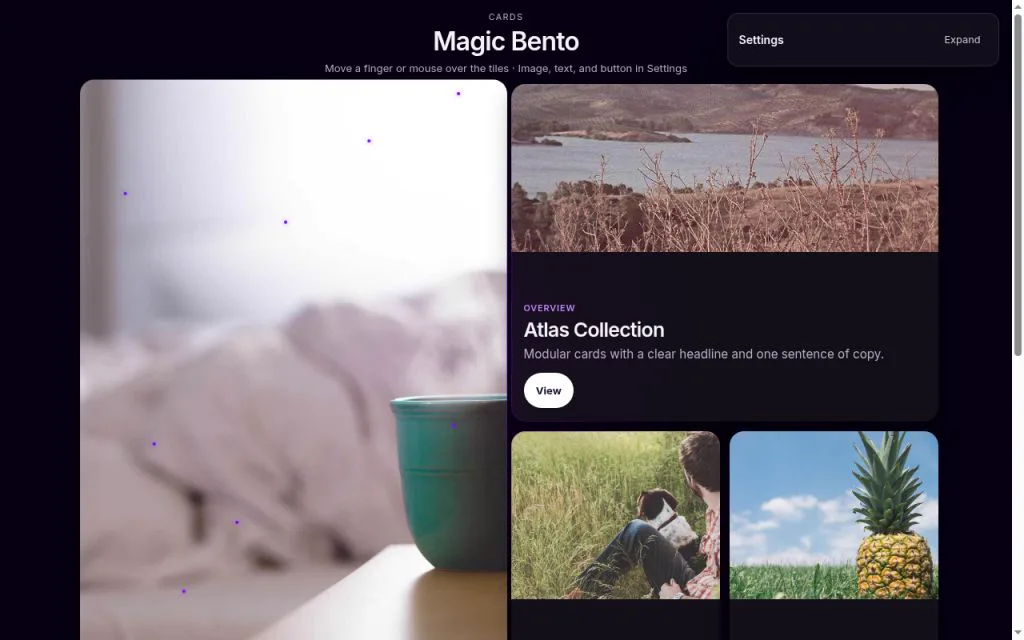
Move your pointer across 4 live Liquid Hover Buttons (from 20 total button styles) and 4 Modern Hover Cards (from 22 card styles).
Test 4 of 20 Liquid Hover Buttons and 4 of 22 Modern Hover Cards right here before picking presets.
Besides these 6 Elementor flip box and hover widgets, every licence unlocks all 85 modules across 13 categories, ready for all five WordPress builders. Start at 39 € per year for 1 website with Single Site, or cover unlimited websites with Yearly and Lifetime. Browse all Elementor widgets
Every hover effect and elementor flip box widget keeps crisp resting contrast first and adds spring motion on hover or touch tap.
On a phone, swipe the row left or right.
20 Elementor button hover effects from liquid wave fills and mercury drops to neon laser borders.
Open live demo22 interactive hover card styles including 3D tilt glare, bento spotlights and liquid fills.
Open live demoLayered folder tabs fan out project or gallery thumbnails with tactile depth on hover.
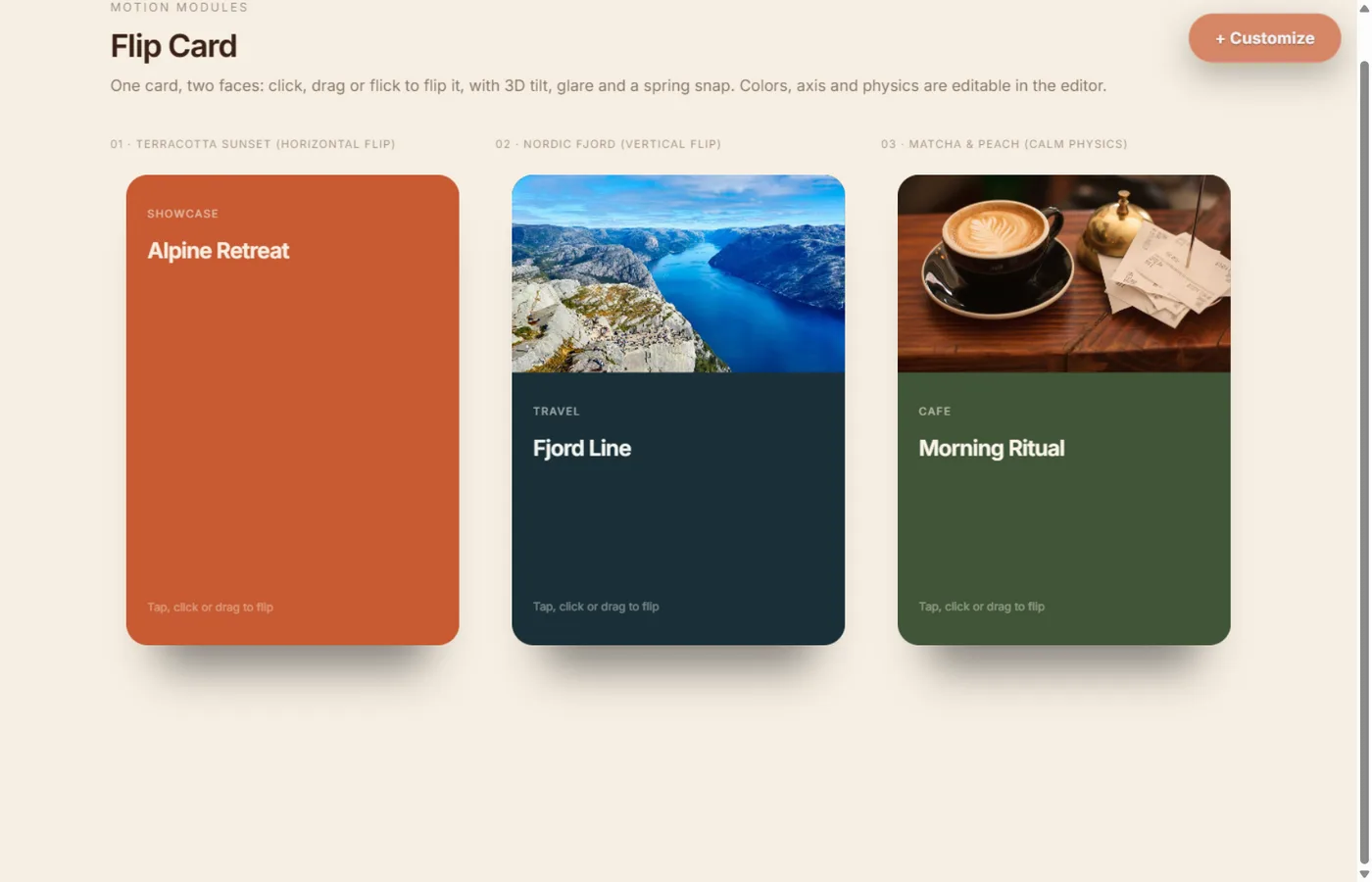
Open live demoElementor flip box widget with spring rotation revealing rich reverse-side details and CTAs.
Open live demoCursor-reactive border glow and subtle lift across multi-tile Elementor feature grids.
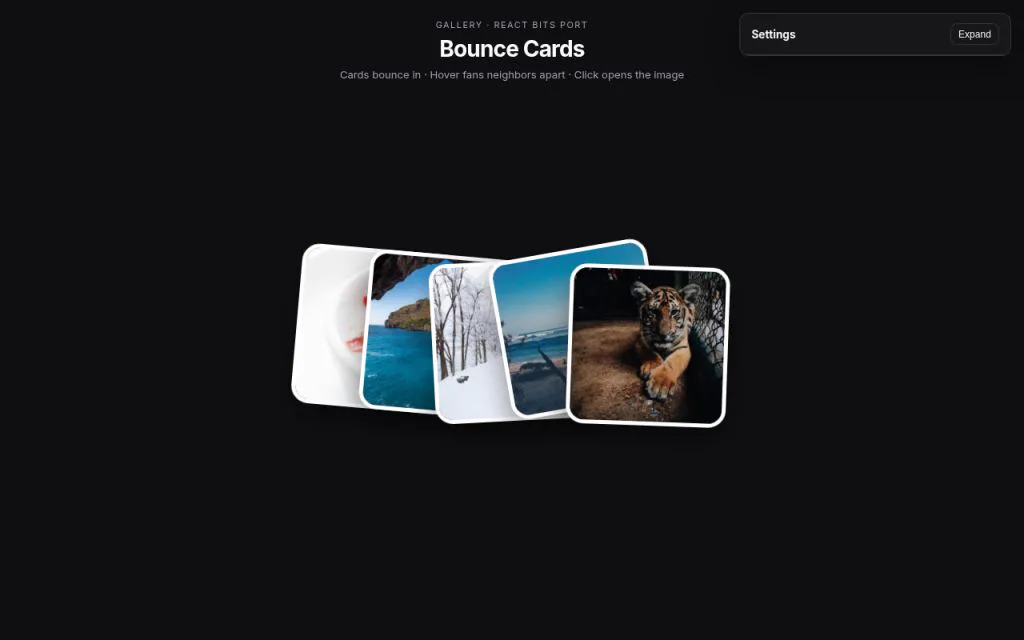
Open live demoLayered photograph cards spring apart smoothly on pointer hover or mobile tap.
Open live demoThree steps from live tactile previews to interactive flip boxes and hover buttons inside Elementor Free.
Open any widget in the Motion Modules Library and test its behavior across desktop and touch breakpoints.
Swap your own photos, headings, links, colors, speed and mobile spacing in the visual browser editor.
Install the Motion Modules for Elementor plugin, drag the matching widget onto your Elementor container and click Import design in the widget content tab without touching custom CSS or JS.
Works with Elementor Free and Pro. Every widget uses the standard Elementor widget API and runs cleanly without an Elementor Pro subscription.
Built-in Elementor Free buttons swap flat background colors or grow slightly on hover. For everyday links inside text columns, keep Elementor defaults. When a primary call to action needs tactile depth, elementor button hover effects from Liquid Hover Buttons give you 20 coordinated styles including liquid tide fills, magnetic jelly springs, neon glow traces and frosted glass sweeps.
Standard Flip Box widgets require an Elementor Pro plan and still animate via basic rigid CSS transforms. Inside Motion Modules, 3D Flip Card runs as a dedicated elementor flip box widget inside Elementor Free too, rotating smoothly onto structured back-side details with real spring easing.
Modern Hover Cards extends service boxes with 22 glare, spotlight and mesh styles, while Folder Cards fans stacked gallery photos out of a sleek container tab.
Because smartphones do not hover before tapping, I design every card and flip box so its front headline, icon and destination signal stay unmistakably clear at rest. Magic Bento Grid and Bounce Image Cards trigger cleanly on tap as well as desktop cursor movement.
| Area | Elementor built in | Motion Modules |
|---|---|---|
| Flip box availability | Native Flip Box widget is locked to Elementor Pro. | 3D Flip Card runs cleanly in both Elementor Free and Pro with spring physics. |
| Button hover physics | Basic background fades, flat borders and Grow/Shrink classes. | 20 signature presets in Liquid Hover Buttons without writing custom CSS. |
| Card glow & folder stacks | Single container border and shadow state toggles. | 22 Modern Hover Cards, Magic Bento glow grids, Folder Cards and Bounce Cards. |
| Typography & mobile taps | Hover states can hide overlays abruptly on touchscreens. | Crisp resting contrast first, paired with intentional tap-friendly states. |
Yes. 3D Flip Card works natively inside Elementor Free as well as Elementor Pro, giving you spring-driven front-to-back flips without upgrading solely for Flip Box.
Liquid Hover Buttons ships 20 distinct button hover styles and Modern Hover Cards adds 22 card hover styles, all configurable visually without custom CSS.
Yes. Open any widget in MRStudio to configure URLs, icon sides, color presets, radii and animation pacing visually before importing into Elementor.
Front labels and CTAs remain readable immediately without requiring a mouse hover, and tap events open flip or folder states reliably on mobile screens.
Single Site costs 39 € per year for 1 website. Yearly (69 € per year) and Lifetime Early Adopter (149 € once) cover unlimited websites, all 85 modules and all 5 builders.
Need the Divi equivalent or more Elementor components? Visit Divi hover effects, explore Elementor tabs and portfolio or return to all Elementor widgets.
Test all 6 Elementor hover and flip box widgets (including 20 buttons and 22 card styles) plus all 85 modules across 13 categories for all five builders, starting at 39 € per year for 1 website or unlimited websites with Yearly and Lifetime. Start free for 14 days, no credit card required.