Elementor tabs and portfolio widgets with motion
Switch service details, case studies and curated project galleries smoothly with 6 animated elementor tabs and elementor portfolio widgets. Built for Elementor Free and Pro without turning tabs into a cluttered FAQ stack.
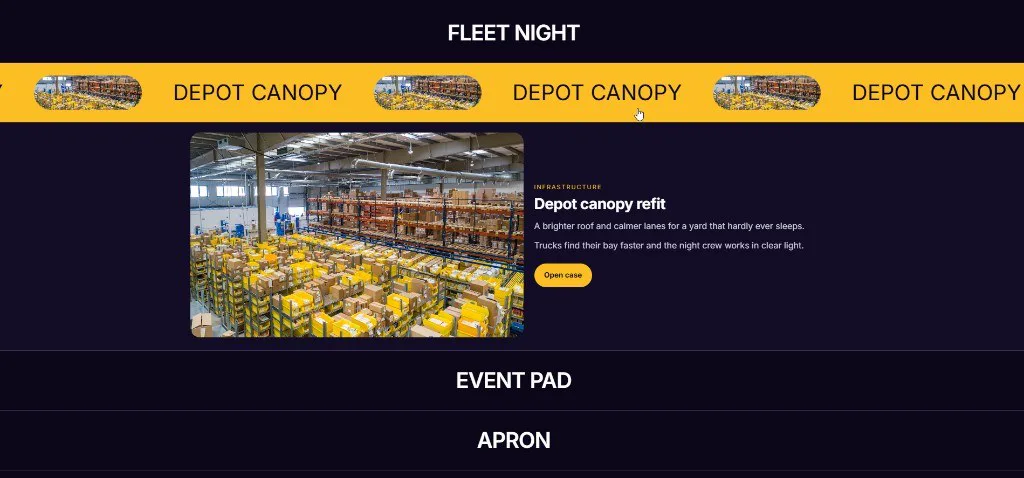
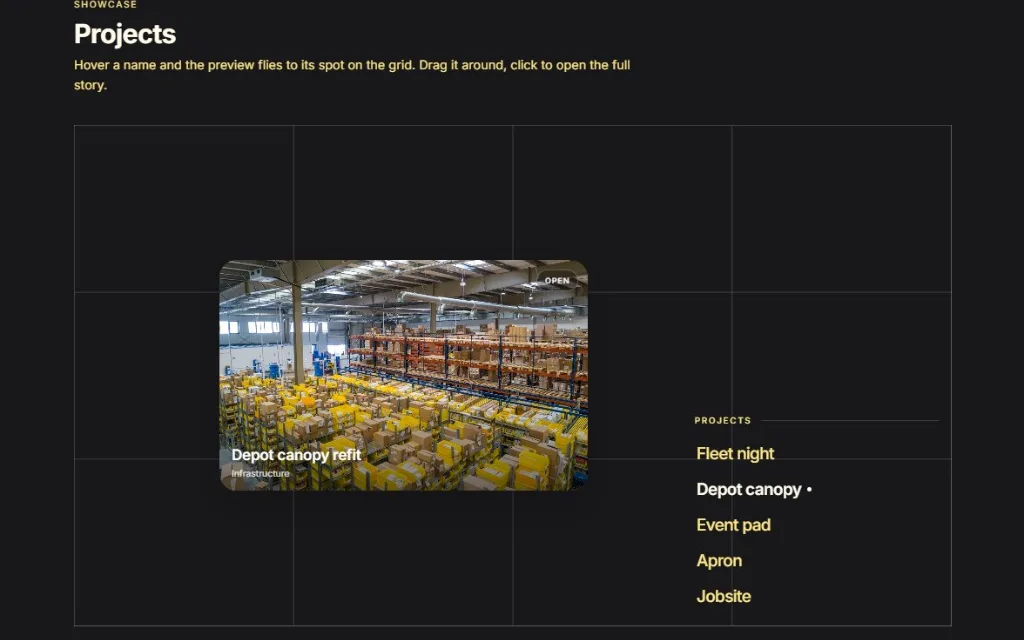

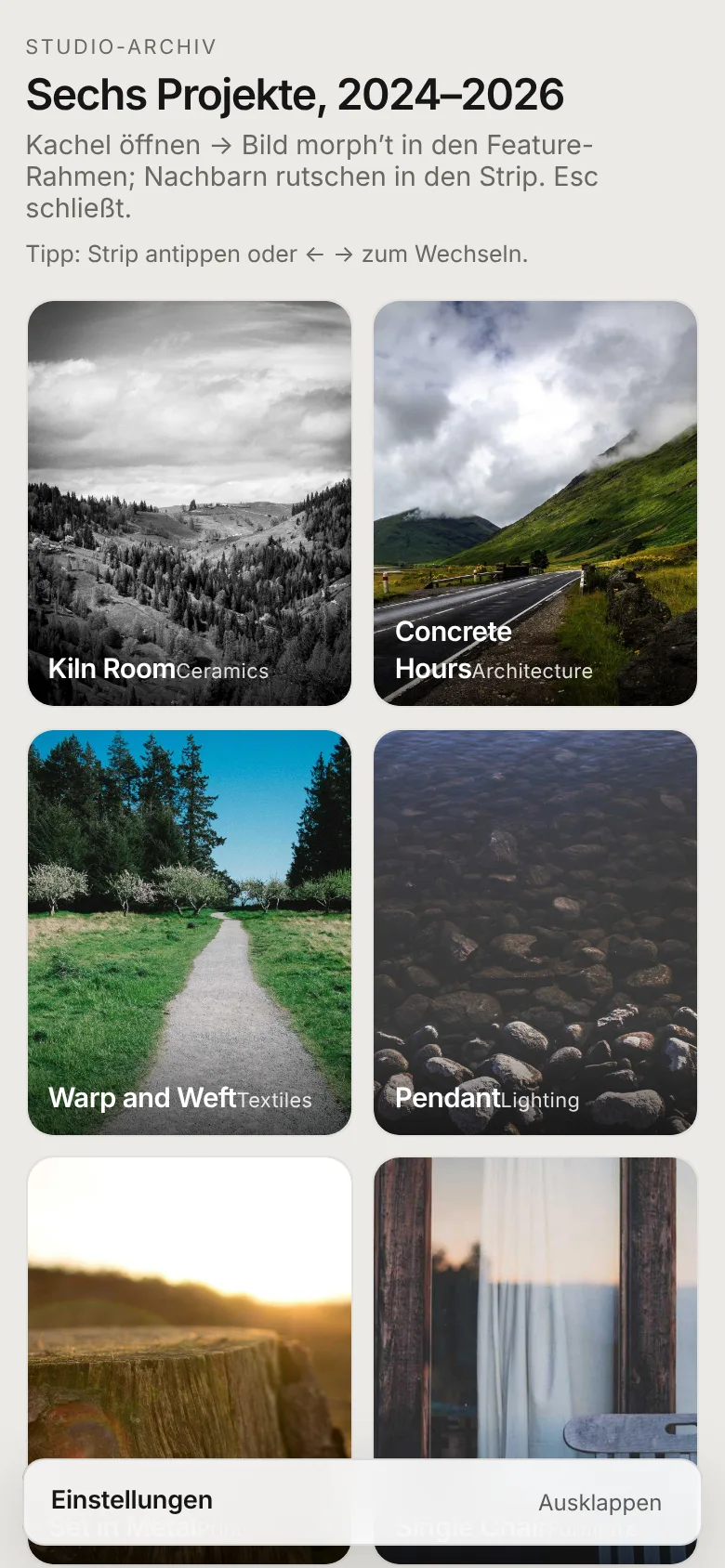
Two tabs & portfolio widgets live
Hover rows and click projects across both live Elementor embeds to feel the active highlight transitions.
Try them right here
Inspect Flowing Menu Portfolio and Creative Portfolio Showcase interactively right here before opening all 6 modules.
One licence model, all 85 modules.
Besides these 6 Elementor tabs and portfolio widgets, every licence unlocks all 85 modules across 13 categories, ready for all five WordPress builders. Start at 39 € per year for 1 website with Single Site, or cover unlimited websites with Yearly and Lifetime. Browse all Elementor widgets
All 6 Elementor tabs & portfolio widgets
All six curated selectors share crisp state transitions and work with custom project labels, images and URLs.
On a phone, swipe the row left or right.
How it works in Elementor.
Three quick steps to replace static Elementor tabs with animated content switchers and portfolio stages.
- 01
Pick a tabs widget
Open any widget in the Motion Modules Library and test its behavior across desktop and touch breakpoints.
- 02
Customize in MRStudio
Swap your own photos, headings, links, colors, speed and mobile spacing in the visual browser editor.
- 03
Use inside Elementor
Install the Motion Modules for Elementor plugin, drag the matching widget onto your Elementor container and click Import design in the widget content tab without touching custom CSS or JS.
Works with Elementor Free and Pro. Every widget uses the standard Elementor widget API and runs cleanly without an Elementor Pro subscription.
Tabs vs accordions: picking the right Elementor selector
Why tabs are not the same as an Elementor accordion
Visitors often confuse elementor tabs with accordions. An accordion stacks vertical question-and-answer items inside one list where multiple paragraphs expand in place, ideal for dense FAQs (see my dedicated Elementor accordion widgets page for Split Accordion and Spotlight Story Accordion).
By contrast, an elementor tabs widget switches between peer views side by side or from an interactive menu rail: selecting a studio service, project category or case study swaps the featured stage without turning the layout into a long vertical column.
Curated tabs & portfolio modules included here
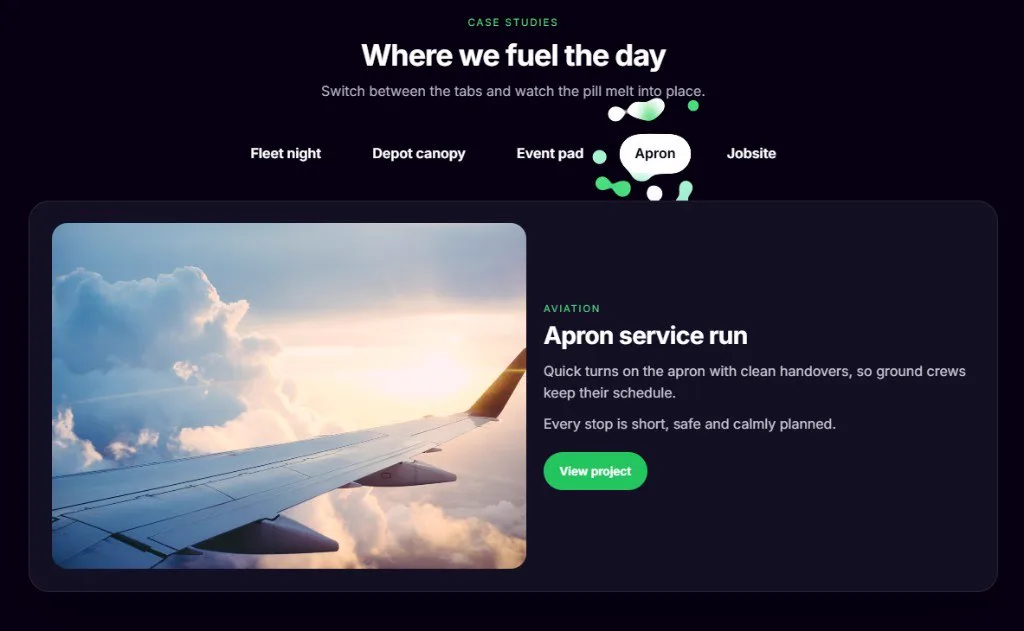
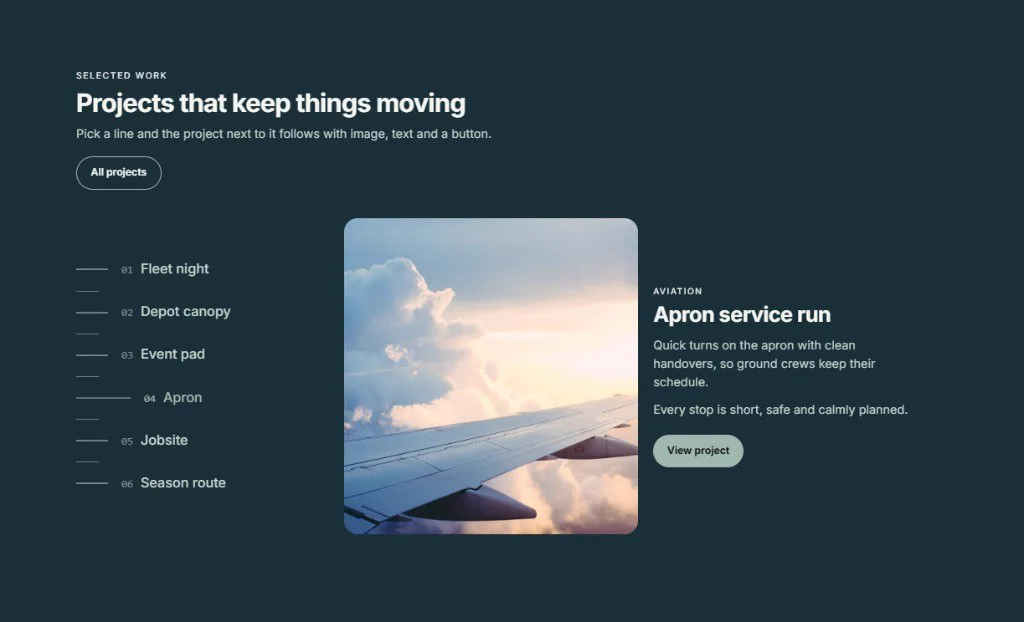
Gooey Nav Portfolio moves a liquid highlight pill across selected tabs, while Portfolio Line Sidebar tracks pointer alignment along vertical service items. Focus Portfolio blurs surrounding labels smoothly around the active choice.
For studio and agency elementor portfolio pages, Creative Portfolio Showcase reveals floating preview photography on hover, Flowing Menu Portfolio slides visual bands across project rows and Portfolio Layout Morph expands one selected work into the main stage while turning the rest into a strip.
Honest note on automatic post filtering
All six modules here are curated content switchers and project stages edited inside MRStudio. They are not automatic database query post grids with taxonomy filter bars, so your case headlines, preview visuals and links stay intentionally handpicked.
Elementor Native Tabs vs Motion Modules Tabs
| Area | Elementor built in | Motion Modules |
|---|---|---|
| Tab indicator motion | Instant tab switching with static bottom border or color highlight. | Liquid gooey indicator pills, sidebar tracking lines and active focus blur. |
| Project & visual switching | Plain inner containers requiring manual hover image setup. | Built-in preview hover stages, flowing bands and morphing strip layouts. |
| Tabs vs FAQ Accordions | Standard Tabs convert into basic vertical accordions on small screens. | Clean mobile layouts tailored for tab switching; FAQs sit separately under Accordions. |
| Elementor Free support | Basic Tabs included in Free; Loop/Portfolio post grid requires Pro. | All 6 animated tabs & portfolio widgets run in both Elementor Free and Pro. |
Questions before you start
How are Elementor tabs different from your Elementor accordion widgets?
An accordion widget stacks collapsible FAQ answers or vertical portraits (covered on my Elementor accordion widgets page), whereas an elementor tabs widget switches parallel panels, service menus or curated portfolio previews beside a navigation rail.
Can I build an Elementor portfolio page with these widgets?
Yes. Creative Portfolio Showcase, Flowing Menu Portfolio and Portfolio Layout Morph are tailored for studio projects, agency work lists and visual case study showcases.
Are these automatic WordPress post filters?
No. These six widgets are curated content switchers where you configure titles, images, tags and links directly in MRStudio rather than dynamic taxonomy query loops.
Do the Elementor tabs widgets work in Elementor Free?
Yes. All six widgets work natively in both Elementor Free and Elementor Pro without needing Pro portfolio widgets.
Which Motion Modules licence includes these widgets?
Single Site (39 € per year) covers 1 website. Yearly (69 € per year) and Lifetime Early Adopter (149 € once) cover unlimited websites, all 85 modules and all 5 builders.
Need FAQ toggles instead of tabs? Open Elementor accordion widgets, compare Divi portfolio modules or return to Elementor widgets.
Make Elementor tabs move.
Combine all 6 animated Elementor tab and portfolio widgets with the complete library of 85 widgets across 13 categories, starting at 39 € per year for 1 website or unlimited websites with Yearly and Lifetime. Start free for 14 days, no credit card required.