Split Accordion
Active FAQ answers lift cleanly from the stack on spring physics, with icons and optional FAQPage JSON-LD schema.
Open live demoExpand FAQs, client case stories, images, service sequences and project lists inside Elementor Free and Pro. Pick an Elementor accordion widget with detached active cards, single or multi-open toggles and optional FAQPage schema.
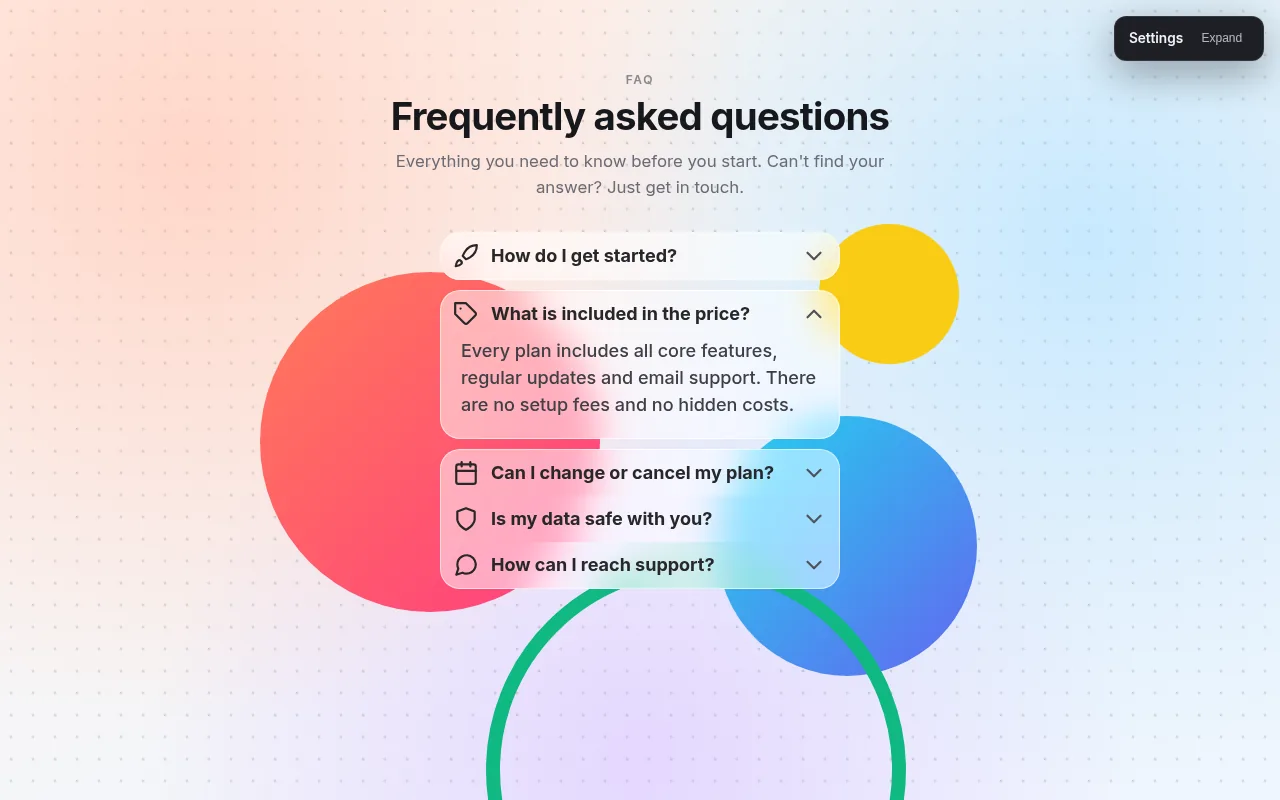
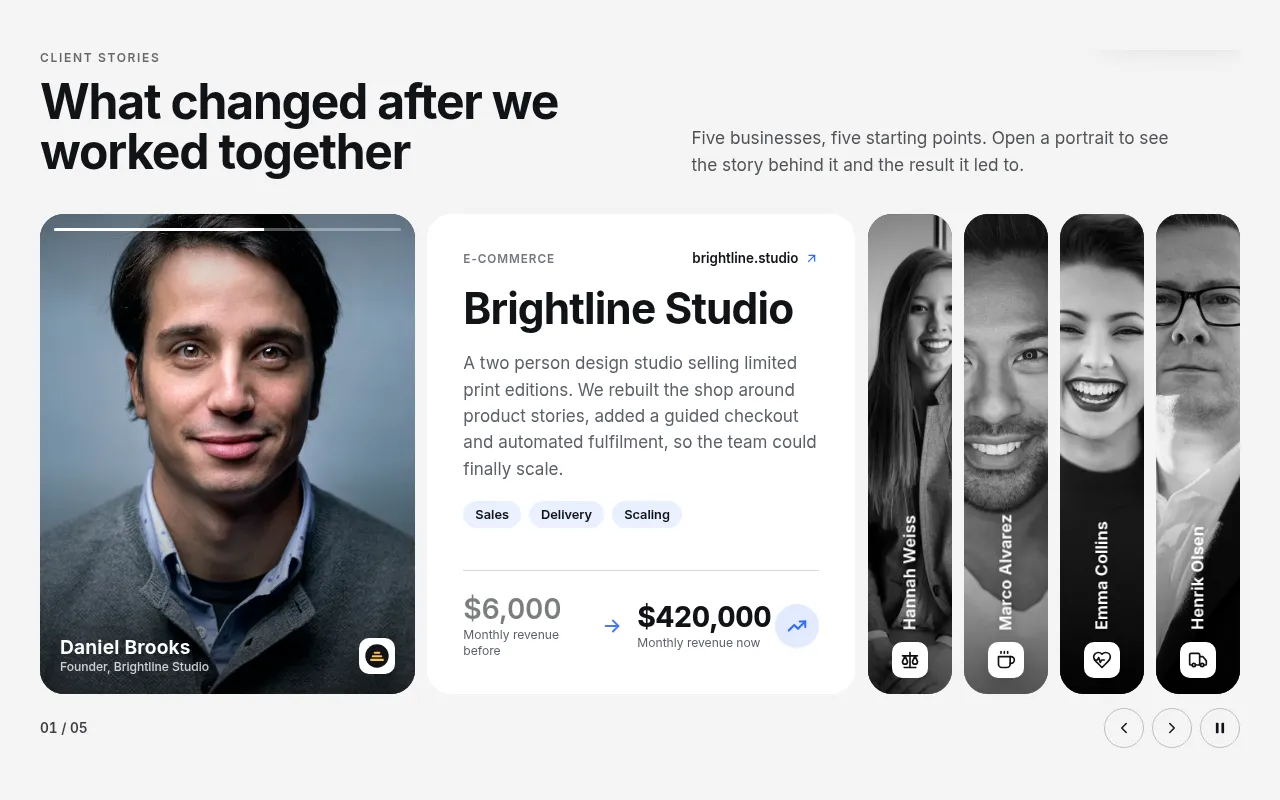
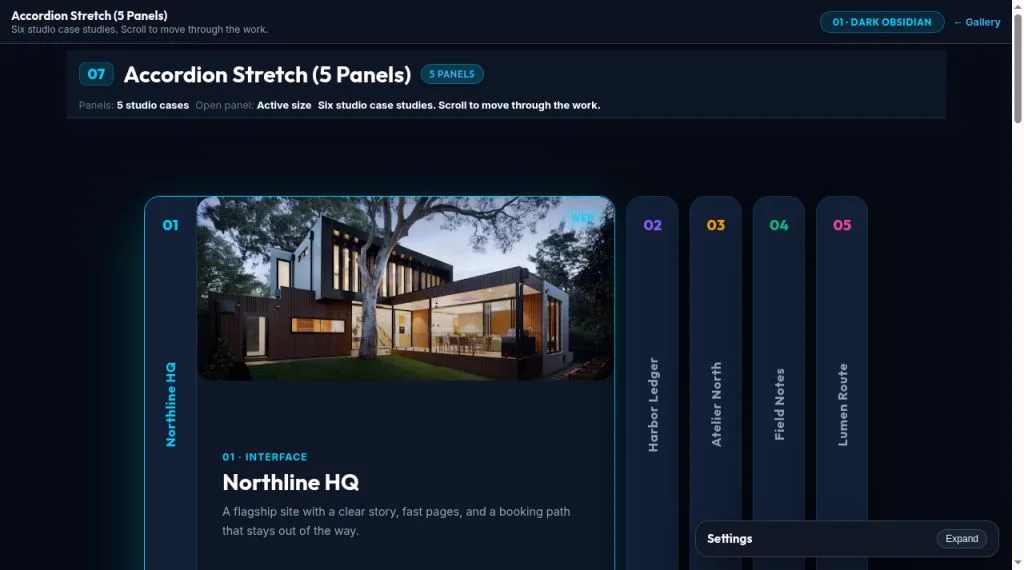
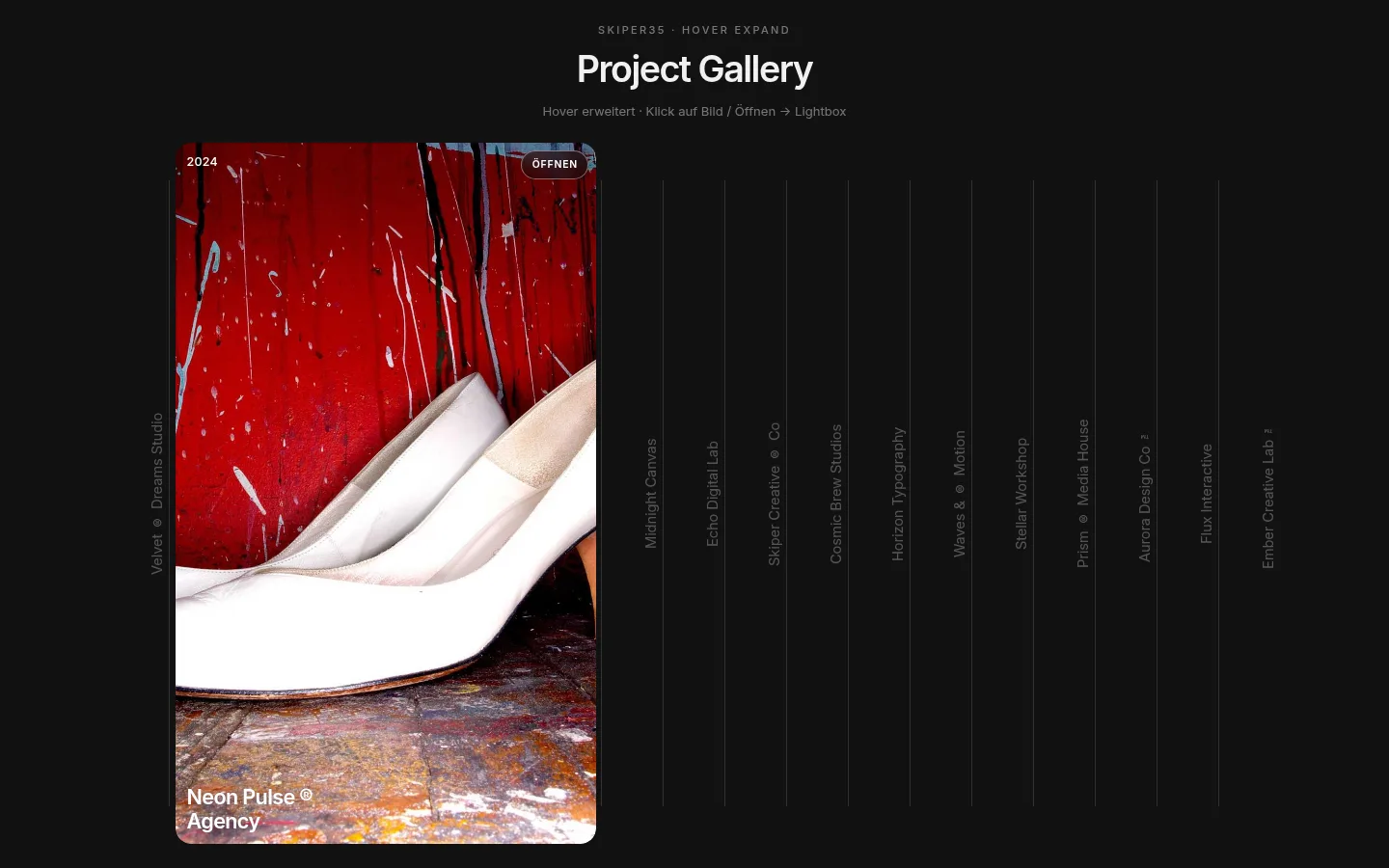
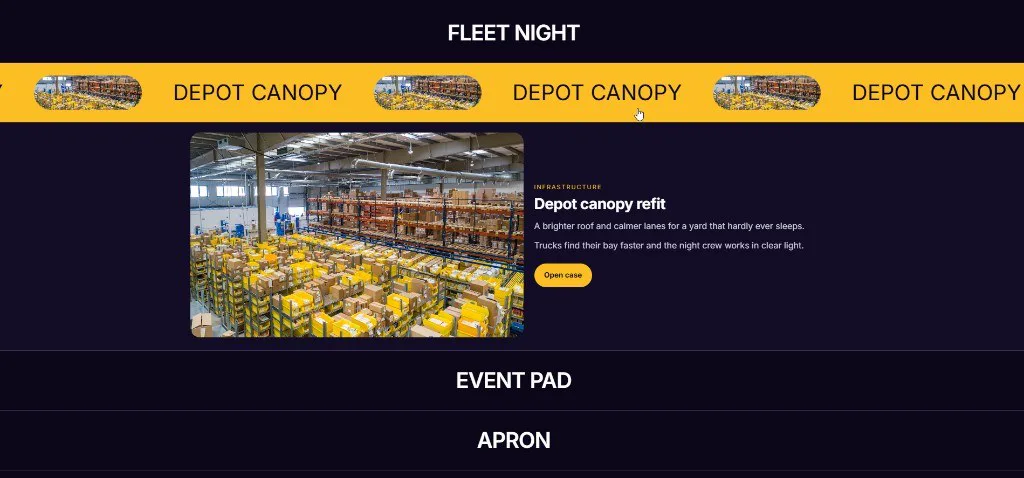
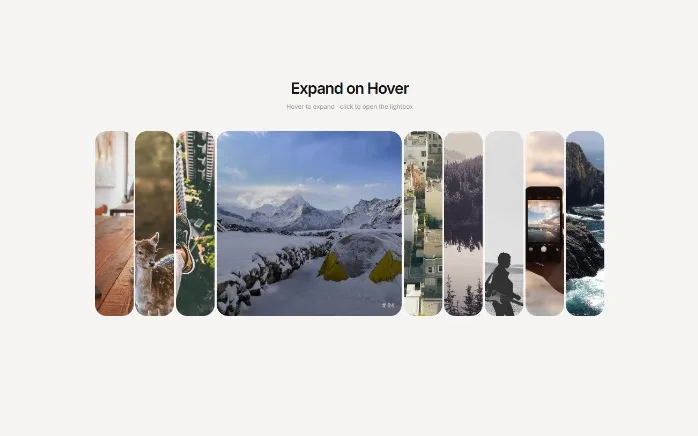
Visitors looking for an elementor accordion want long answers, pricing objections or specifications hidden behind clean headings until clicked. Elementor Free ships plain Accordion and Toggle widgets that work fine for minimal lists, while nested layouts require extra setup. With Split Accordion, the opened item detaches from the closed stack with smooth spring spacing, optional icons and built-in FAQPage JSON-LD schema so Google and readers see the same structured questions.
Not every expandable list is pure text. Spotlight Story Accordion opens vertical portrait strips into full color case study cards with tags and before-and-after metrics. Image Accordion Gallery and Expanding Image Accordion let visitors expand photographs inside compact horizontal rows, while Scroll Accordion Panels stretches services smoothly as visitors scroll. Pick the widget that matches your content rather than forcing plain text toggles onto photography.
I test all six widgets inside Elementor Free and Elementor Pro. Set your questions, photos and breakpoint behavior in MRStudio, then drag the Elementor accordion widget into any container or column from the Elementor panel without writing custom JavaScript.
All 6 Elementor accordion widgets below are released in the Builder Matrix for Elementor Free and Pro. Test two right here, or open any demo in a new tab.
On a phone, swipe each row left or right.
Two accordion widgets run live inside the frame below. Open questions or expand portrait strips before picking a preset.
Active FAQ answers lift cleanly from the stack on spring physics, with icons and optional FAQPage JSON-LD schema.
Open live demoMonochrome portrait strips expand into color alongside a full client story card, tags and before-and-after metrics.
Open live demoImage panels widen on hover or tap, with automatic, horizontal and vertical layout options.
Open live demoOne horizontal photo panel unfolds cleanly while neighbouring panels stay slim.
Open live demoOrdered service or process panels stretch wide as visitors scroll down the page.
Open live demoProject index rows slide in a visual band on hover and open one detail row at a time.
Open live demoThree quick steps from a live demo to an Elementor Free or Pro section. I verify every widget inside the Elementor editor before release.
Choose a FAQ, story, image or scroll accordion widget in the Motion Modules Library and test desktop and phone behavior live.
Replace copy, icons, portrait images and colors in the visual editor, and toggle FAQPage schema where needed.
Activate the Motion Modules integration for Elementor, drag the matching Elementor widget into any section and import your saved preset.
Works with Elementor Free and Elementor Pro. No custom JS libraries or Elementor Pro subscription required.
Searches for elementor toggle and elementor accordion share the same intent: visitors want collapsible sections without cluttering the viewport. Here is how built-in Elementor Free widgets compare with Motion Modules.
| Difference | Elementor Toggle Widget | Elementor Accordion Widget | Motion Modules Widgets |
|---|---|---|---|
| Default behavior | Every item toggles independently, so several panels stay open together. | First item opens on load; clicking another closes the previous answer. | Split Accordion switches between single-open accordion and multi-open toggle mode directly in widget settings. |
| Visual separation | Plain borders and typography icons inside one standard stack. | Plain stacked headers, plus nested elements in newer container builds. | Active question detaches into a rounded spring card; portrait stories and image strips animate across desktop and mobile. |
| FAQ schema | No built-in FAQ JSON-LD option inside the basic toggle widget. | Basic FAQ schema toggle on standard Elementor widgets without custom card animation. | Split Accordion keeps visible answers and optional FAQPage JSON-LD schema synchronized in one Elementor widget. |
| Scope clarity | Built for collapsible content text rather than binary UI preference switches. | Best for minimal unstyled Q&A blocks when native Elementor styling is all you want. | I keep classic on/off UI switches separate under controls and devote these six widgets to FAQ, story and photo panels. |
| Requirement | Elementor built in | Motion Modules |
|---|---|---|
| Minimal text list | Native Accordion and Toggle widgets ship free inside Elementor for straightforward Q&A stacks. | Split Accordion adds spring physics, detached active cards, single or multi-open toggles and optional FAQPage schema. |
| Case studies & proof | Plain text tabs and testimonials require manual styling or Pro widgets. | Spotlight Story Accordion reveals full-color portrait cards with outcome counters and tags. |
| Image & scroll panels | Not included in standard Elementor accordion or toggle widgets. | Four image and scroll-driven widgets turn portfolios and photo sets into interactive panels. |
Yes, all six Elementor accordion and toggle widgets run with Elementor Free as well as Elementor Pro. Install the Motion Modules plugin, customize a widget visually in MRStudio and drop the Elementor accordion widget straight onto your page.
Elementor includes a basic Accordion widget that keeps one item open at a time and a Toggle widget that leaves multiple items open together. Split Accordion gives you both behaviors in one animated Elementor accordion widget, lifting active answers out of the stack with spring motion and optional FAQPage JSON-LD schema.
Yes. Split Accordion includes an optional FAQPage JSON-LD toggle so your structured answers and visible accordion copy stay aligned without maintaining extra schema plugins.
Yes. Alongside Split Accordion for text FAQs, you can embed Spotlight Story Accordion for client case portraits and metrics, Image Accordion Gallery, Expanding Image Accordion, Scroll Accordion Panels and Flowing Menu Portfolio.
Each widget includes breakpoint controls and adapts cleanly on narrow screens. Spotlight Story Accordion and Split Accordion stack clearly on phones with touch navigation and respect reduced-motion preferences.
Using Divi, Gutenberg, Breakdance or Beaver Builder too? Read my WordPress accordion plugin overview, compare the Divi accordion modules or browse all 85 animations in the Motion Modules Library.
One licence covers all 85 widgets across Elementor Free and Pro plus unlimited sites. Start free for 14 days, no credit card required.