Elementor horizontal scroll, without custom code
Most horizontal scroll sections in Elementor are built from custom CSS, container tricks and a GSAP snippet that breaks on the next update. Here you get 10 horizontal scroll widgets plus 7 parallax and scroll reveal widgets that you drop into a container, fill with your own content and publish.
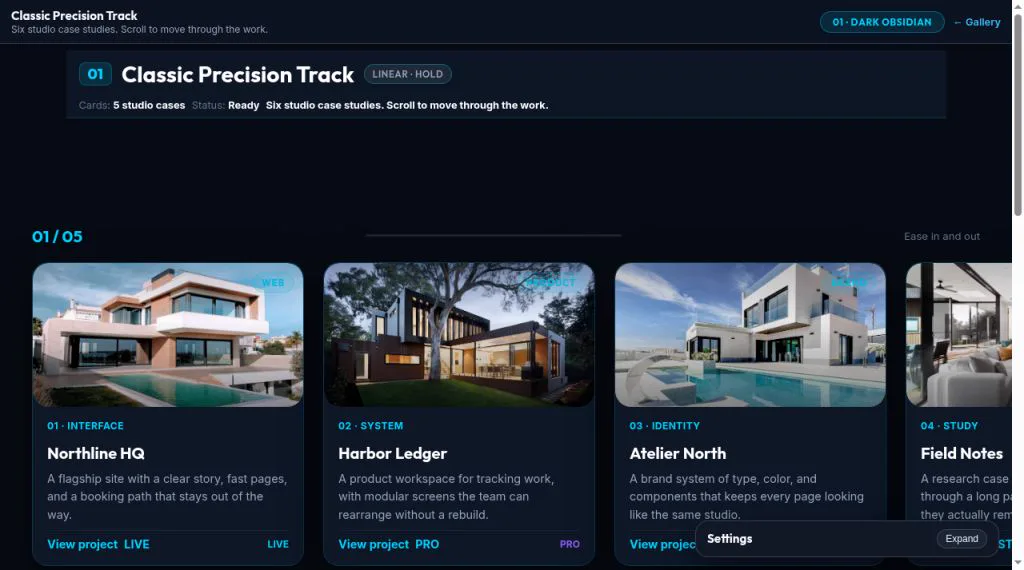
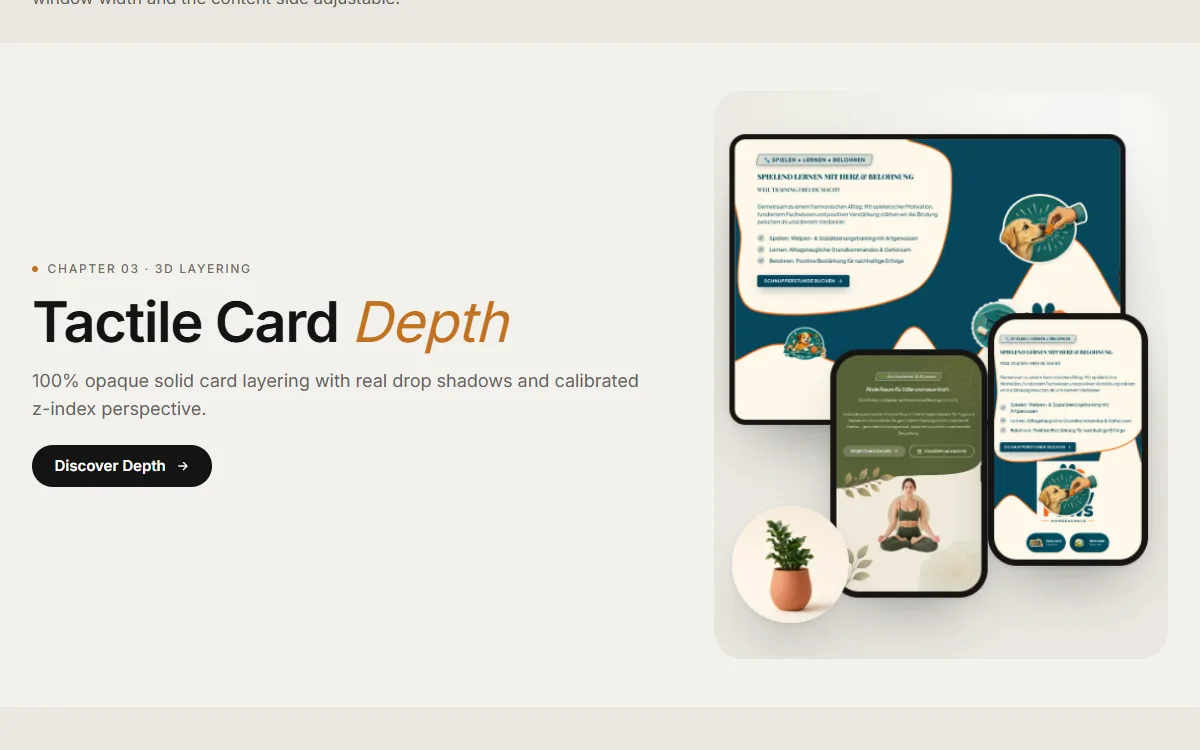
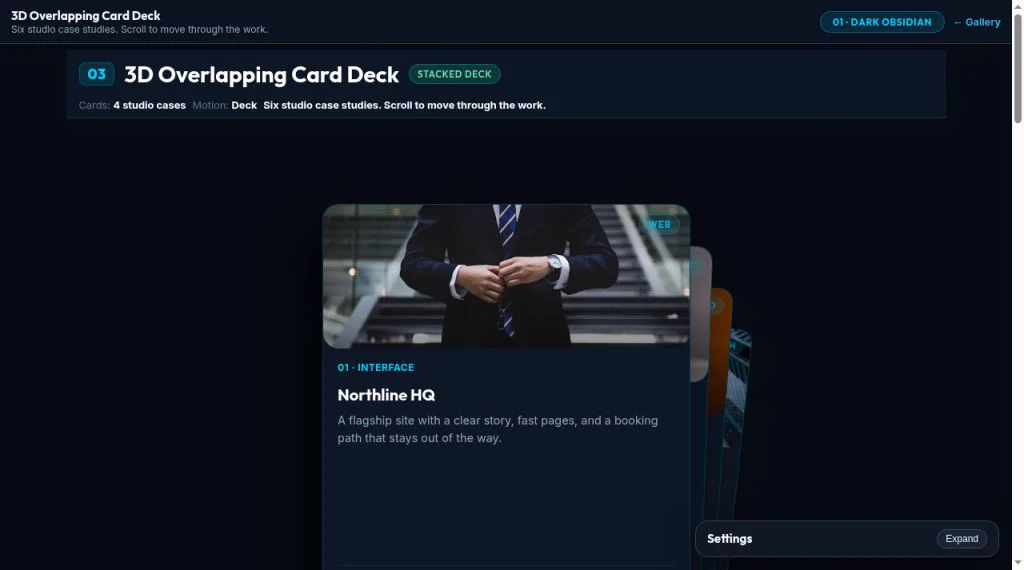

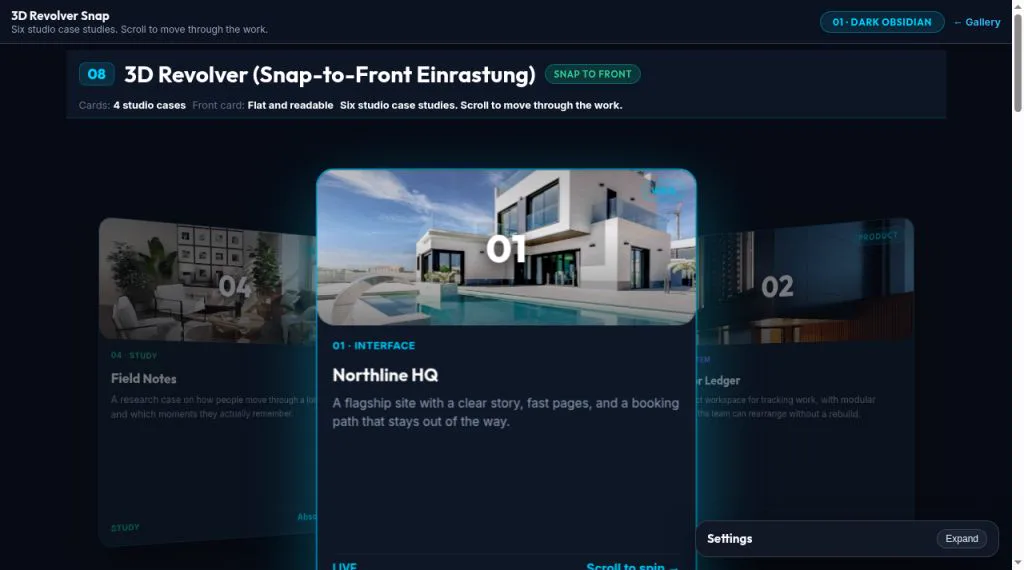
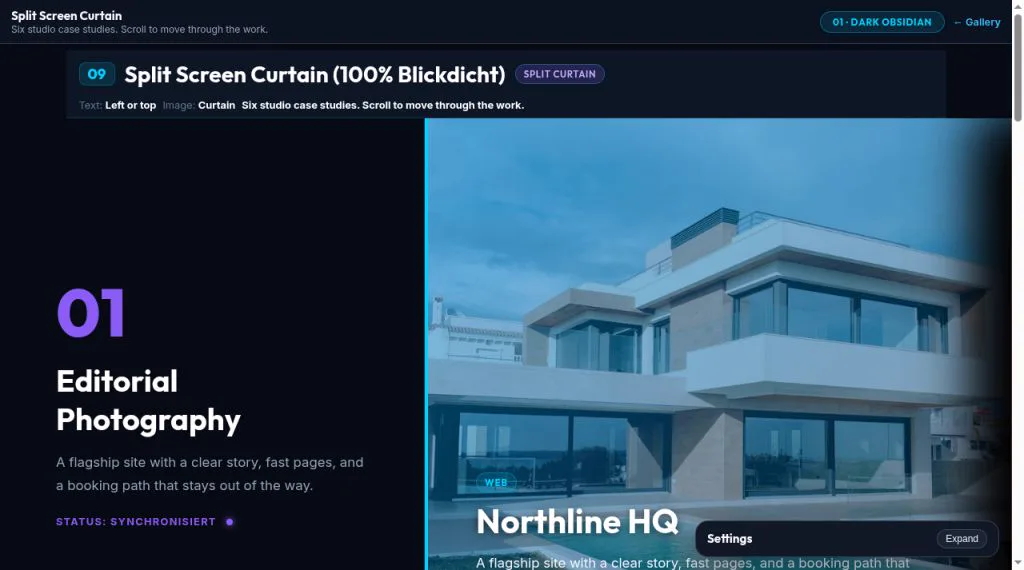
Pick a widget, see it move.
Every widget below is released for Elementor today. Open a demo to try the effect, then customize it for your own page.
Try them right here
Two of the widgets run live on this page. Try them out, then explore every demo of this category below.
Elementor horizontal scroll widgets 10
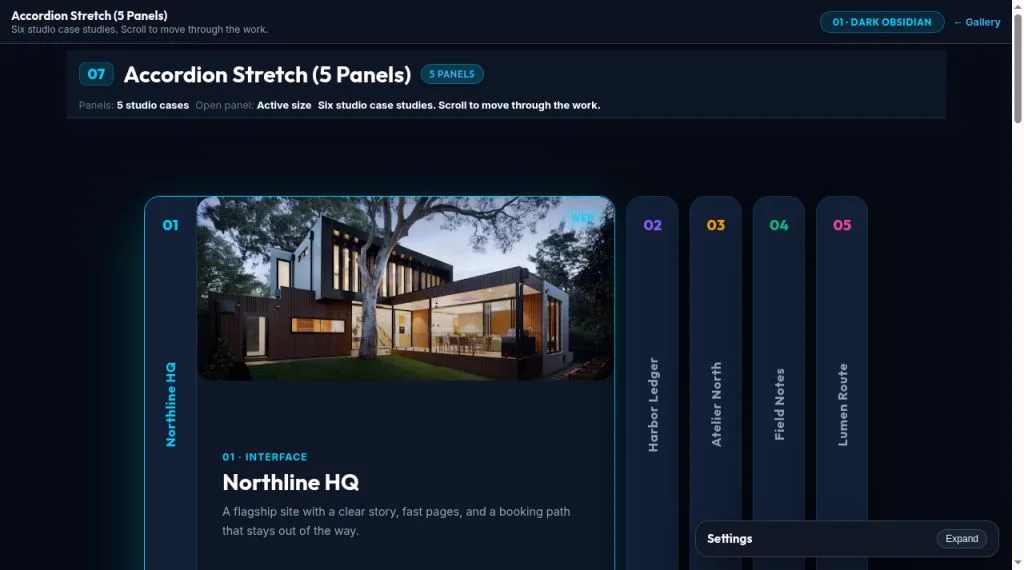
Sections that pin while the content travels sideways, so a long story, a product line or a portfolio fits into one scroll.
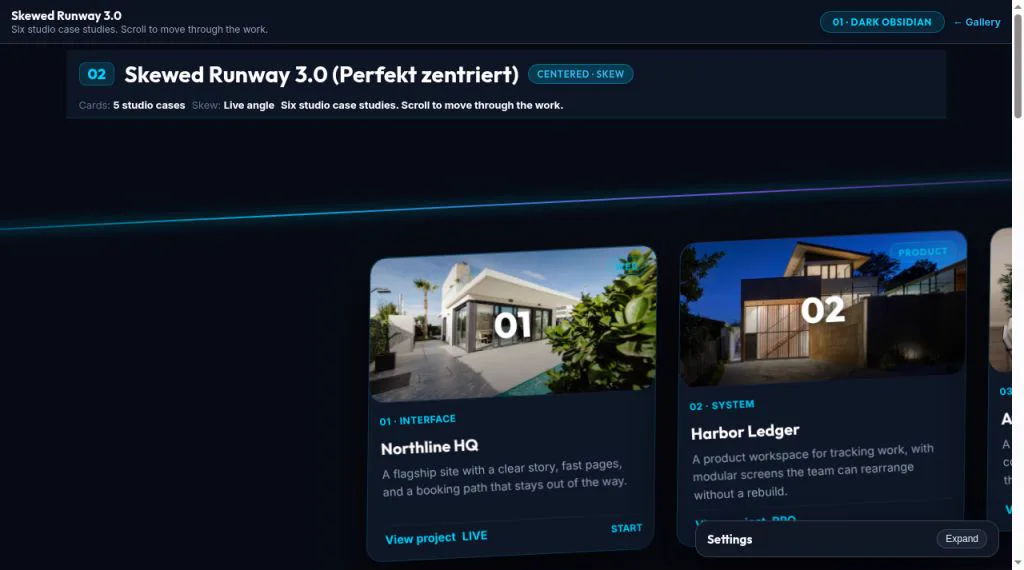
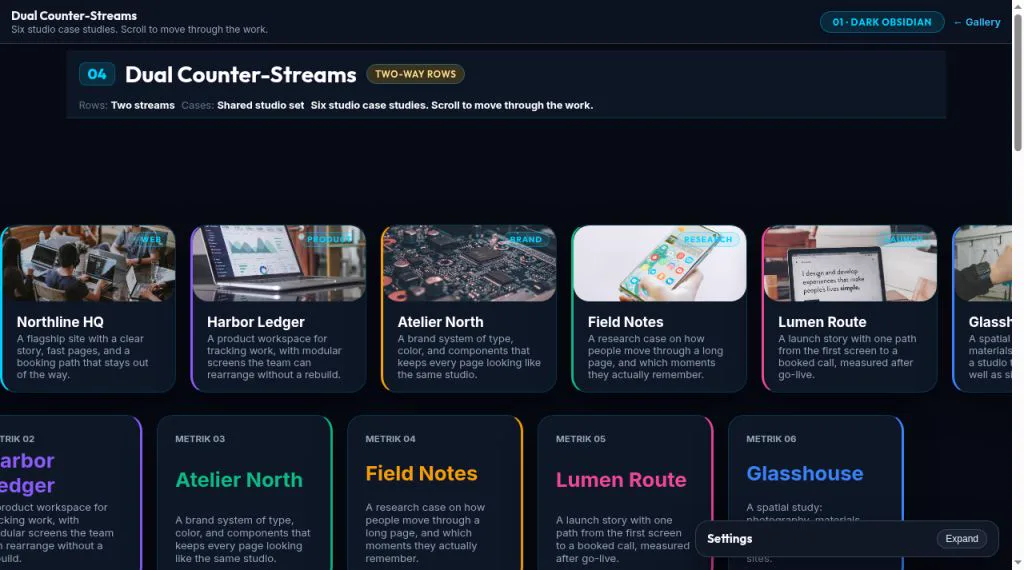
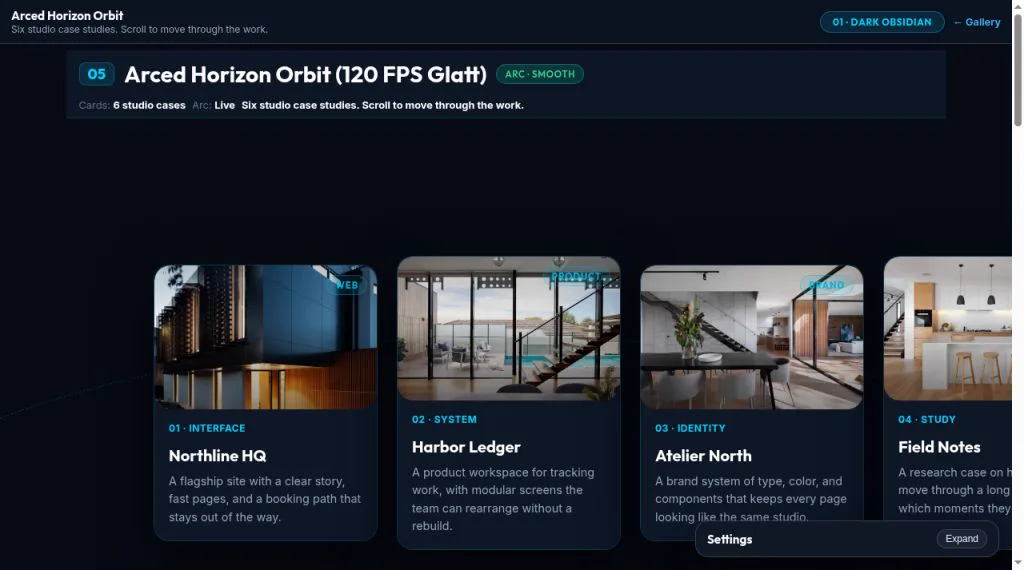

Parallax and scroll animation 7
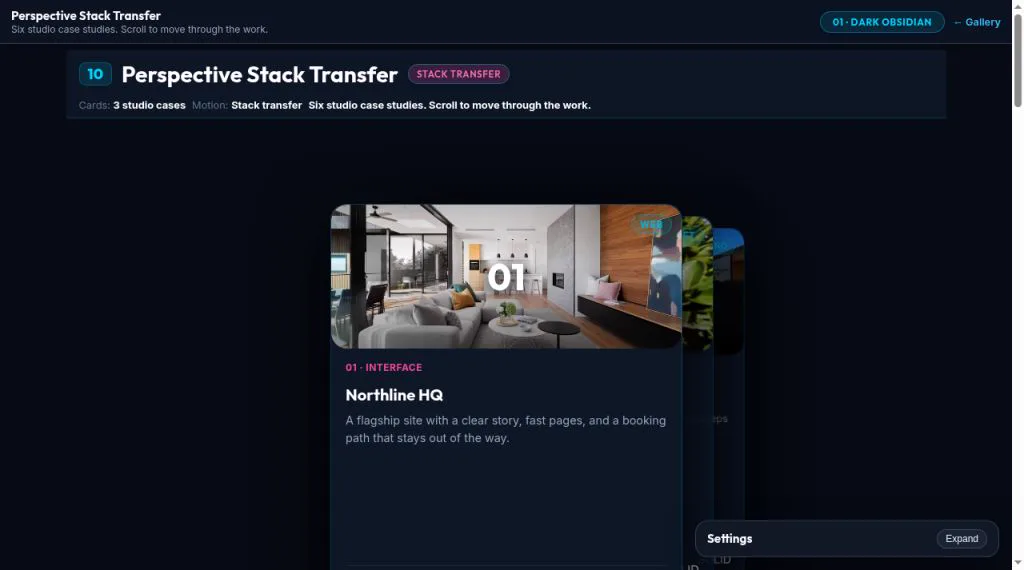
Widgets for Elementor parallax and scroll reveal effects: layered card stacks, multi-plane scenes, curtain reveals, multi-speed image columns, an expanding hero and sticky scroll reveals.
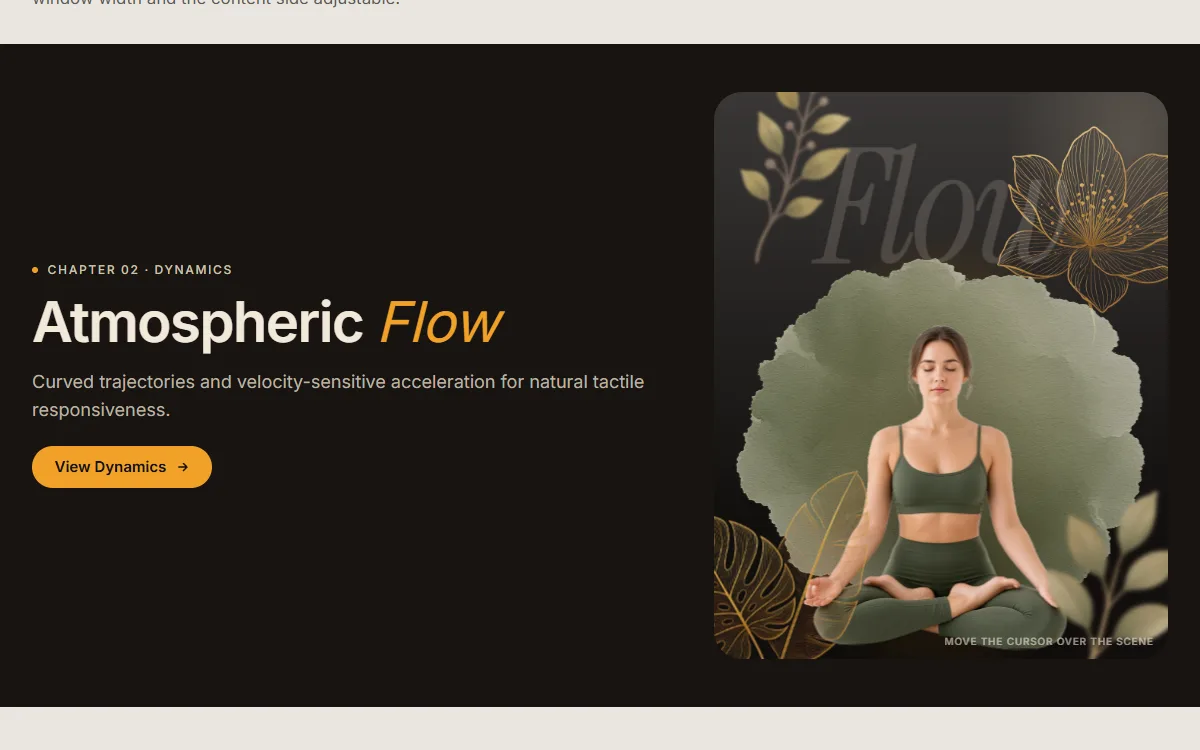
Atmospheric Flow
Full-bleed scenic depth planes glide at calibrated speeds behind headline copy.
Open live demo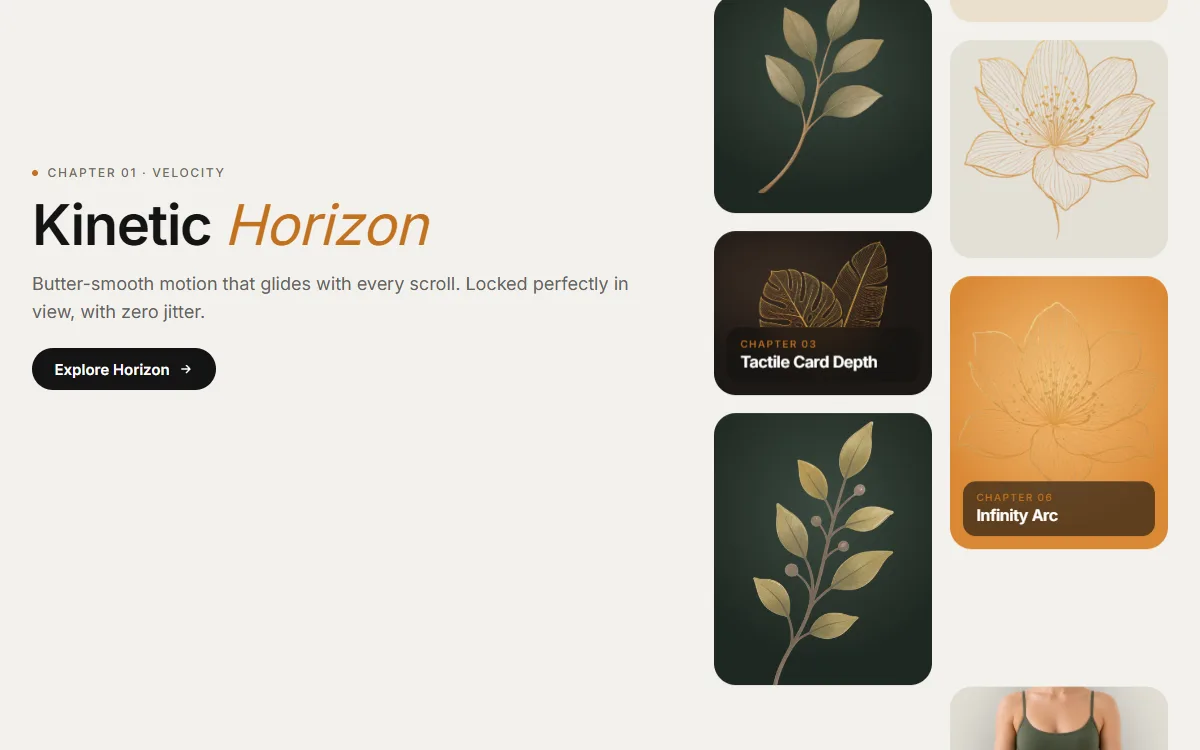
Parallax Gallery Columns
Three visual columns travel at staggered speeds for editorial showcases.
Open live demoCurtain Architecture
A pinned shutter opens on scroll to reveal a centered subject and floating side cards.
Open live demo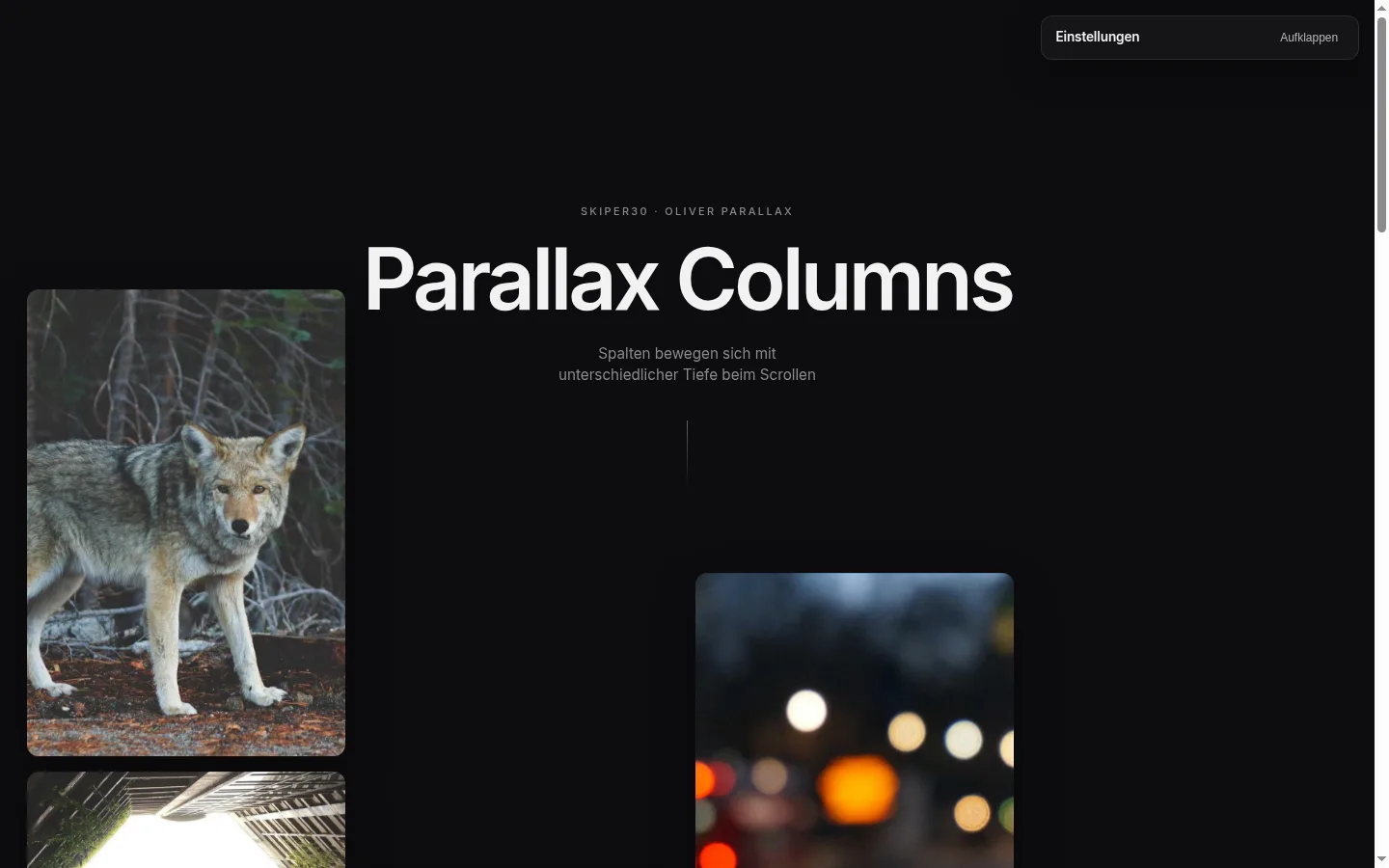
Parallax Scrolling Gallery
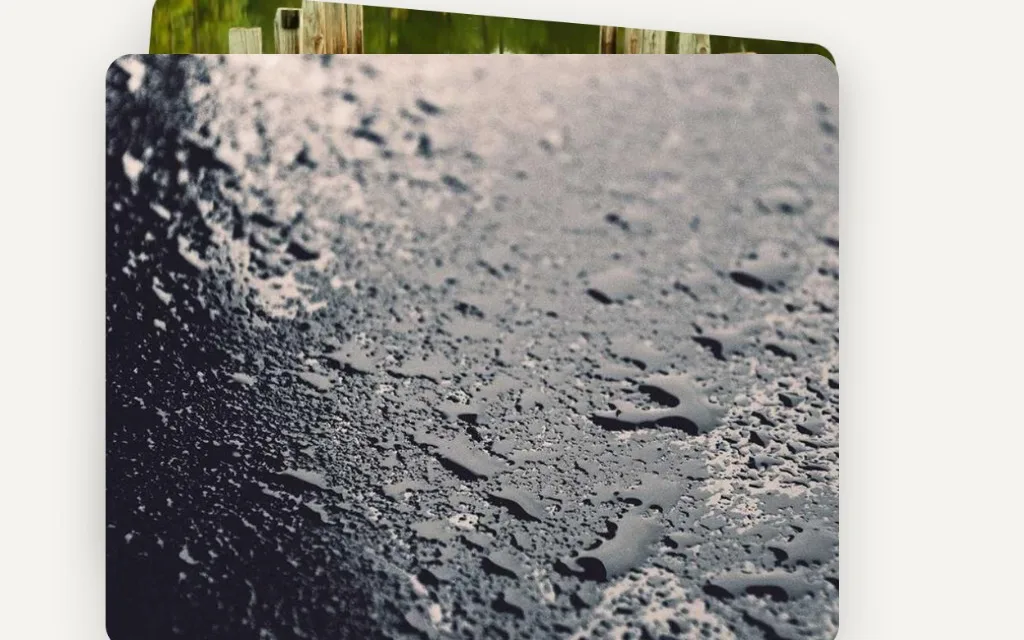
Columns move at different speeds, and a tap opens the large view.
Open live demo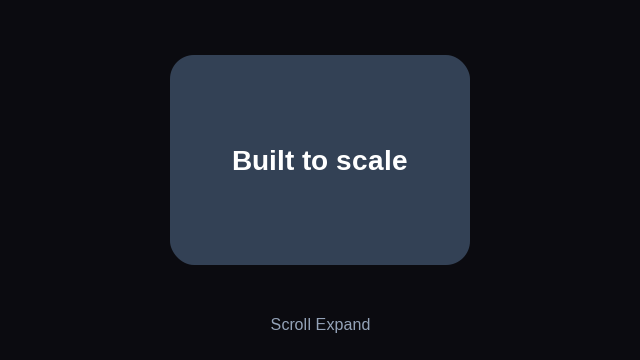
How it works in Elementor.
Three simple steps from the demo to a live section on your Elementor site. I test every widget in the Elementor editor before it is released.
-
01
Pick a widget
Choose it in the Motion Modules Library, complete with a live preview on desktop and mobile.
Screenshot: Motion Modules Library -
02
Customize in the editor
Adjust copy, images, colors, timing and layout without writing a line of code.
Screenshot: Motion Modules editor -
03
Import into Elementor
On your first login the account asks for your builder. Choose Elementor, download the Motion Modules for Elementor plugin and activate it. Then drag any widget from the Motion Modules categories in the Elementor panel and paste your design with the Import button in its Content tab.
Screenshot: Elementor widget panel
Works with the free version of Elementor. The widgets use the standard Elementor widget API and are tested with Elementor 4.3 (free). Elementor Pro is not required.
How to make a horizontal scroll section in Elementor.
Elementor has no horizontal scroll widget of its own. The usual tutorial builds one from a wide inner container, a sticky outer container and a few lines of custom CSS, or pastes a GSAP ScrollTrigger snippet into an HTML widget. It works on the demo page. Then the content gets longer, a breakpoint changes or a plugin update shifts the markup, and the scroll distance no longer matches the track.
1. Pinning and distance belong together
A horizontal section has to stay pinned exactly as long as the track needs to travel. If the pin is calculated by hand, every new card breaks the timing. Each widget here measures its own track and sets the pin length from your content, so adding a fifth or a tenth item needs no new numbers.
2. Edit content, not code
Cards, images, headings and links are repeater items in the Content tab. You reorder them by drag and drop like any other Elementor repeater. Colours, spacing and timing sit in the normal controls, including the responsive ones.
3. Plan the phone version first
Sideways motion that feels great with a mouse wheel can feel strange on a touch screen. I build every widget mobile first and give pinned sections their own mobile behaviour. Check it once in Elementor's responsive preview and once on a real phone before you publish.
4. One scroll scene per page
A horizontal track is a strong storytelling moment. Pair it with calm sections around it, for example a simple heading above and a clear call to action below. For gentle depth elsewhere on the page, one of the parallax widgets or Elementor's own entrance animations is enough.
The motion runs on GSAP and ScrollTrigger, which ship inside the plugin, so you do not need a separate elementor gsap plugin or any code snippets.
Elementor vs. Motion Modules.
| Area | Usual Elementor approach | Motion Modules widget |
|---|---|---|
| Horizontal track | Custom CSS on nested containers or a GSAP snippet in an HTML widget. | A ready widget with measured pin length, repeater items and its own controls. |
| Parallax | Motion Effects scrolling in Elementor Pro, set per element. | Five dedicated parallax widgets for layered cards, depth planes, curtain reveals and multi-column galleries in Elementor Free. |
| Scroll reveal | Entrance animations that play once when an element appears. | Sticky Scroll Reveal and Scroll Expand Hero, tied to the scroll position. |
| Updates | Snippets need checking after Elementor or theme updates. | Runtime and libraries ship inside the plugin and are updated with it. |
If one element should fade in, use Elementor's entrance animations. Use a widget when the whole section should move with the scroll.
Questions before you start.
Does it work together with Elementor's Motion Effects?
Yes. The widgets run their own scroll animation and do not need Motion Effects. You can keep Motion Effects on other elements of the page. Do not add scrolling effects to the container that holds a pinned widget, because two scroll animations on the same element fight each other.
What happens on mobile?
Pinned sections get their own mobile behaviour, because sideways motion on a small touch screen is not always the best experience. Check the result in Elementor's responsive preview and on a real phone.
Does it work with containers and Flexbox?
Yes. Each effect is a normal Elementor widget that you place in a container like any other widget. For a horizontal track, a full width container gives the effect the most room.
Do I need Elementor Pro or a separate GSAP plugin?
No. The widgets are tested with the free version of Elementor 4.3, and GSAP with ScrollTrigger ships inside the plugin.
Will a horizontal scroll slow down my page?
A widget only loads its scripts on pages where you use it, and nothing comes from an external CDN. One scroll scene per page and a quick test on a real phone keep the page fast.
Using more than one builder? See all 20 scroll & parallax effects on the WordPress parallax plugin page. Building with Divi? See the Divi parallax and scroll effects. All Elementor categories are on the Elementor widgets hub.
Make Elementor move.
One licence covers all 85 widgets across 13 categories, every builder and unlimited websites. Start with the free 14-day trial, no credit card required.