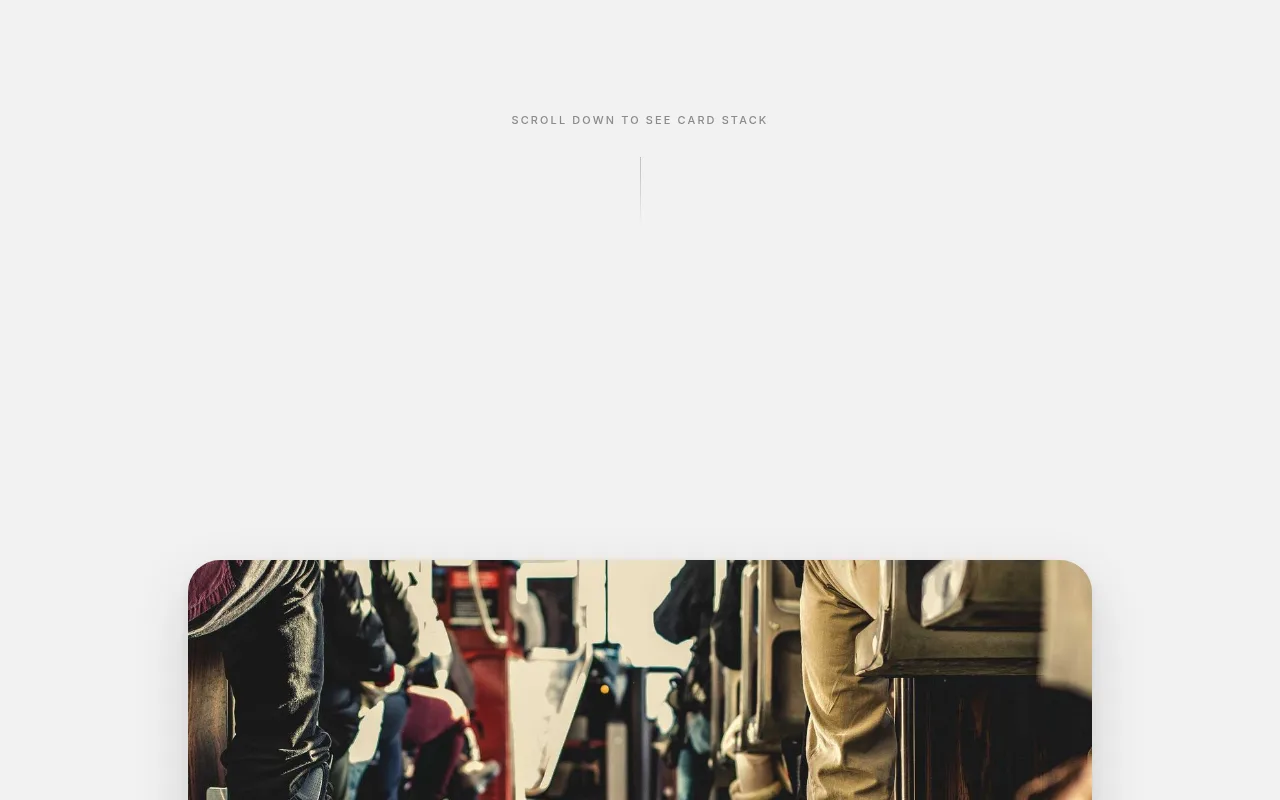
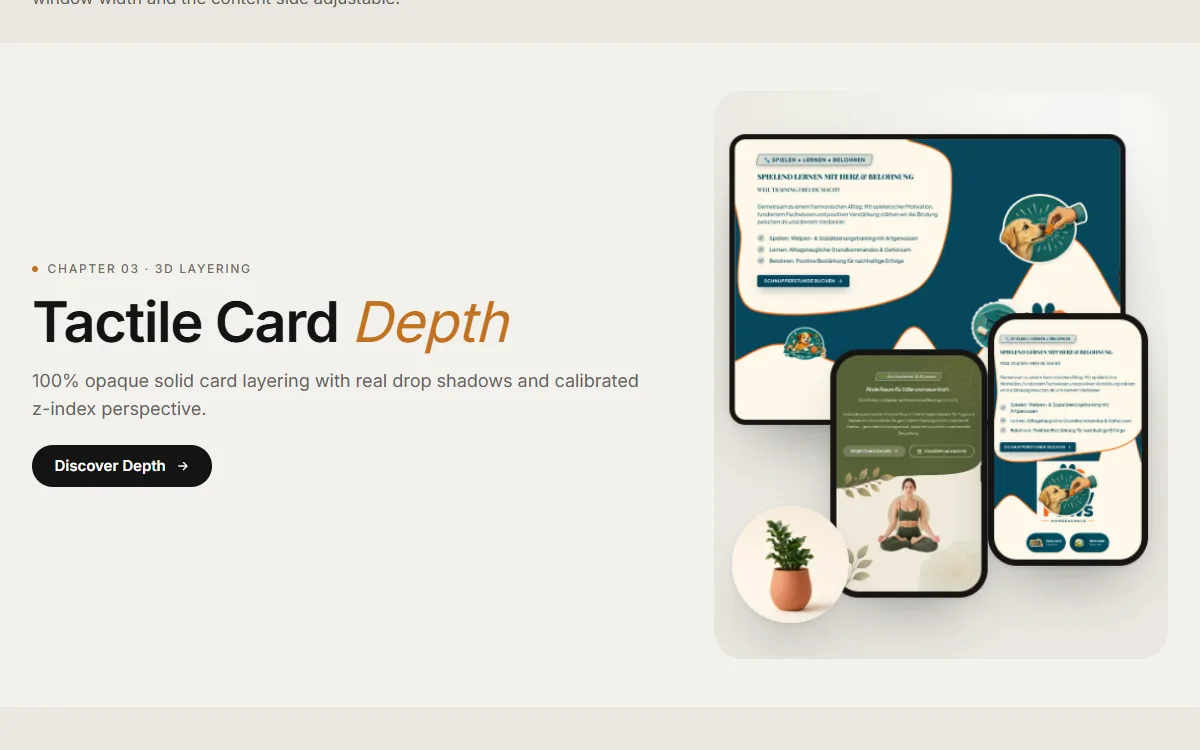
Tactile Card Depth
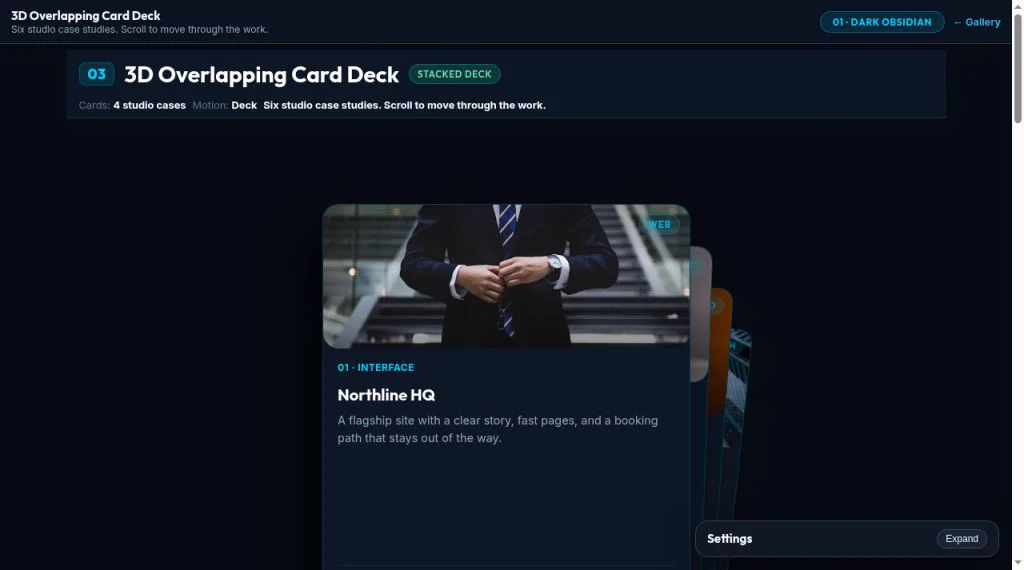
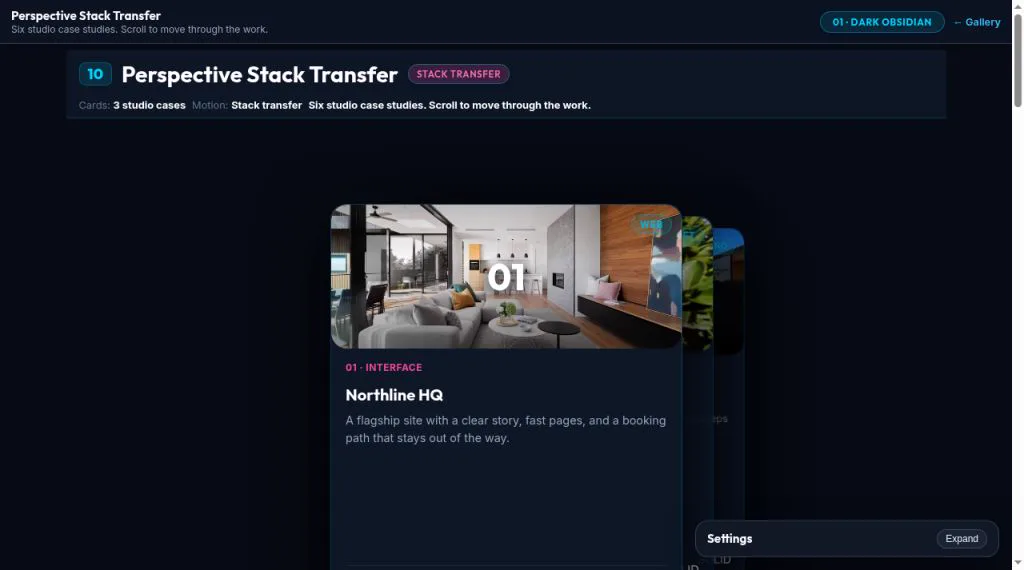
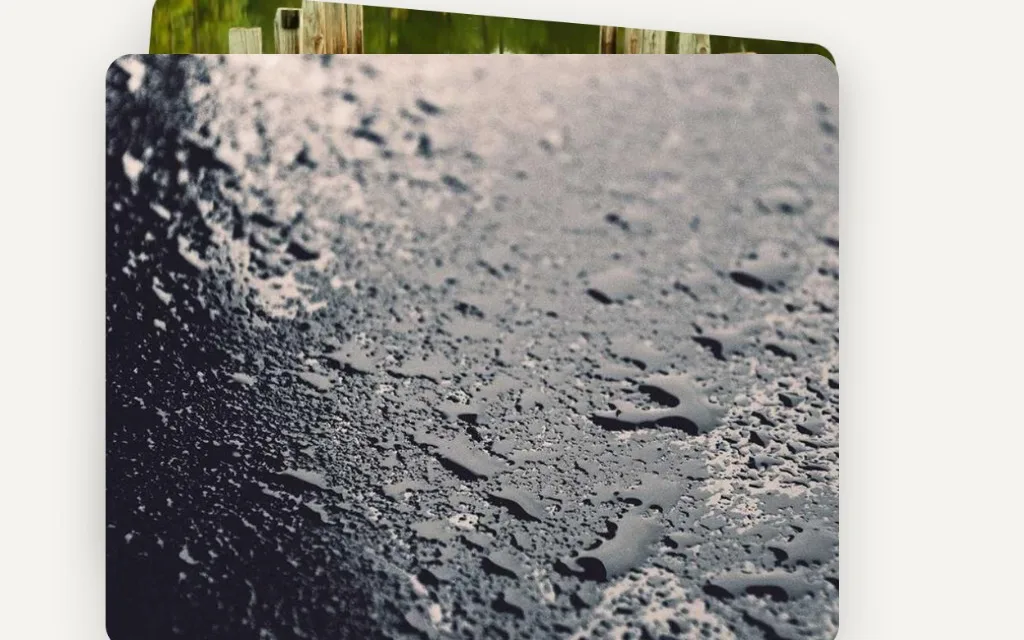
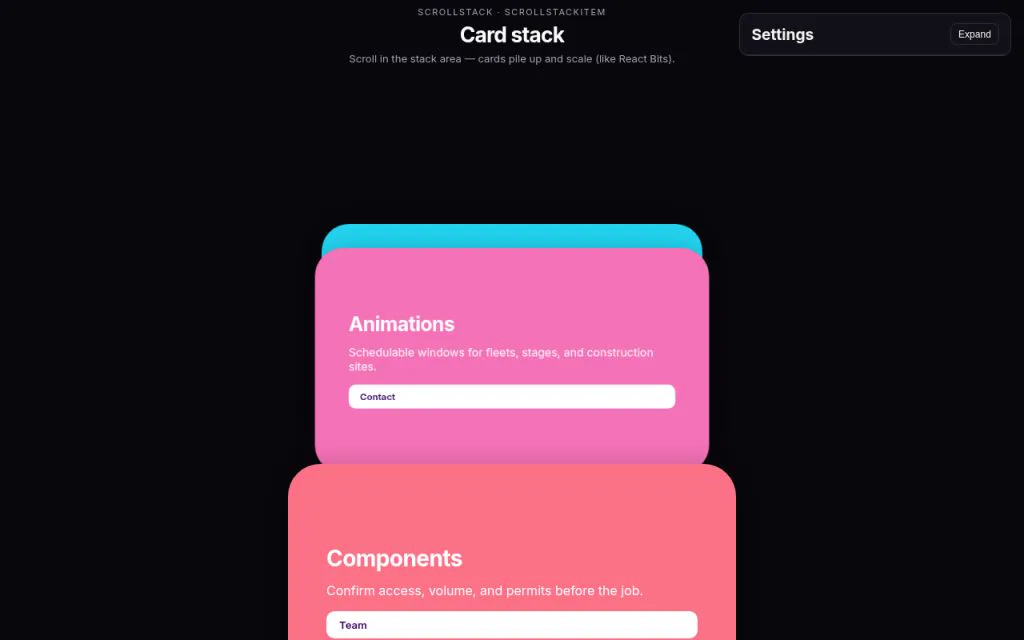
Solid cards stack with drop shadows and drift at their own depth speed as you scroll.
Open live demoBuild a visual story around the scroll. I put these 20 released Divi modules together for layered parallax scenes, horizontal journeys and pinned or sticky compositions. Compare the live demos with the native Divi motion controls, then choose the smallest effect that makes your content clearer.
Divi already includes scroll effects for individual elements. The Motion tab lets you connect familiar visual changes such as movement, rotation, scale, opacity and blur to the progress of a page. Divi also has background parallax and sticky positioning options. Those controls are a sensible starting point when a single image should drift, a heading should fade into view or a navigation element should stay near the top. You do not need an extra module for every small animation. First decide what visitors should notice, then try the native controls before adding a more structured sequence.
A horizontal story is a different problem from moving one image. It needs a sequence of panels, a clear start and ending, enough reading time and a layout that still makes sense on a phone. The modules below package those decisions into specific compositions: a straight track, a curved journey, a layered deck, opposing streams, slot reels or a split screen. Their value is the assembled interaction and its editable content, not a claim that native Divi can never create a similar result with additional design work or custom code.
A parallax effect creates depth by moving visual layers at different speeds. The five parallax modules cover layered card stacks, multi-plane atmospheric scenes, split-curtain reveals and multi-column galleries such as Parallax Gallery Columns and Parallax Scrolling Gallery. Choose images that remain understandable while their positions change, and keep important text outside a moving crop. If your material needs a strict reading order, a horizontal sequence or a pinned reveal may communicate it more clearly than drifting photographs. Prepare descriptive alt text, concise labels and sensible image sizes before adjusting motion settings. A strong composition should still be useful when the visitor stops scrolling.
Pick a released module, customize its content in the Motion Modules editor and import it through Motion Modules for Divi into a Divi 5 section. Start with one scroll highlight. Check where it begins, how it ends and whether the following section is easy to reach. Review long titles and all links at phone width, then test the same page with reduced motion enabled. Do not stack another transform animation directly onto the elements the module is already controlling. Treat the complete page as the test surface, including surrounding sticky headers, other animations and the final call to action.
All 20 modules below are released for Divi 5 in the Builder Matrix. Each demo opens in a new tab, so you can compare effects without losing this guide.
Swipe the demo rows left or right on a phone.
Two of the modules run live on this page. Try them out, then explore every demo of this category below.
Layered depth scenes, split-curtain reveals and multi-column galleries that travel at calibrated scroll speeds. Choose this when layered visuals should carry the movement.
Solid cards stack with drop shadows and drift at their own depth speed as you scroll.
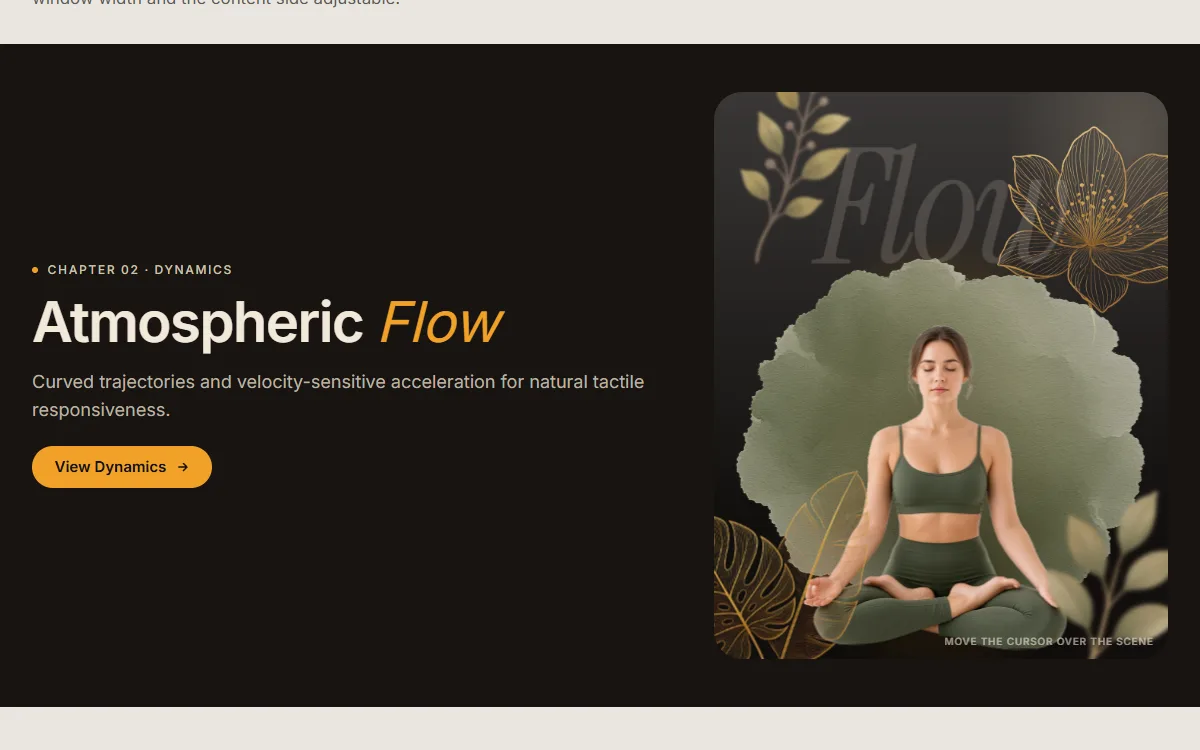
Open live demoForeground, subject and background planes shift on scroll and respond to cursor movement on desktop.
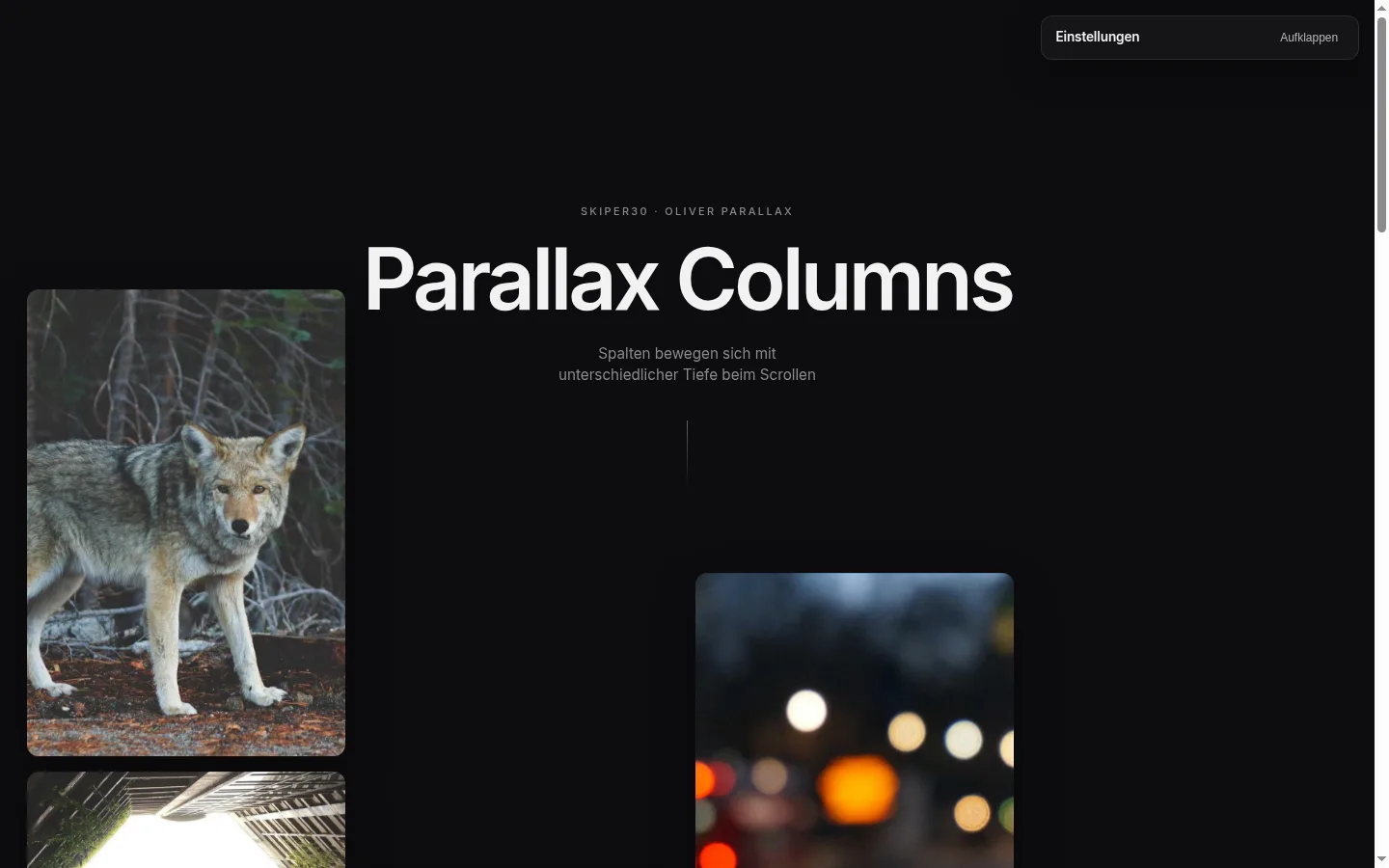
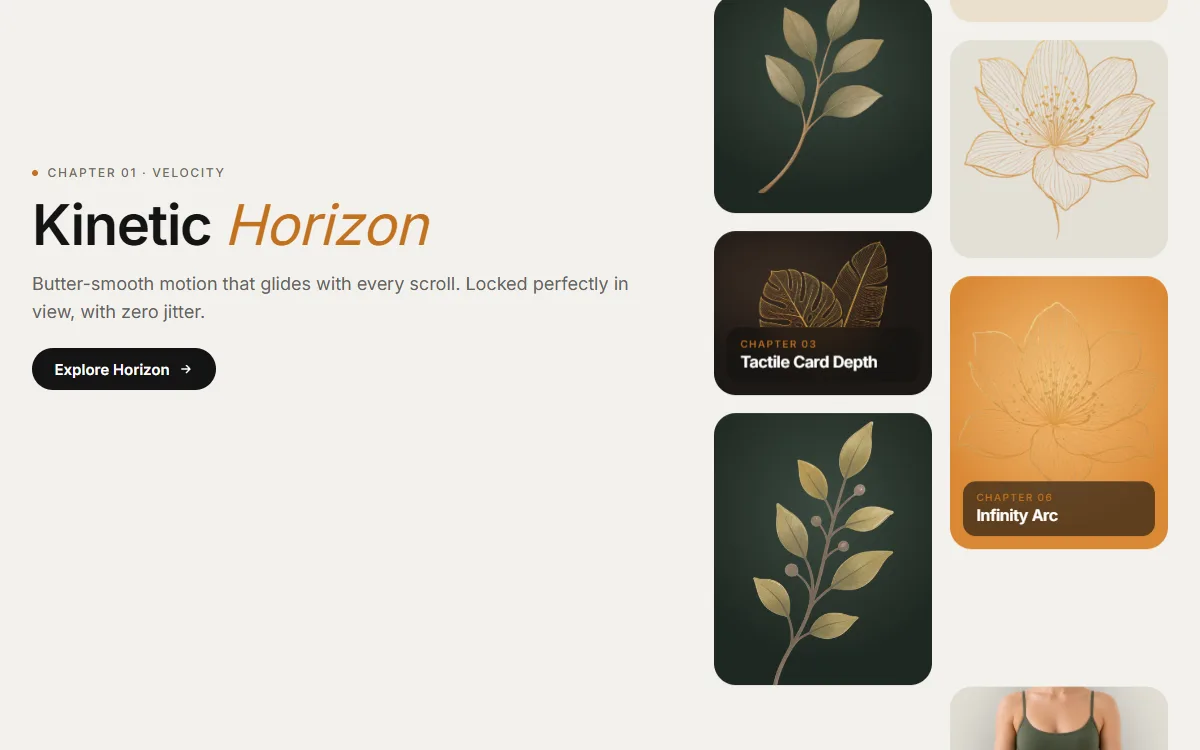
Open live demoStaggered image columns glide past each other at opposing speeds while you scroll.
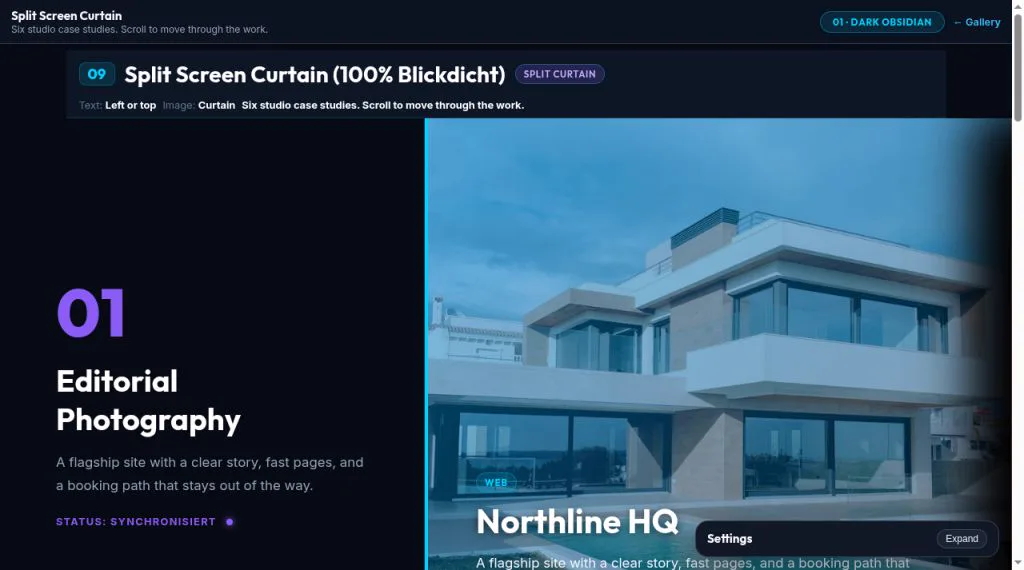
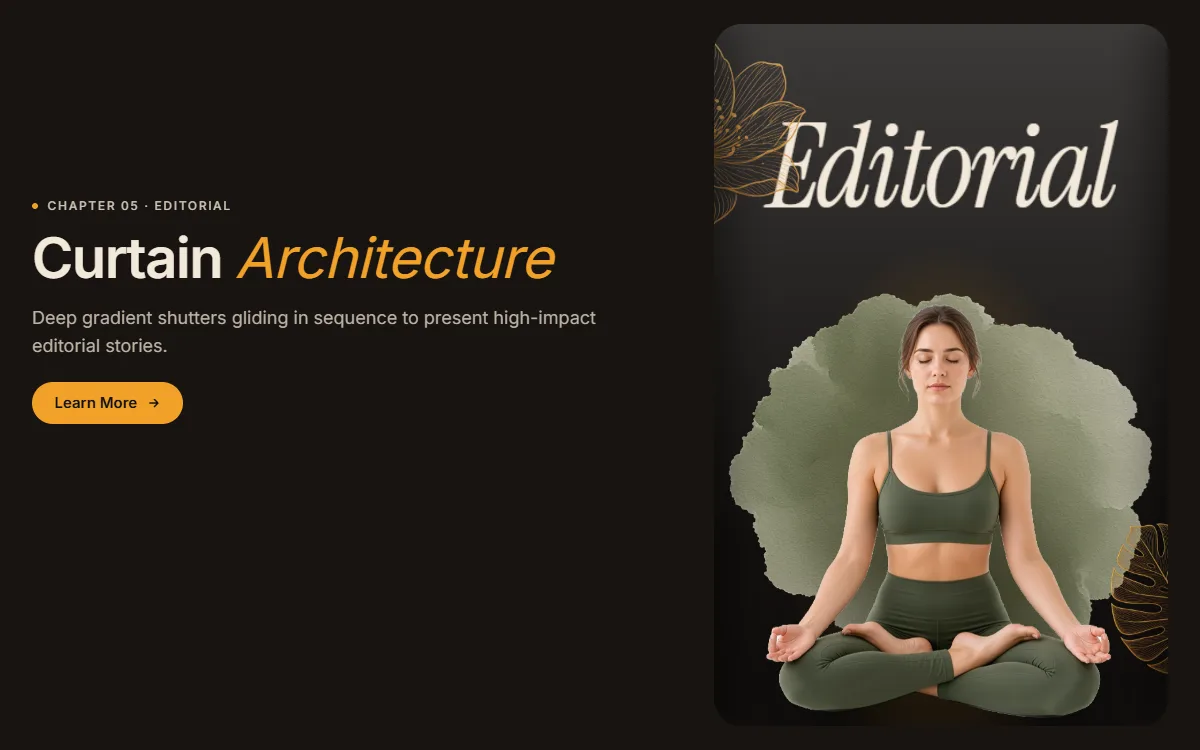
Open live demoA pinned stage parts like two shutters on scroll to reveal layered cards and editorial copy.
Open live demoColumns move at different speeds, and a tap opens the large view.
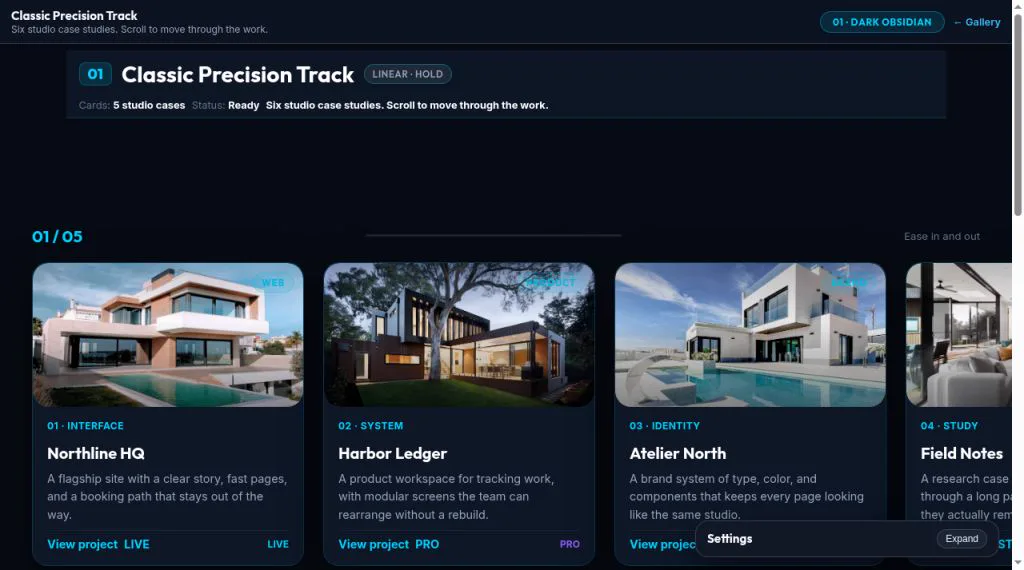
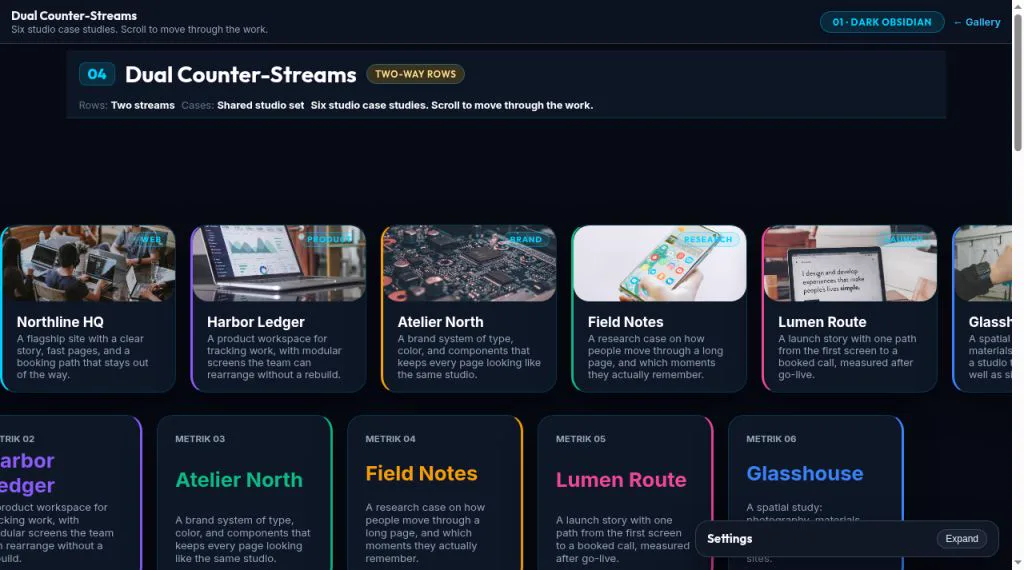
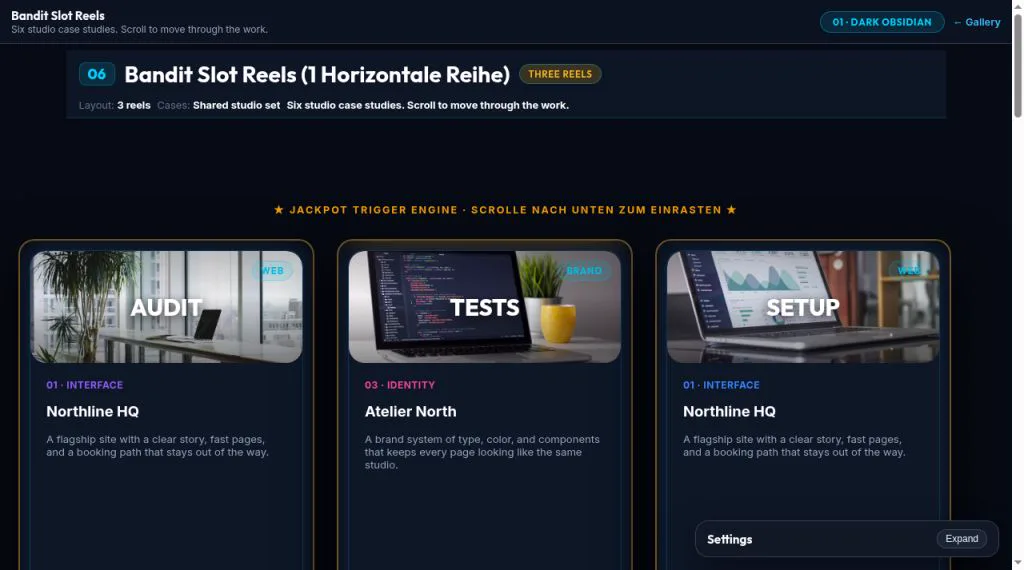
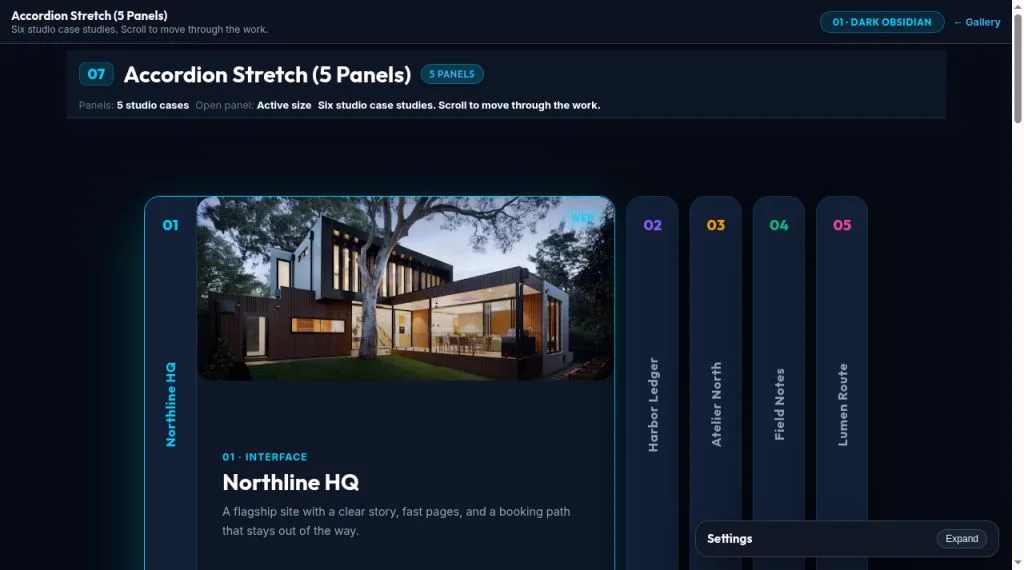
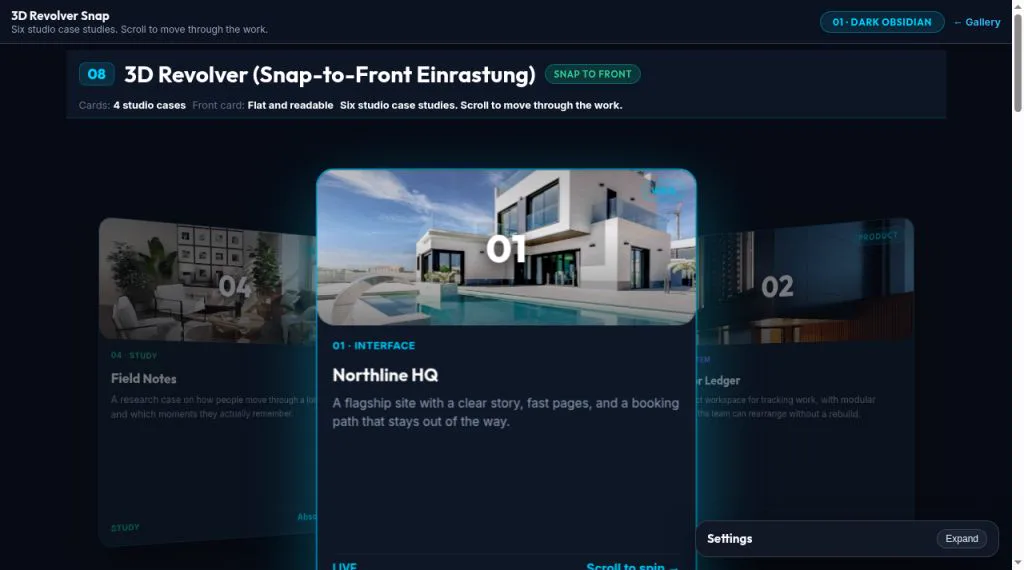
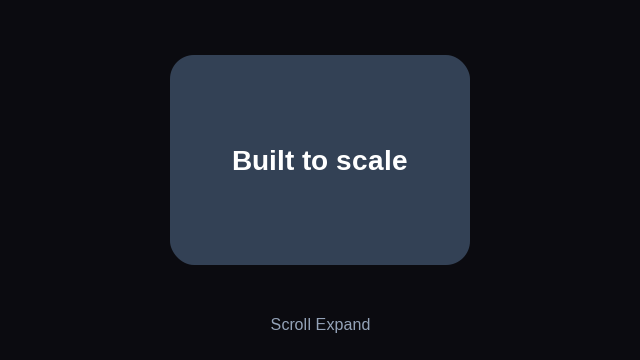
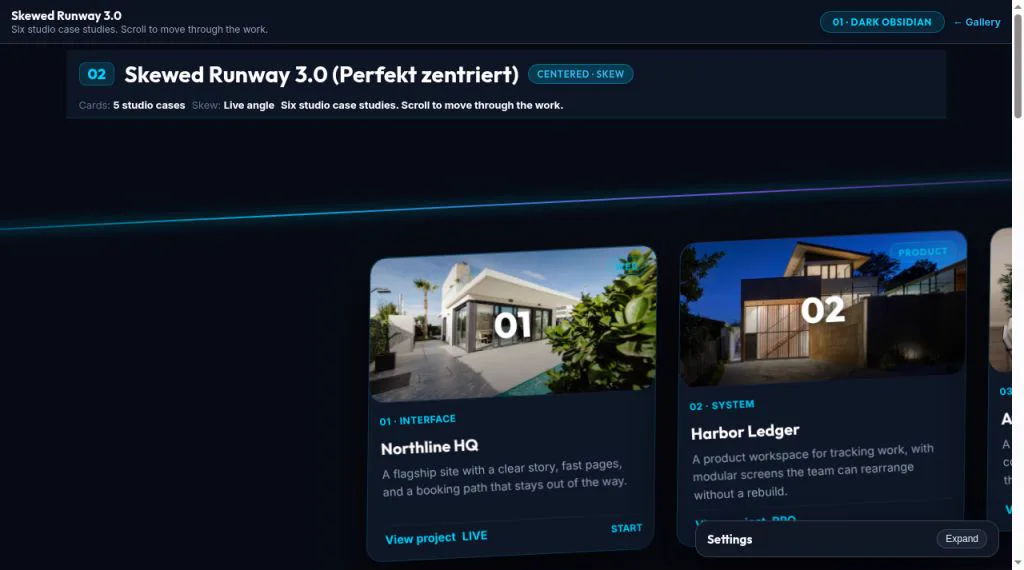
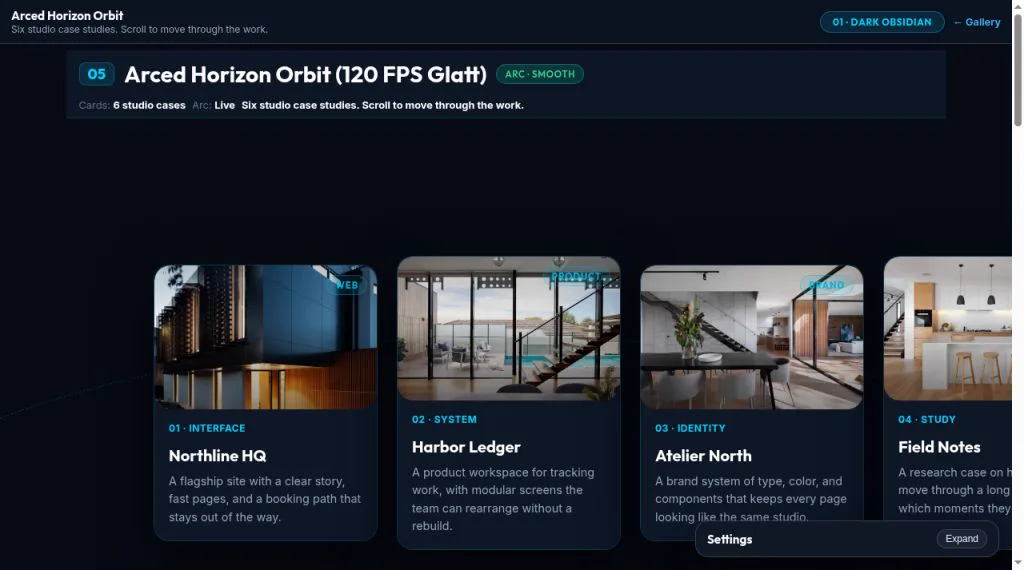
Open live demoTen complete scroll compositions for project stories, services and editorial sequences. They include tracks, arcs, decks, reels, expanding panels and split screens.
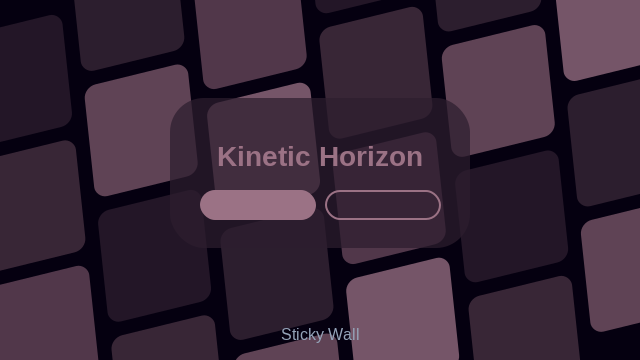
Keep a visual idea in view while the page moves through its sequence. A hero can grow, a wall can straighten or a stack can advance one card at a time.
Three simple steps from the demo to a live section on your Divi site. I test every module in the Divi 5 Visual Builder before it is released.
Choose it in the Motion Modules Library, complete with a live preview on desktop and mobile.
Adjust copy, images, colors, timing and layout without writing a line of code.
On your first login the account asks for your builder. Choose Divi, download the Motion Modules for Divi plugin and activate it. Then insert any module from the Motion Modules folders in the Divi 5 Visual Builder.
Requires Divi 5. Divi 4 is not supported. Install and activate Motion Modules for Divi before importing your customized module.
| Requirement | Built-in Divi | Motion Modules |
|---|---|---|
| Small element animations | Use the Motion tab for movement, scale, rotation, fading and blur on individual elements. | Choose an editable, ready-made scroll composition when you need a complete content sequence. |
| Backgrounds and sticky elements | Divi provides background parallax and sticky positioning controls. | Choose from five layered parallax scenes and galleries, stacked reveals or coordinated pinned presentations. |
| Horizontal storytelling | Individual transforms are useful building blocks, but assembling a complete sequence takes layout and interaction work. | Ten modules provide distinct tracks, arcs, decks, reels, panels and split-screen compositions with their own controls. |
A project sequence can lead visitors from the brief to the result. A pinned hero can establish a visual idea before the next section takes over. A card stack can introduce a few services without requiring a long grid. Choose one purpose before choosing an effect. If the content is mostly text, a straightforward Divi layout may be easier to read than a complex animated scene.
Keep the end of the motion sequence obvious and make the following content easy to reach. Check that a sticky site header does not cover labels or important controls. Review the last panel as carefully as the first, because a visitor who reaches the end should understand where to go next. A contact link, a case study or a quiet explanation can give the movement a useful destination.
The live demos show specific image shapes and text lengths. Replace them with real project material in the editor before making a final choice. Heavy photographs can cost more to download than the animation script itself. Compress them, keep the collection focused and test on a real phone. If several modules share a page, review the entire scroll from top to bottom rather than testing each section in isolation.
Use Divi scroll effects on surrounding content where they help the page. Avoid applying a second transform or scroll animation to the same element that a Motion Modules runtime is already moving. Start with one system for the animated section, then test any surrounding sticky rows, navigation and transitions in the complete layout.
Large images, complex spatial scenes and several pinned sections can increase rendering cost. Compress your images, start with one focal scroll section and test on a real phone. Responsive behaviour differs by module and by the content you add. A short, readable sequence is usually more useful than several effects competing for attention.
The released runtimes include reduced-motion handling. The resulting static or simplified presentation varies by module, so check the selected effect with your operating system reduced-motion setting enabled. Essential project information and destination links should remain understandable without depending on a particular animation or transition.
The horizontal modules include responsive behaviour, but they are not all ordinary sideways swipe galleries. Some connect progress to vertical page scrolling or adapt the panel layout. Test the individual live demo on your phone and review its editor controls. The preview-card rows on this guide can be swiped left and right independently of those module interactions.
Also available for Elementor, Gutenberg, Breakdance and Beaver Builder. Check each module's released builder list in the Motion Modules Library.
One licence covers all 85 modules, every builder and unlimited websites. Start with the free 14-day trial, no credit card required.