Animated Divi timeline modules
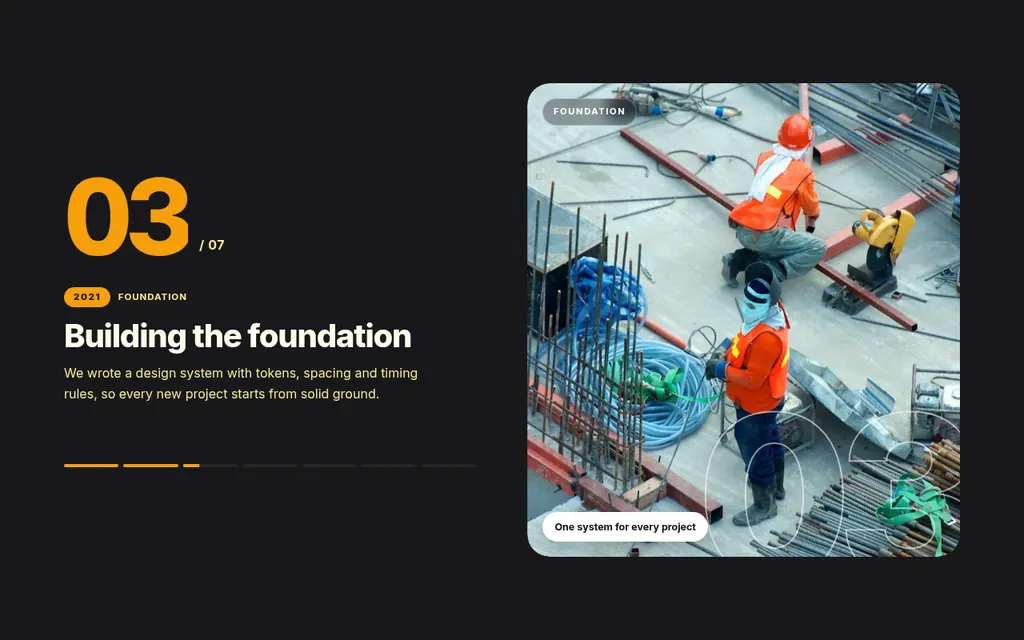
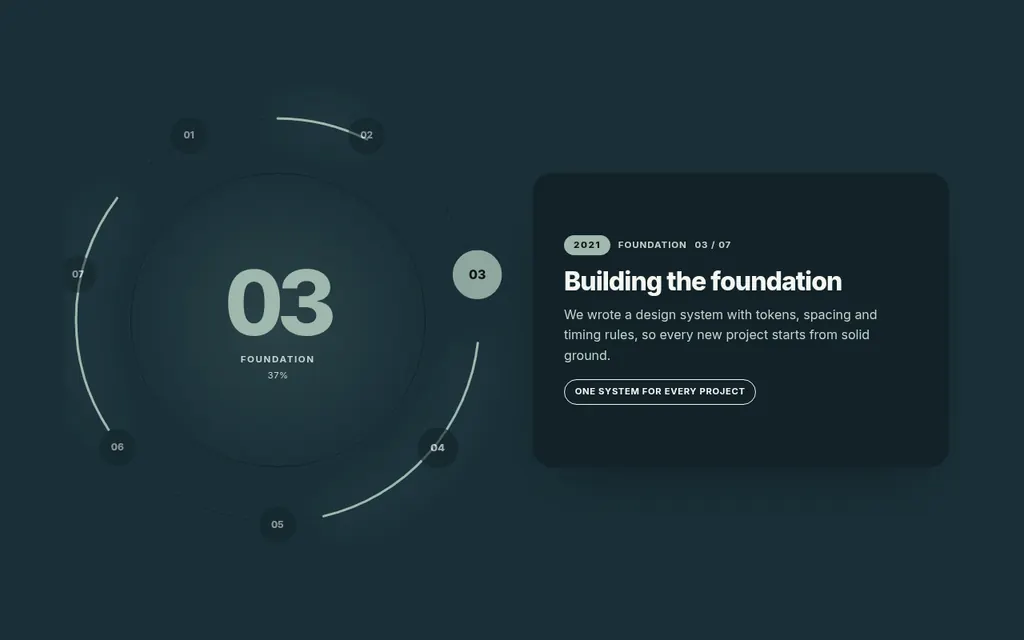
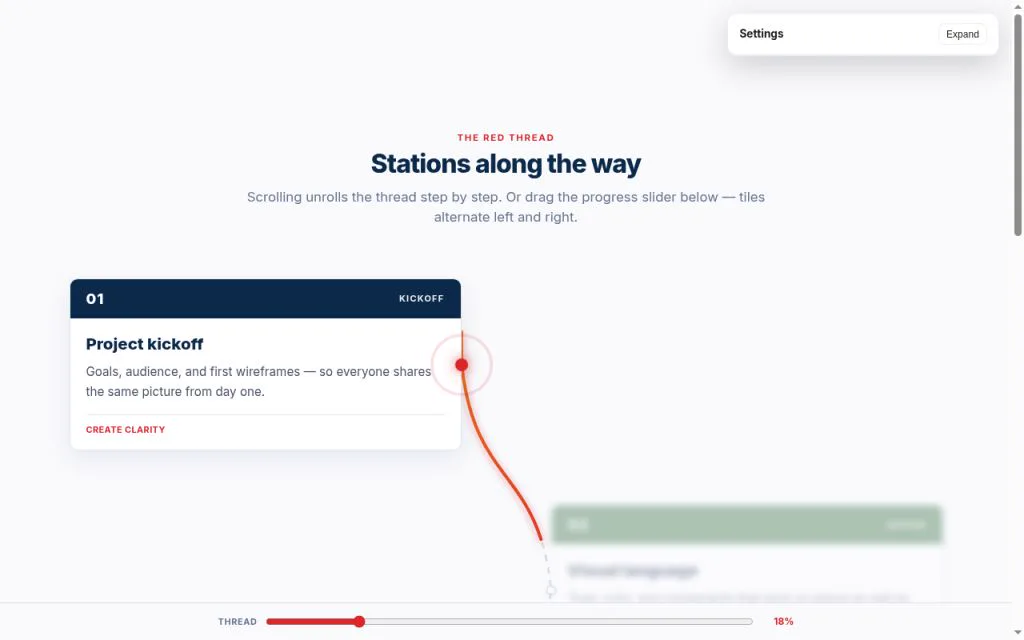
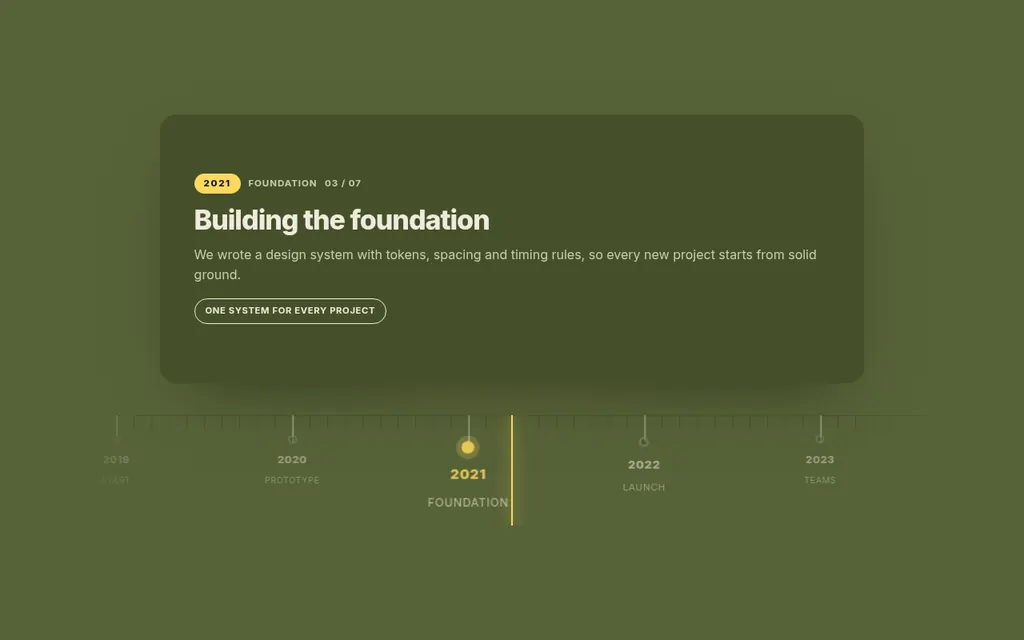
A company history, a roadmap or a project story reads better when it unfolds with the scroll. I built these 7 Divi timeline modules so each milestone gets its moment: on a thread, in pinned chapters, on a ruler, a dial or a waveform. Try two of them live on this page.
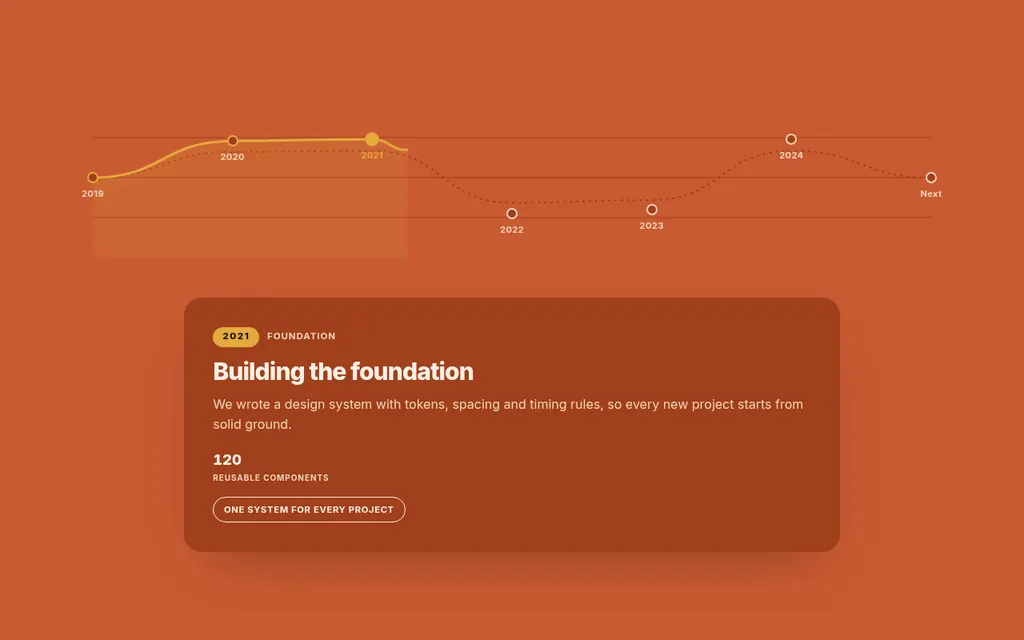
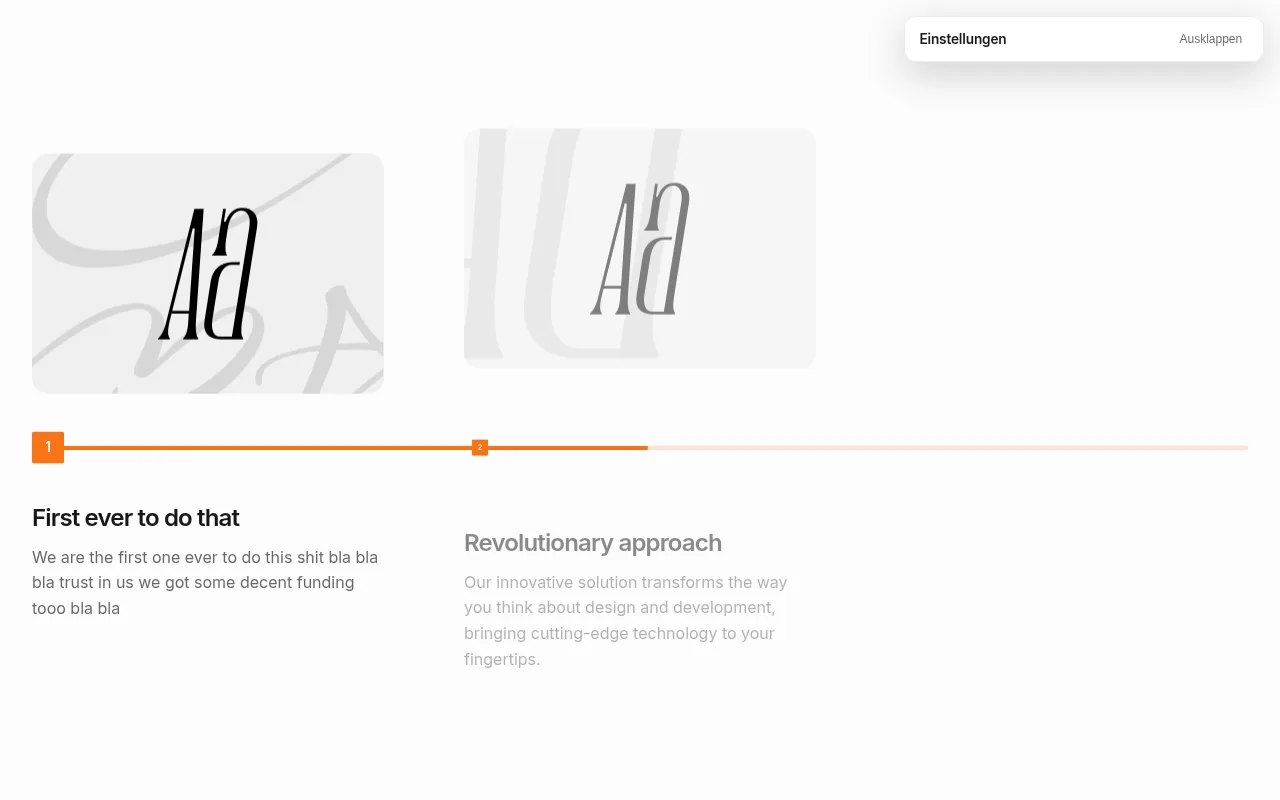
Choose how your story unfolds
All 7 modules below are released for Divi 5 in the Builder Matrix. Each demo opens in a new tab, so you can compare timelines without losing this guide.
Swipe the demo rows left or right on a phone.
Try them right here
Two of the modules run live on this page. Try them out, then explore every demo of this category below.
Scroll story timelines 3
The page scroll drives the story. Milestones appear on a line, follow a thread or take the stage as pinned chapters with their own image.
Interactive timelines 4
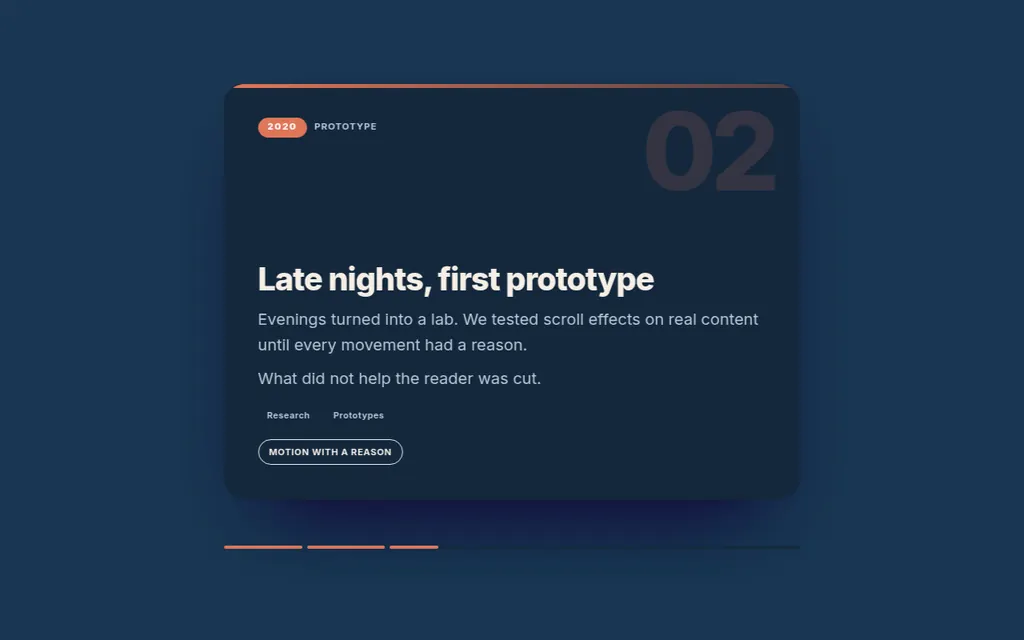
Visitors scroll, drag or click through the dates: a sliding ruler, a turning dial, a waveform that draws itself and cards that fold into a stack.
How it works in Divi 5.
Three simple steps from the demo to a live timeline on your Divi site. I test every module in the Divi 5 Visual Builder before it is released.
- 01
Pick a module
Choose it in the Motion Modules Library, complete with a live preview on desktop and mobile.
- 02
Customize in the editor
Add your milestones with year, title, text, image and link, then set colours, timing and layout without code.
- 03
Import into Divi 5
On your first login the account asks for your builder. Choose Divi, download the Motion Modules for Divi plugin and activate it. Then insert any module from the Motion Modules folders in the Divi 5 Visual Builder.
Requires Divi 5. Divi 4 is not supported. Install and activate Motion Modules for Divi before importing your customized module.
How to build a company history timeline in Divi
Collect the milestones first
Before you choose a layout, write the story. Five to eight milestones are usually enough for a company history or a roadmap. Give each one a year or label, a short title, two sentences and, if it helps, one image. A timeline with twenty entries rarely gets read to the end, so keep the strongest moments and link to details elsewhere.
Choose the reading style
A scroll story timeline suits pages where visitors read from top to bottom, such as an about page. Pinned chapters work when every milestone deserves a large picture. Interactive timelines like the ruler, the dial or the waveform suit dense dates or a playful product page, because visitors can jump straight to the year they care about.
Native Timeline module or Motion Modules?
Divi 5 now includes its own Timeline module for vertical or horizontal lists of events, and it is a good choice for a straightforward sequence that you style with the familiar Divi settings. I built the Motion Modules timelines for the cases where the motion itself tells the story: a thread that draws from station to station, chapters that stay pinned, a dial that turns with the scroll.
Build and test the whole page
Customize the module in the Motion Modules editor, import it through Motion Modules for Divi and place it in a Divi 5 section. Check the first and last milestone, long titles and every link at phone width. Several timelines switch to tabs on small screens at a width you choose. Then test the page with reduced motion enabled.
Use the built-in options when they fit
| Requirement | Built-in Divi | Motion Modules |
|---|---|---|
| A simple list of events | The native Divi 5 Timeline module lists events vertically or horizontally with dates, titles, text and markers. | Choose a module when the milestones should be revealed by the scroll as one designed sequence. |
| Large images per milestone | You can nest image modules inside timeline items and style them yourself. | Pinned Chapter Timeline gives every milestone a full stage with image, number and text. |
| Visitors jump to a year | A long list can be scrolled or linked with anchors. | Ruler, Orbit Dial and Waveform let visitors drag or click straight to a date. |
Keep the story readable
Write short, scannable milestones
Visitors scan a timeline before they read it. Put the year and a strong title first, then one or two sentences. Long paragraphs slow the scroll and push the next milestone out of view.
Use images with a purpose
An image per milestone helps when it shows something real: a first product, a team photo, a building. Compress the images, keep a similar format and write descriptive alt text. Decorative images can stay out.
Check your own content, not just the sample
The live demos use sample milestones. Replace them with your real story in the editor before you decide. Test on a real phone and review the end of the timeline, because the last milestone should lead to a next step such as contact, careers or a case study.
Questions about Divi timeline modules
Does Divi 5 have its own timeline module?
Yes. Divi 5 includes a native Timeline module for vertical and horizontal event lists. Motion Modules adds scroll driven and interactive timeline layouts with their own animation, such as a red thread, pinned chapters, a ruler, an orbit dial and a waveform.
How many milestones can a timeline have?
You can add, remove and reorder milestones in the Motion Modules editor. For readability I recommend five to eight. Each milestone has a label or year, title, text and, depending on the module, an image, tags or a link.
Do the timelines work on phones?
Yes. The layouts adapt to the screen width, and several timelines can switch to tabs below a width you set. Test your own content on a real phone, because long titles and image crops behave differently from the sample.
Can a timeline run without scroll animation?
Several timelines let you turn the scroll link off or drag and click through the dates instead. The released runtimes also include reduced-motion handling, so check the module with the reduced-motion setting of your operating system enabled.
Also available for Elementor, Gutenberg, Breakdance and Beaver Builder. Read my guide to the WordPress timeline plugin for every builder, or check each module's released builder list in the Motion Modules Library.
Tell your story in Divi.
One licence covers all 85 modules, every builder and unlimited websites. Start with the free 14-day trial, no credit card required.