Divi carousel and slider modules in 3D
A Divi carousel should make visitors want to see the next slide. I put these 12 released Divi modules together for 3D carousels, image and content sliders and fullwidth hero sliders. Try two of them live on this page, then pick the one that fits your images and your message.

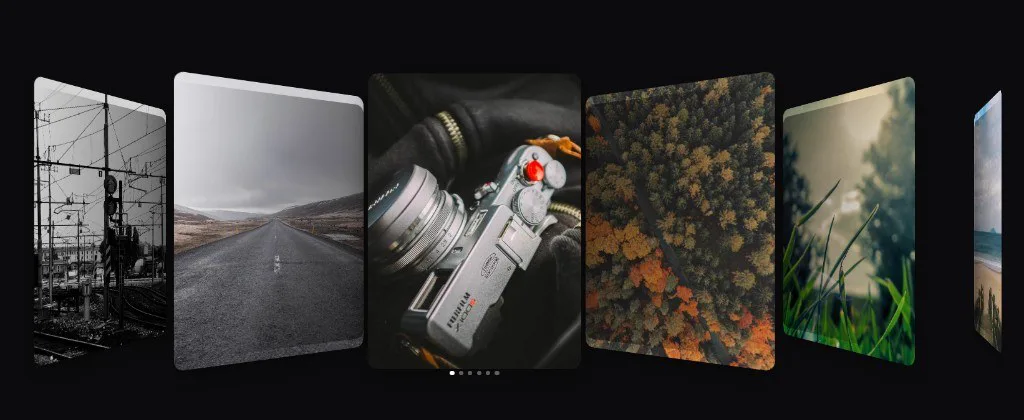
Choose how your slides move
All 12 modules below are released for Divi 5 in the Builder Matrix. Each demo opens in a new tab, so you can compare carousels without losing this guide.
Swipe the demo rows left or right on a phone.
Try them right here
Two of the modules run live on this page. Try them out, then explore every demo of this category below.
3D carousels 5
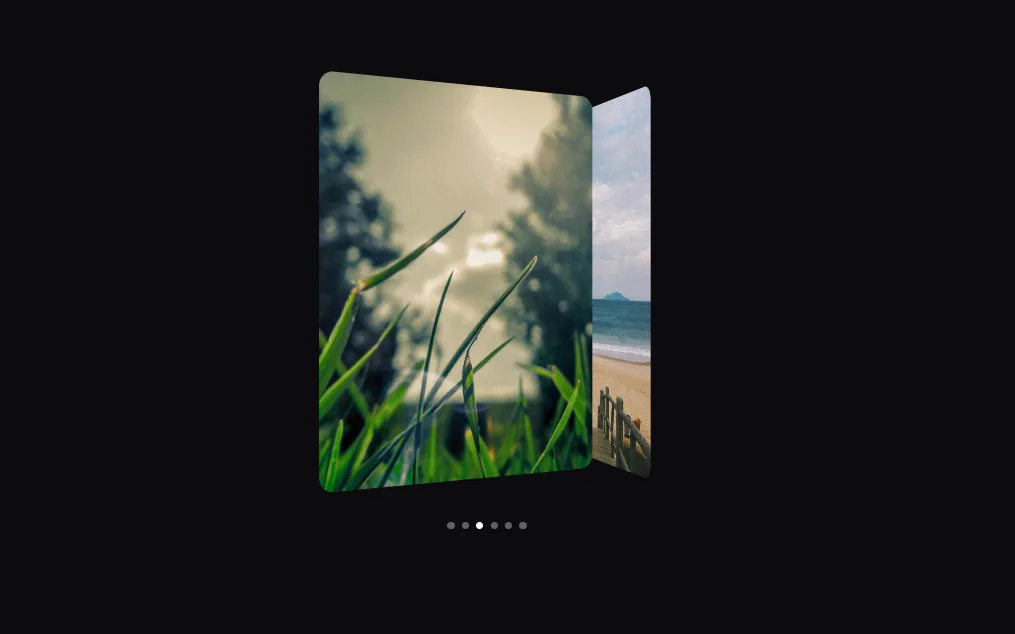
Slides arranged in real depth: coverflow, an inverted ring, opening doors, a snapping revolver and a glass lens. Choose these when the neighbouring slides should stay visible.



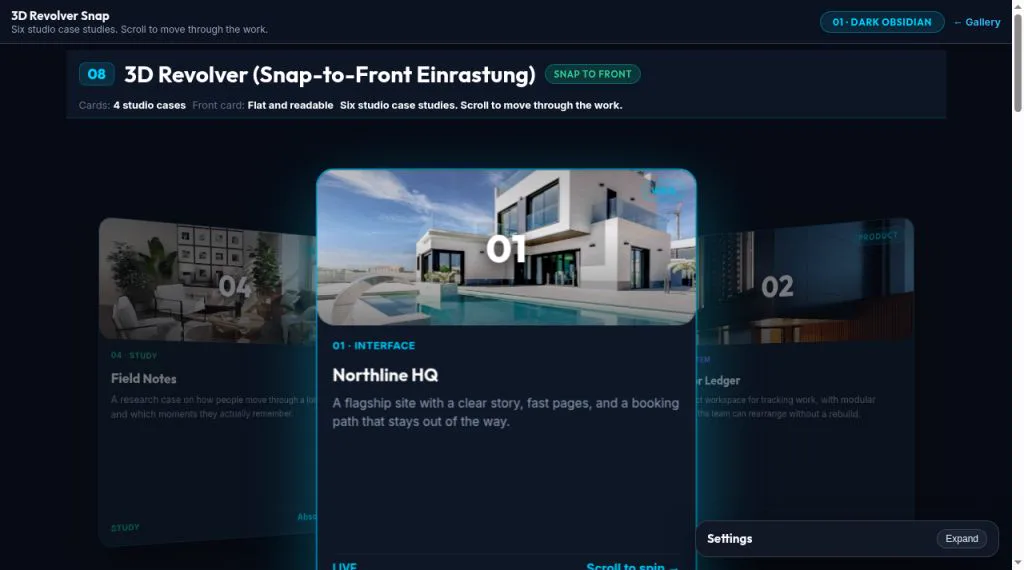
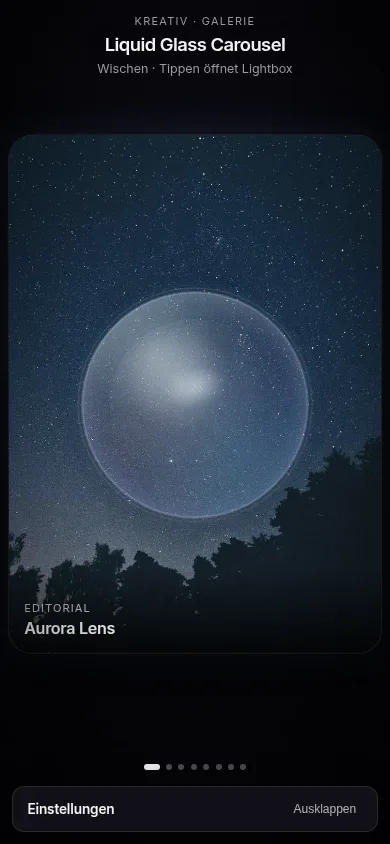
Image and content sliders 5
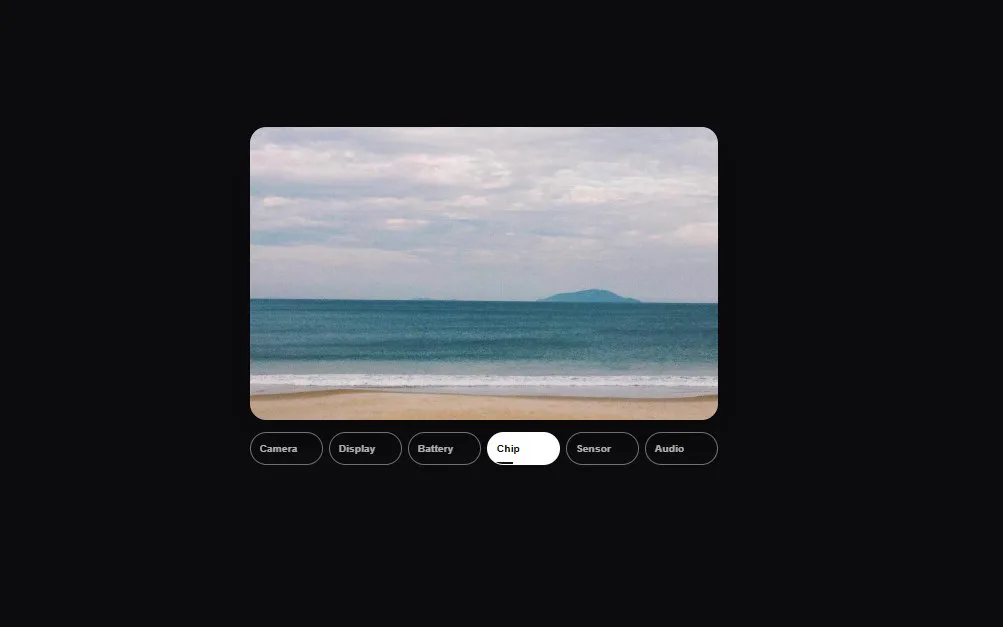
One slide in focus with image, title, text and button. Swipe, drag, arrows or autoplay with a visible progress bar move the collection forward.

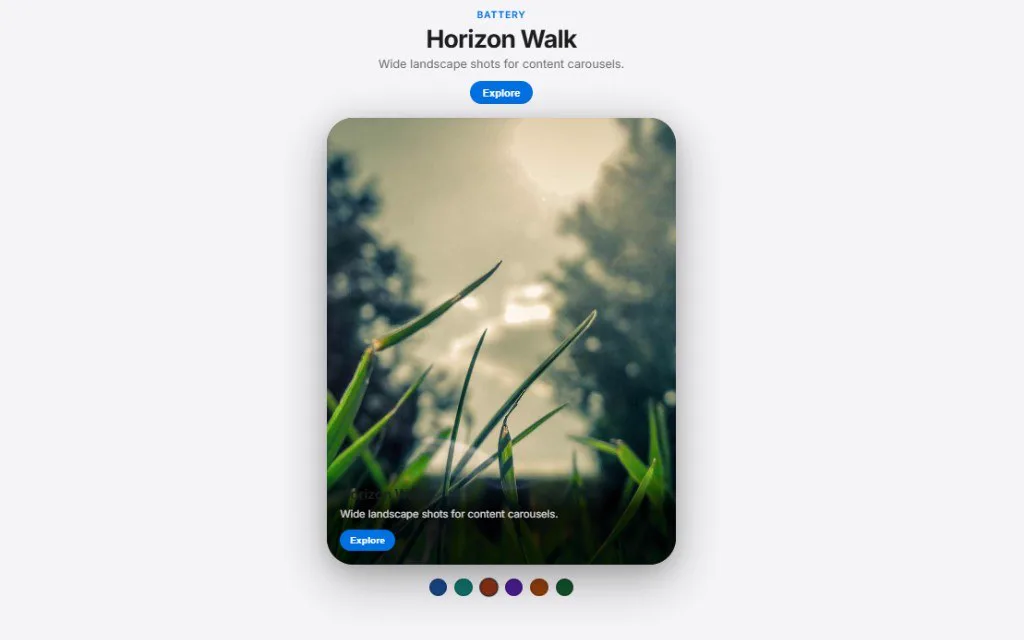
Autoplay Progress Carousel
Slides advance on their own, with a progress bar on the active one.
Open live demoFullwidth sliders 2
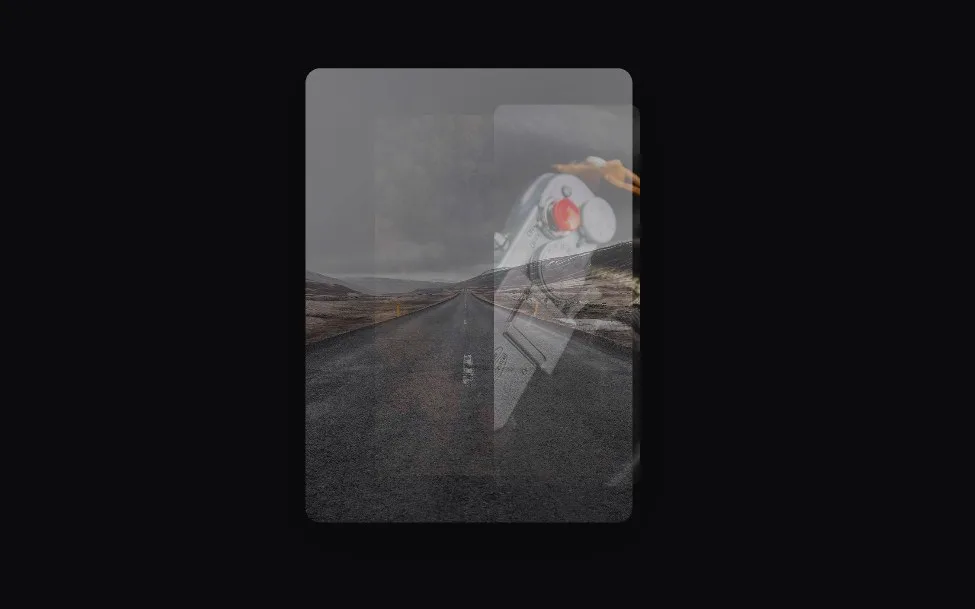
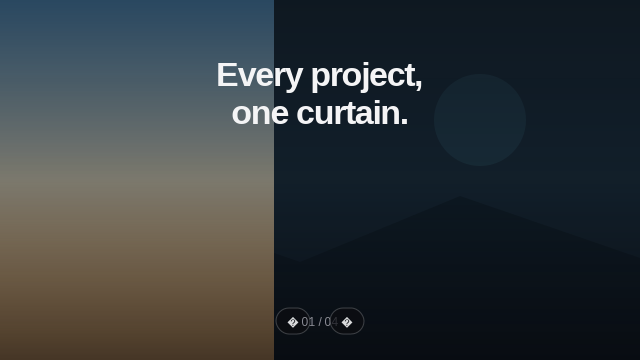
Edge to edge sliders for the opening of a page: a photo curtain and a particle slider that forms icons out of dots.

How it works in Divi 5.
Three simple steps from the demo to a live slider on your Divi site. I test every module in the Divi 5 Visual Builder before it is released.
- 01
Pick a module
Choose it in the Motion Modules Library, complete with a live preview on desktop and mobile.
- 02
Customize in the editor
Add your slides, images, titles, buttons, colours and timing without writing a line of code.
- 03
Import into Divi 5
On your first login the account asks for your builder. Choose Divi, download the Motion Modules for Divi plugin and activate it. Then insert any module from the Motion Modules folders in the Divi 5 Visual Builder.
Requires Divi 5. Divi 4 is not supported. Install and activate Motion Modules for Divi before importing your customized module.
Divi slider or Divi carousel: which one does your page need?
Start with what visitors should compare
A slider shows one item at a time and asks for attention on that single slide. A carousel keeps the neighbours in view, so visitors can see that more is coming and compare items at a glance. If you present one strong campaign image, a fullwidth slider is often enough. If you present a collection of projects, products or chapters, a carousel with visible neighbours makes the choice easier.
Use depth when it explains order
The 3D carousels place slides in space. The selected slide comes forward while the others step back, which makes the current position obvious. Keep the number of slides moderate, write short titles and use images with a clear subject in the centre, because the outer slides are seen at an angle.
Keep control with the visitor
Every slider here works with touch and mouse, and most offer arrows and pagination. Autoplay can be useful for a feature tour, but it should never be the only way to move forward. The Autoplay Progress Carousel shows its timing on the active tab, so visitors know when the next slide arrives and can jump straight to it.
Build and test the whole page
Customize the module in the Motion Modules editor, import it through Motion Modules for Divi and place it in a Divi 5 section. Check the first and last slide, long titles and every button at phone width. Then test the page with reduced motion enabled. One carousel per screen is usually enough; a second moving element next to it competes for the same attention.
Use the built-in options when they fit
| Requirement | Built-in Divi | Motion Modules |
|---|---|---|
| A simple slideshow | Divi includes a Slider module and a Fullwidth Slider for classic slides with heading, text and button. | Choose a module when the transition itself should carry the design, for example a door, a clip wipe or a depth stack. |
| Several items side by side | Divi 5 can arrange content in rows and groups that you style yourself. | 3D carousels keep neighbours visible in perspective with drag, arrows and pagination already tuned. |
| Hero opening | Use the Fullwidth Slider for a straightforward opening slide. | Photo Curtain and Particle Slider give the first screen a distinctive transition with your own content. |
Make every slide worth the swipe
Write for the first slide
Many visitors never reach slide four. Put the most important message on the first slide and make each following slide useful on its own. A clear title and one short sentence work better than a paragraph on every card.
Prepare images in one format
Carousels look calm when the images share an aspect ratio and a similar brightness. Crop them before upload, compress them and write descriptive alt text. Heavy photographs usually cost more loading time than the animation script.
Check your own content, not just the sample
The live demos use sample images and text lengths. Replace them with real material in the editor before you decide. Test on a real phone, check swipe gestures next to the page scroll and confirm that the last slide leads somewhere useful.
Questions about Divi carousels and sliders
Can I use my own images and text in every slide?
Yes. Each module has editable slides with image, alt text, title, text and button where the layout supports them. You add, remove and reorder slides in the Motion Modules editor before you import the module into Divi 5.
Do the carousels work with touch and swipe on phones?
Yes. The carousels respond to touch, drag and mouse input, and most of them offer arrows and pagination as well. The layout adapts to the screen width. Test your own content on a real phone, because long titles and image crops behave differently from the sample.
Can a slider play automatically?
Several modules offer autoplay with an adjustable interval, and the Autoplay Progress Carousel shows the remaining time on the active tab. I recommend keeping manual controls visible so visitors can pause, go back or skip ahead.
Does it replace the Divi Slider module?
It complements it. Use the built-in Slider for a classic slideshow. Use a Motion Modules carousel when you want a specific 3D transition, visible neighbours or a fullwidth hero effect that would take a lot of custom design work.
Do the modules support reduced motion?
The released runtimes include reduced-motion handling. The static or simplified presentation varies by module, so check the selected carousel with the reduced-motion setting of your operating system enabled.
Also available for Elementor, Gutenberg, Breakdance and Beaver Builder. Check each module's released builder list in the Motion Modules Library. For Elementor there is a dedicated guide to Elementor carousel widgets.
Make Divi slide.
One licence covers all 85 modules, every builder and unlimited websites. Start with the free 14-day trial, no credit card required.