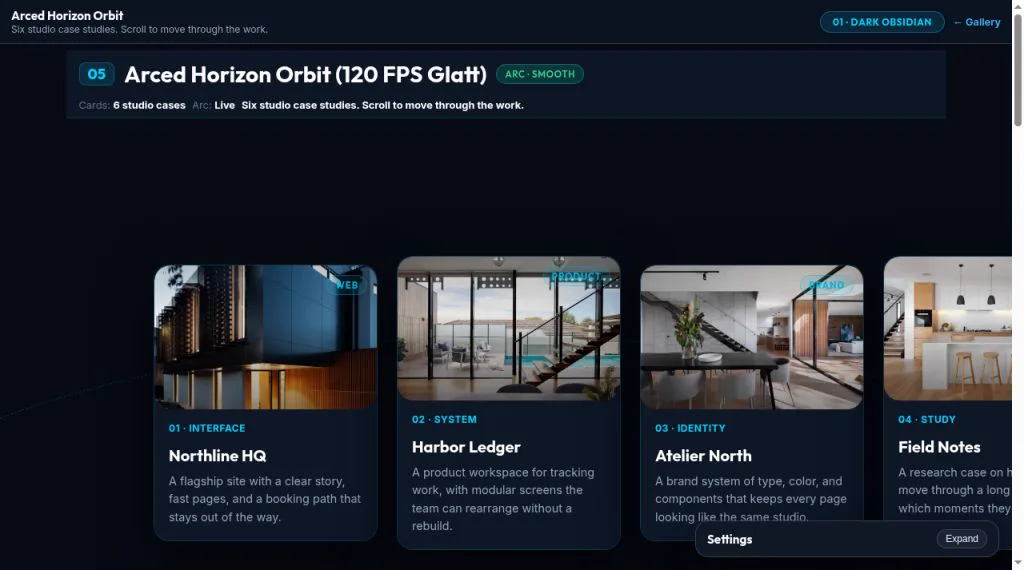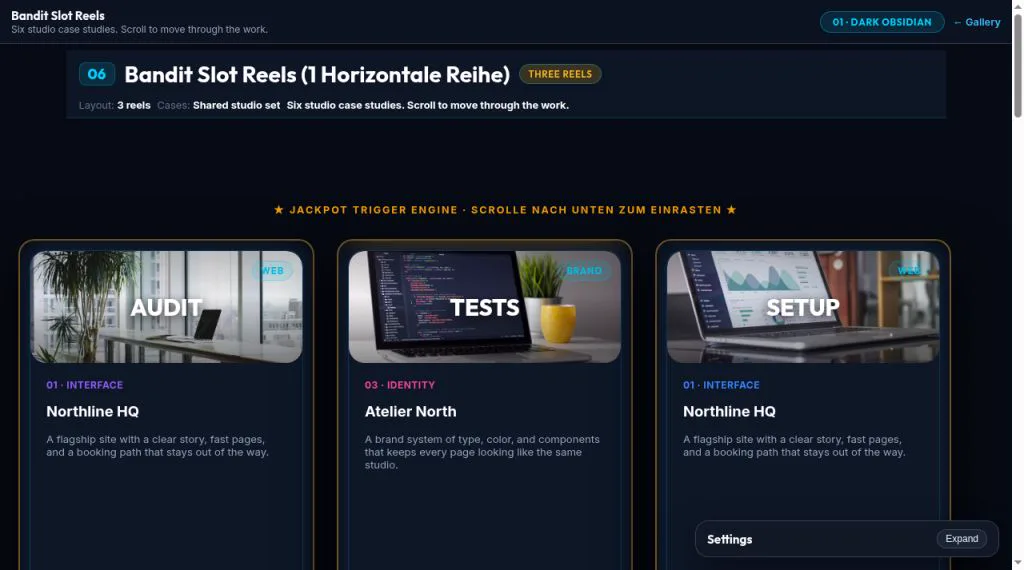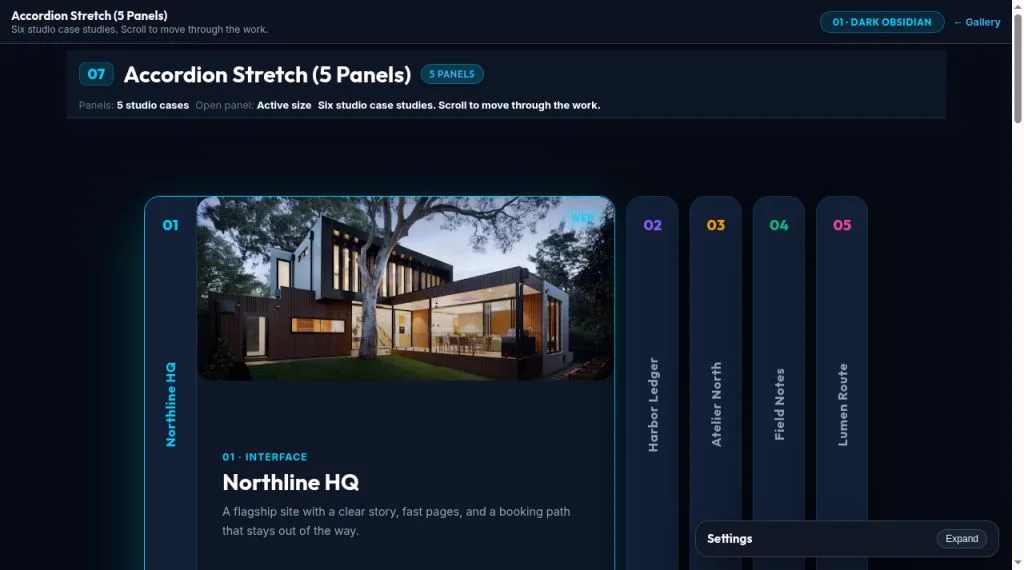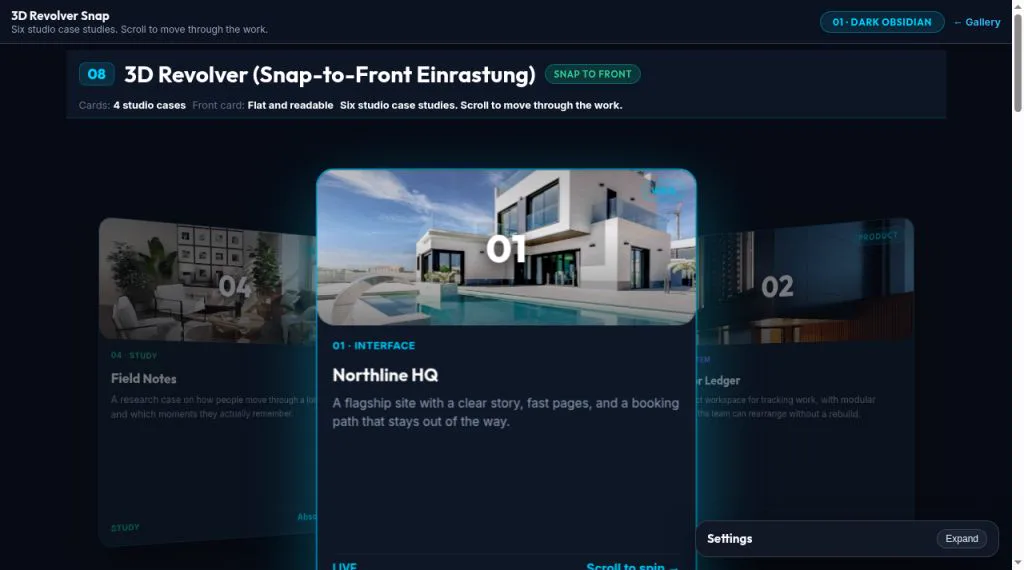
Hero and Row Elements
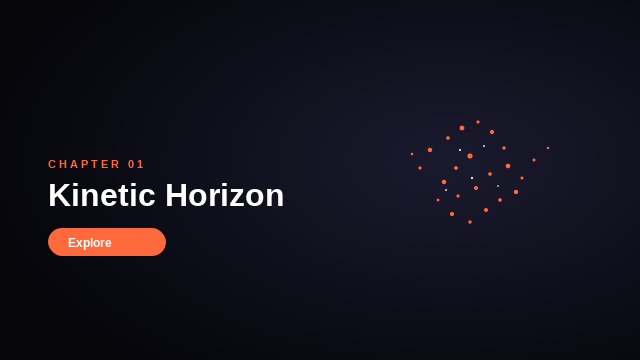
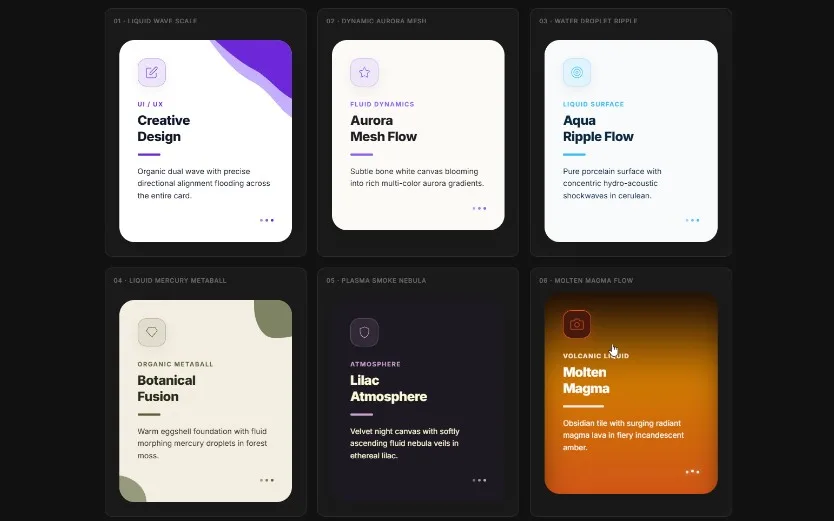
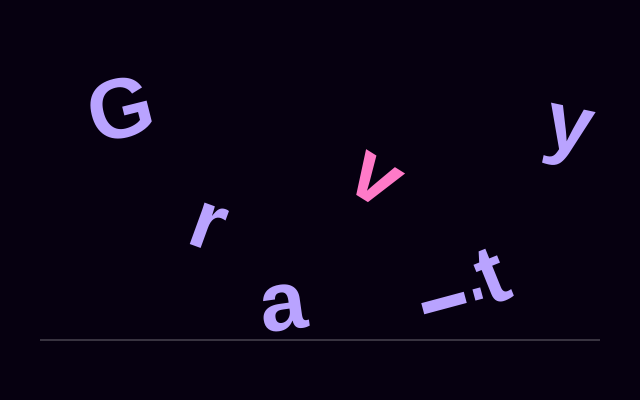
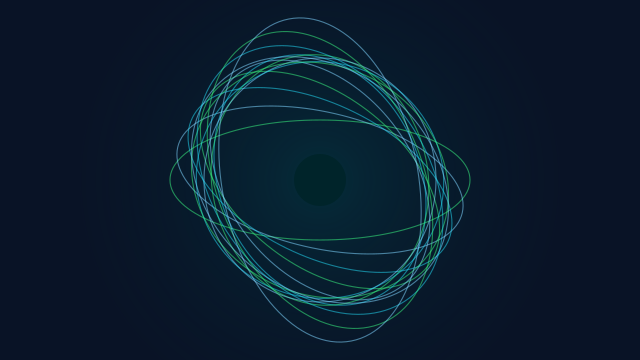
Choose one of six animated effects, from orbs to a wireframe mesh.
Open live demoI built Motion Modules for Beaver Builder as an addon that brings 85 animated Beaver Builder modules into the builder: hero sections, galleries, carousels, timelines and scroll effects. Think of them as custom modules without code: you design them visually, import them into Beaver Builder and publish.
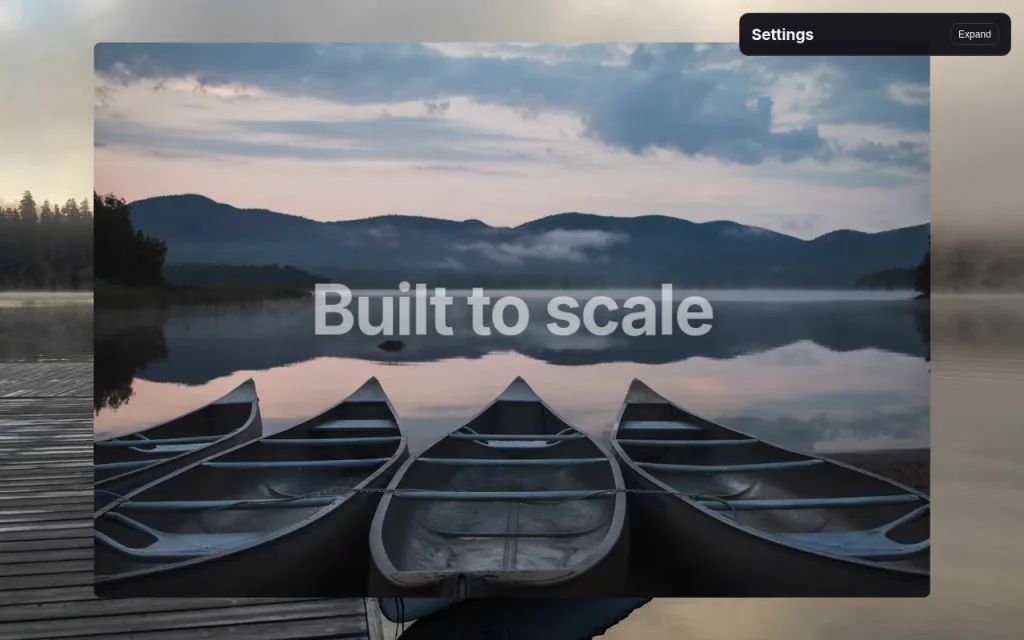
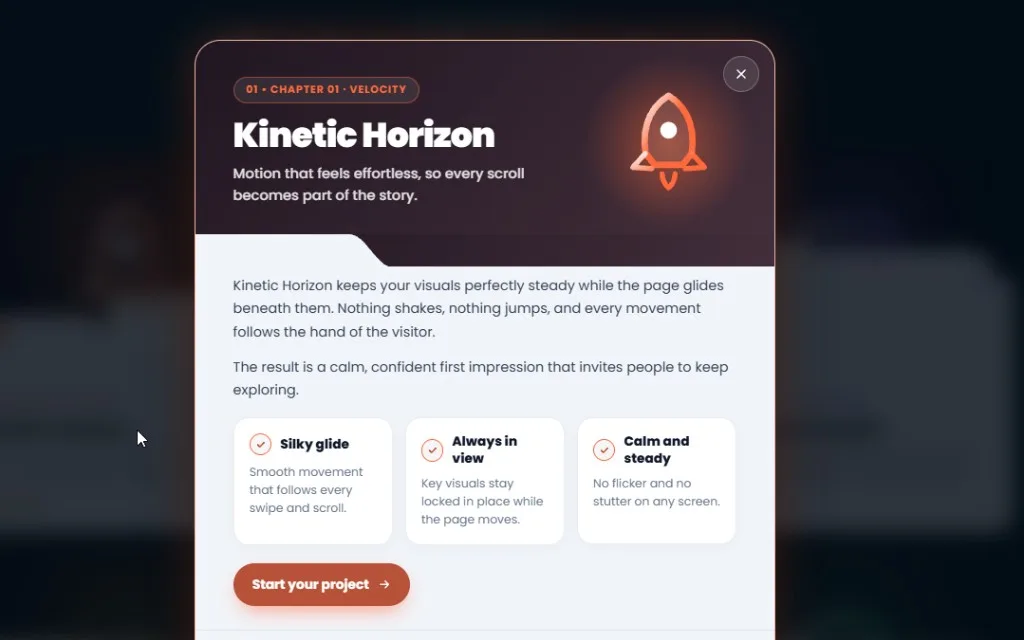

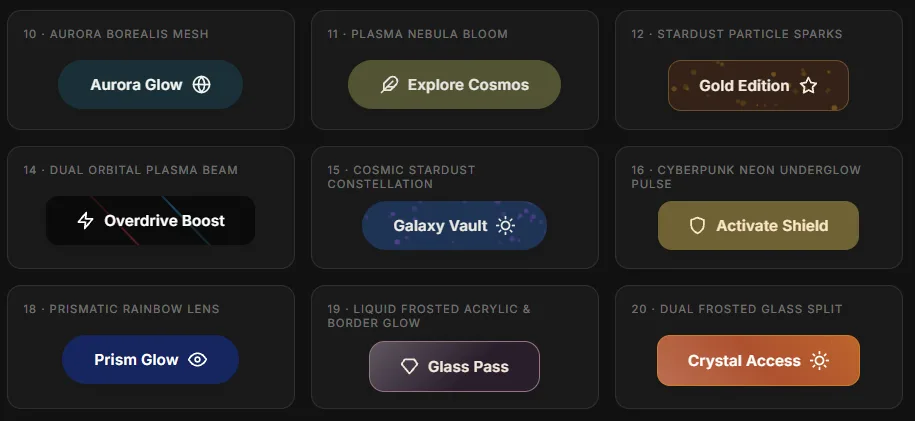
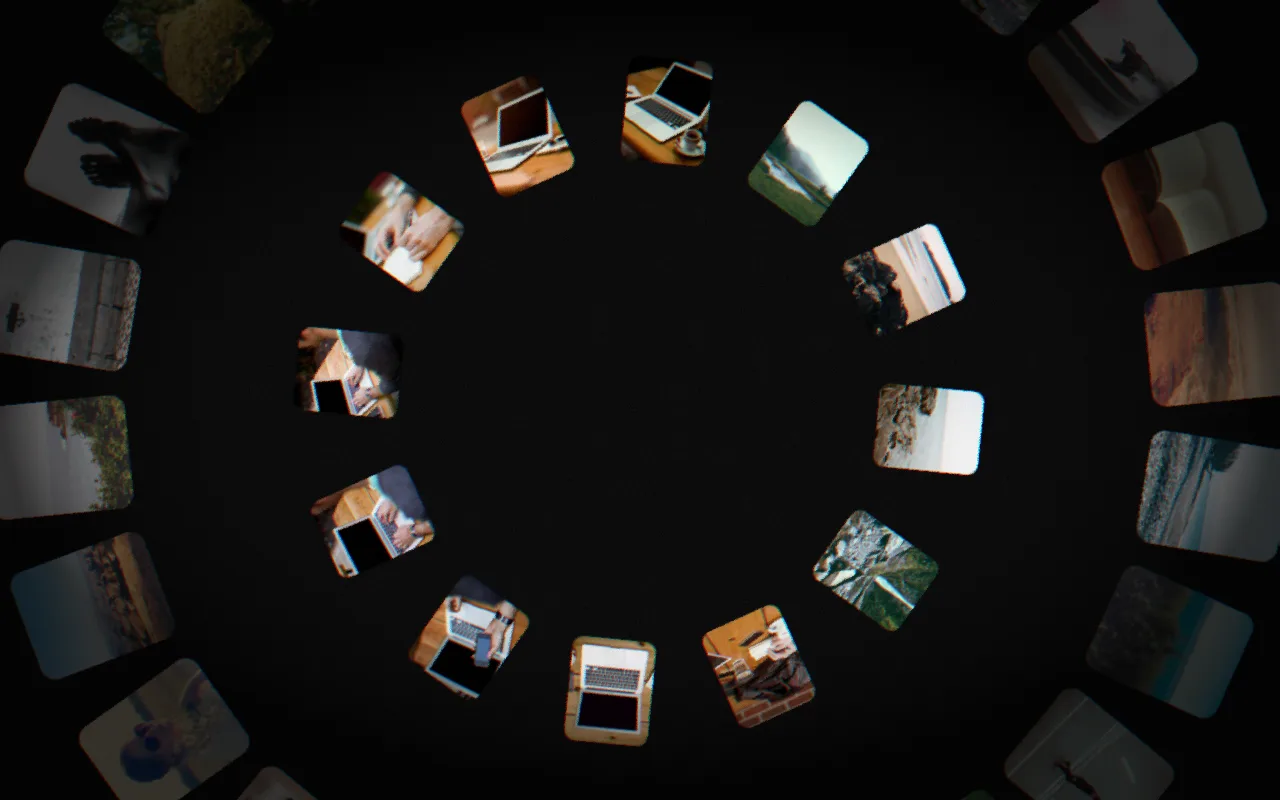

The library has 85 modules in 13 categories. All 85 are released as Beaver Builder modules today, sorted into 13 categories below. Open any demo to try the effect, then customize it for your own page.
Two of the modules run live on this page. Try them out, then explore every demo below.
Swipe each row
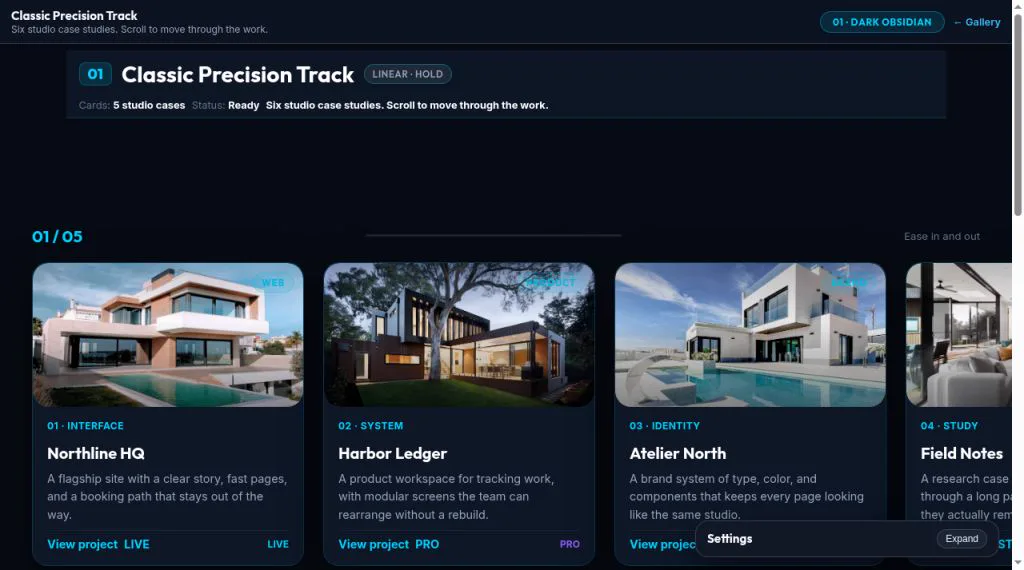
Opening rows with motion behind your headline and buttons. Drop one into the first row of a Beaver Builder page and your own copy, images and calls to action stay on top of the effect.
In the library ↗Choose one of six animated effects, from orbs to a wireframe mesh.
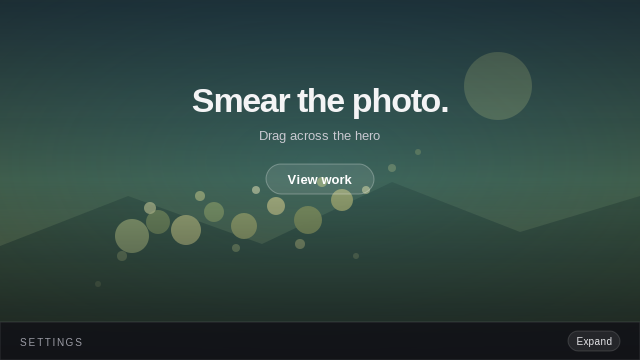
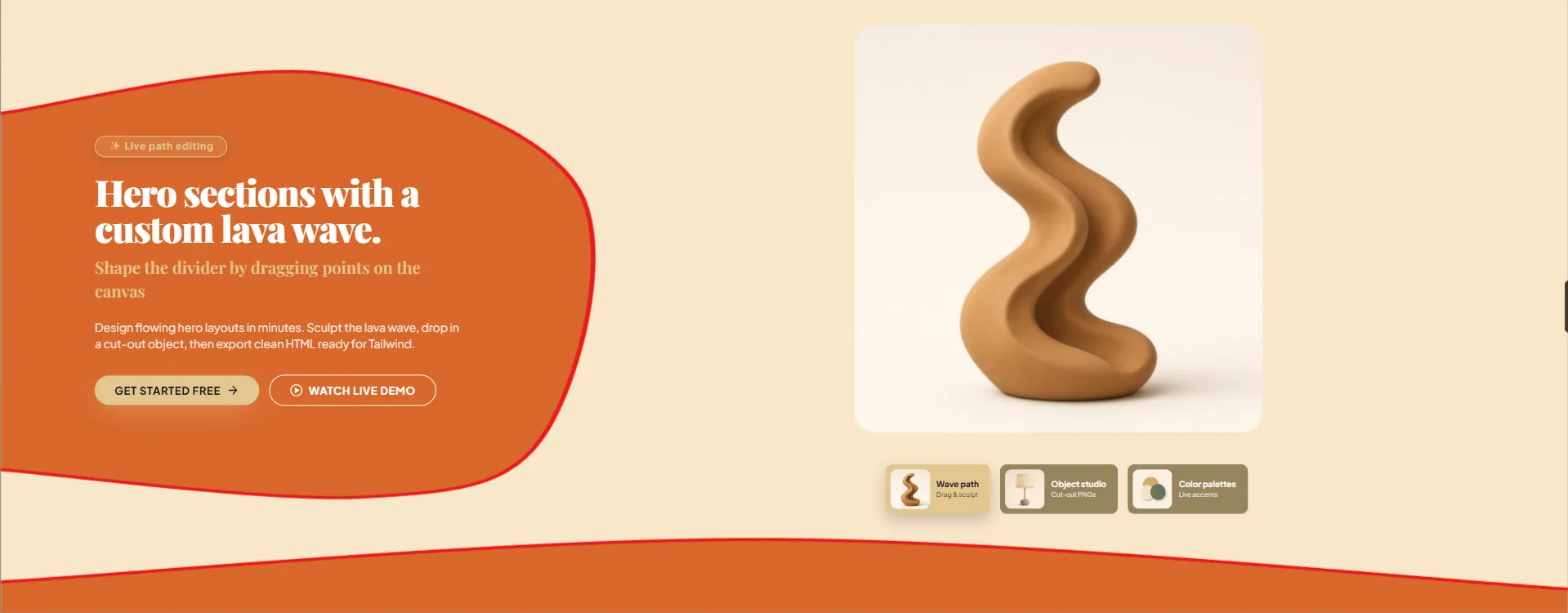
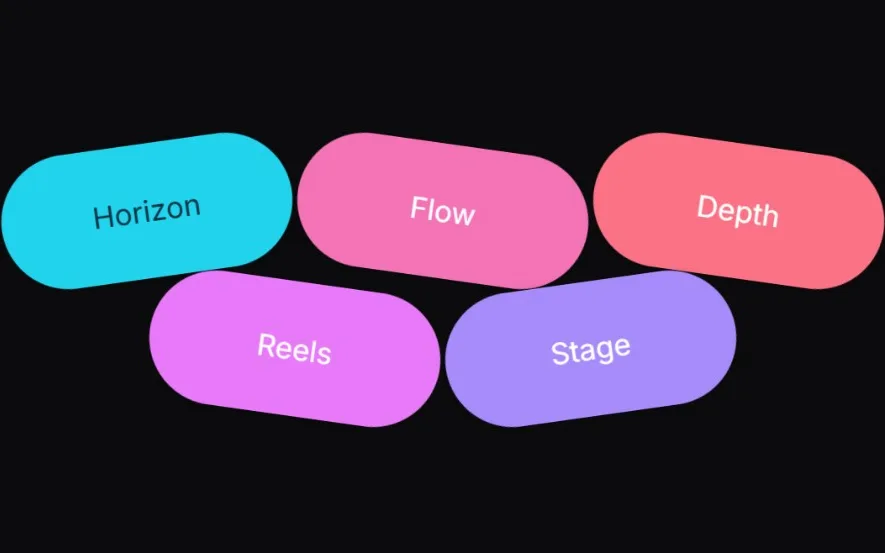
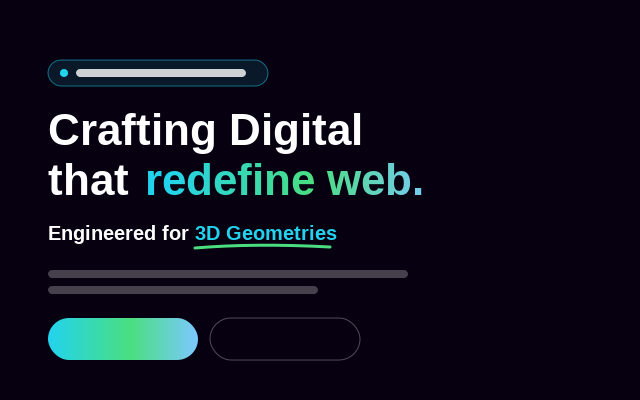
Open live demoDraw a hero or section freely with shapes, forms and objects, then place it with your own copy.
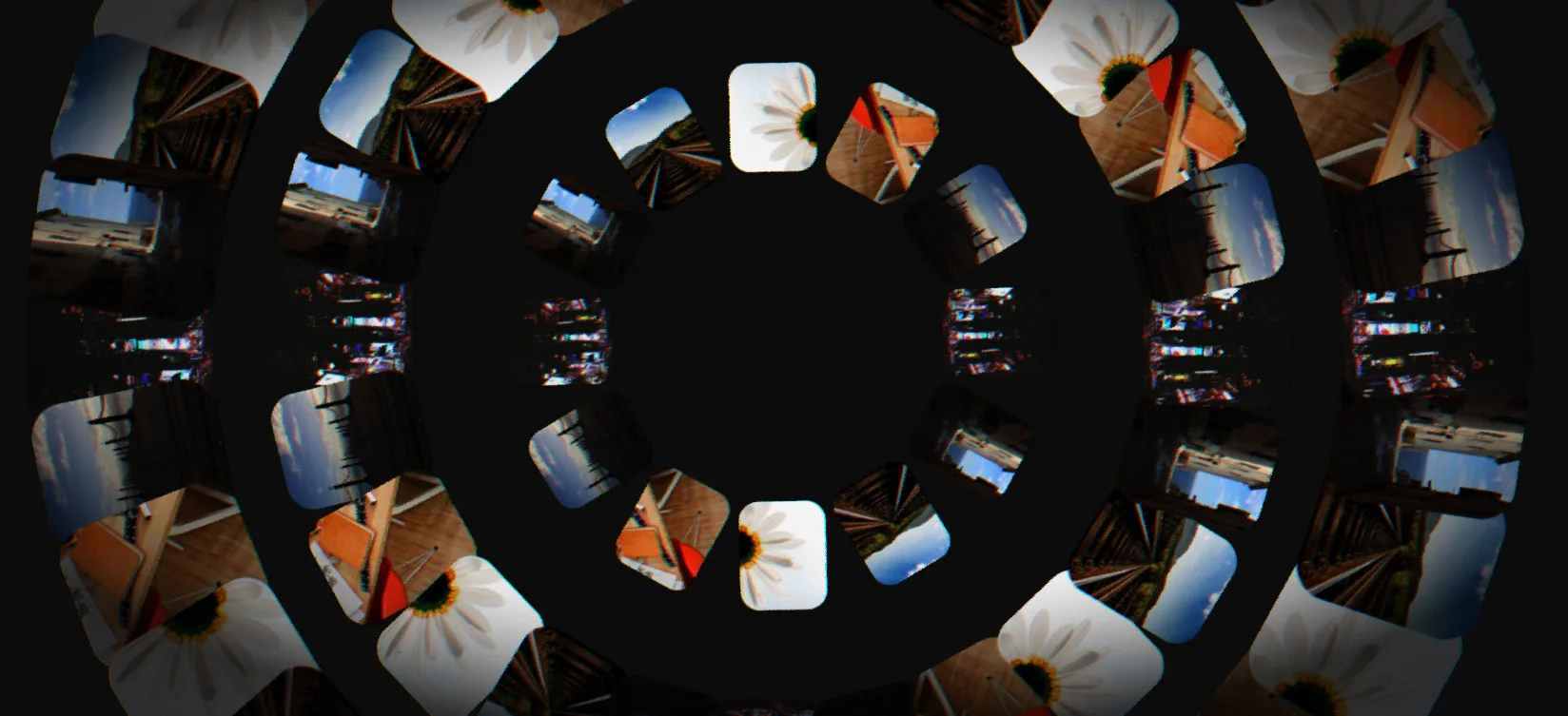
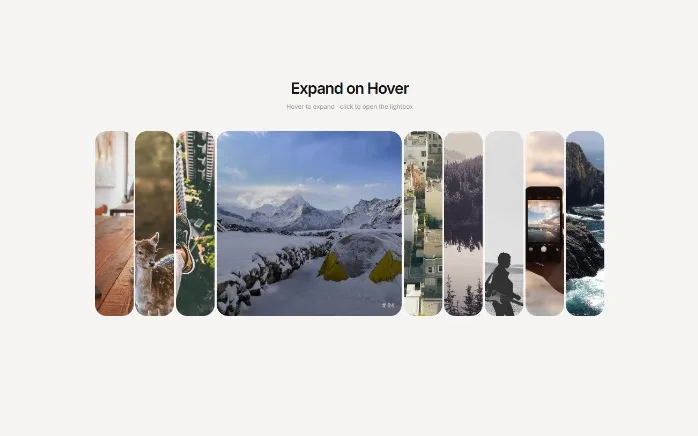
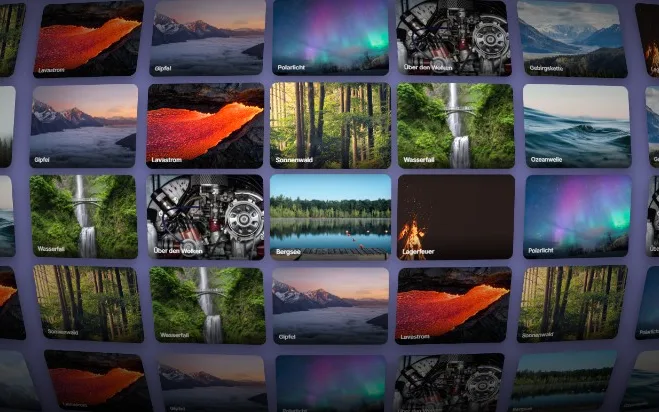
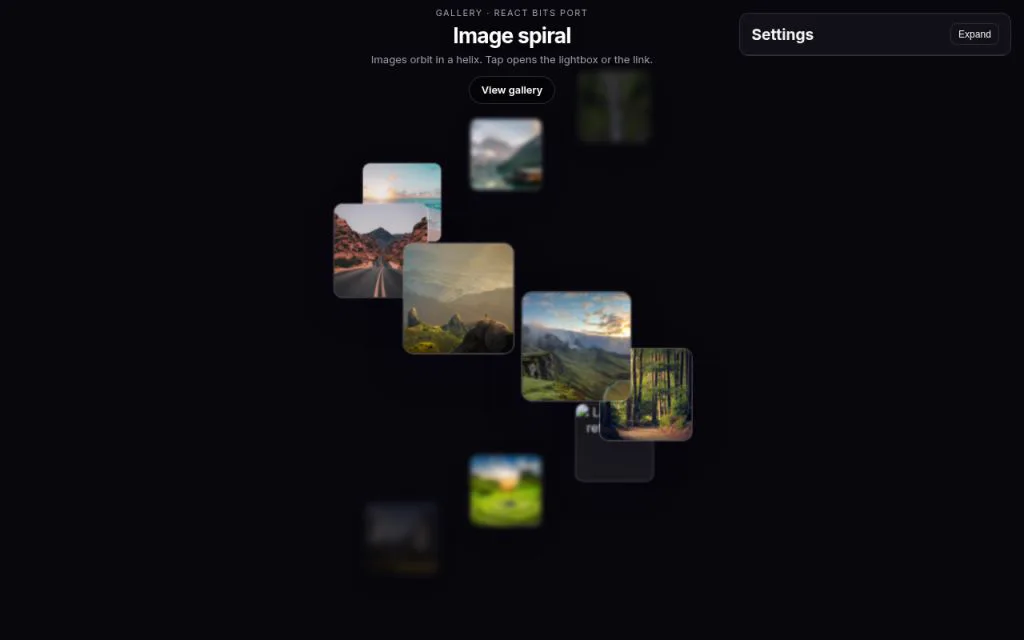
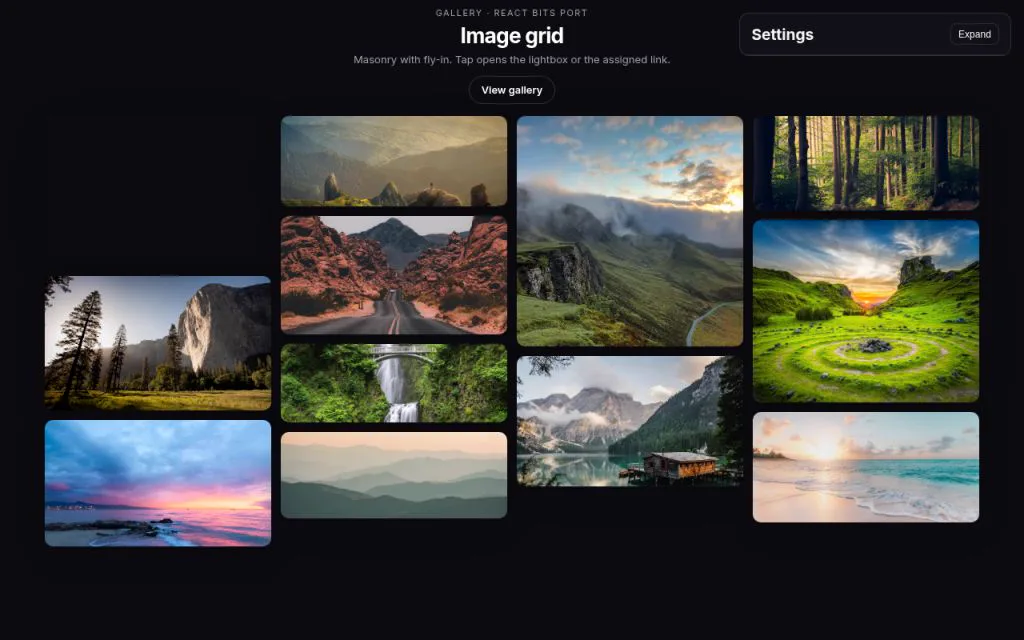
Open live demoMasonry grids, image accordions, rings and spatial walls that go further than a classic photo gallery module. Several of them open images in a lightbox.
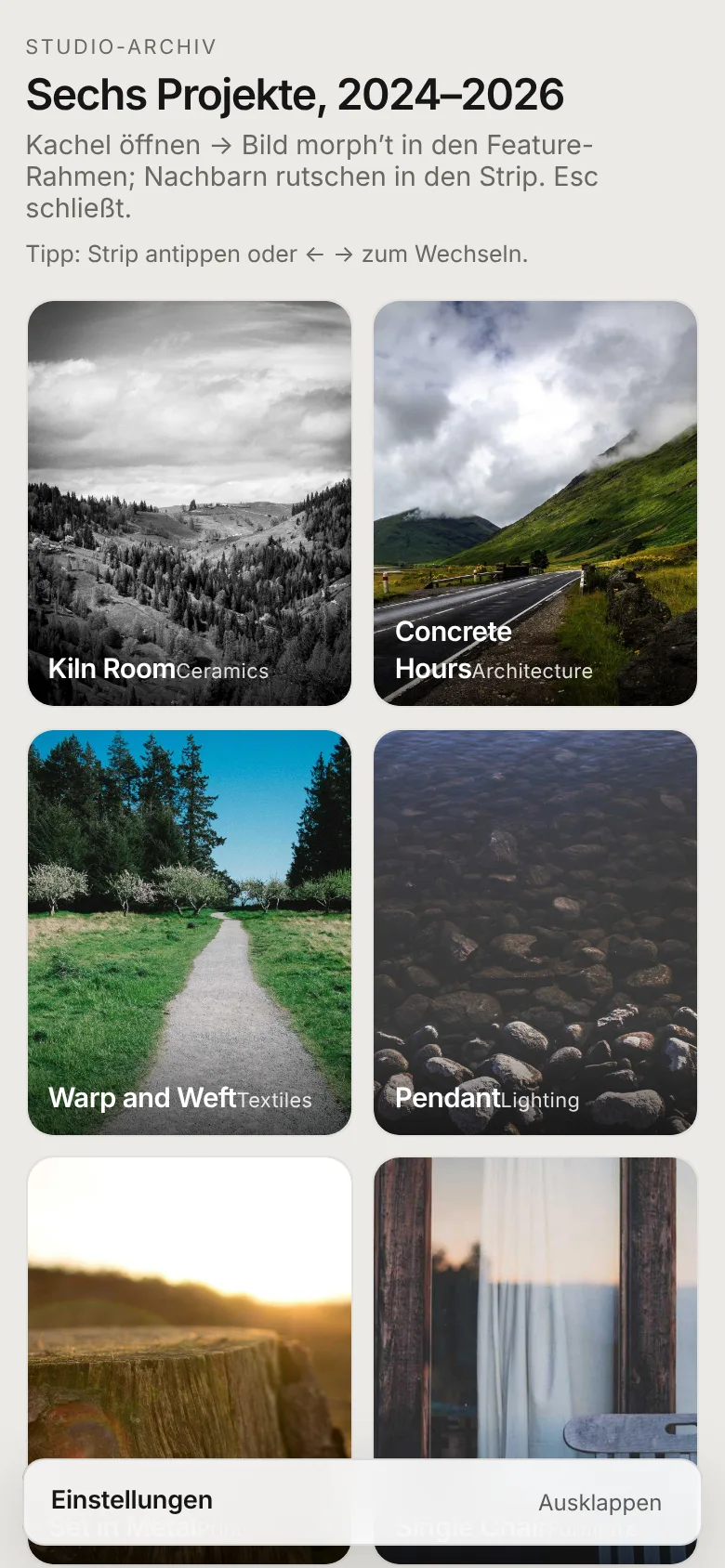
In the library ↗Photos settle into a brick grid, and a tap opens one large.
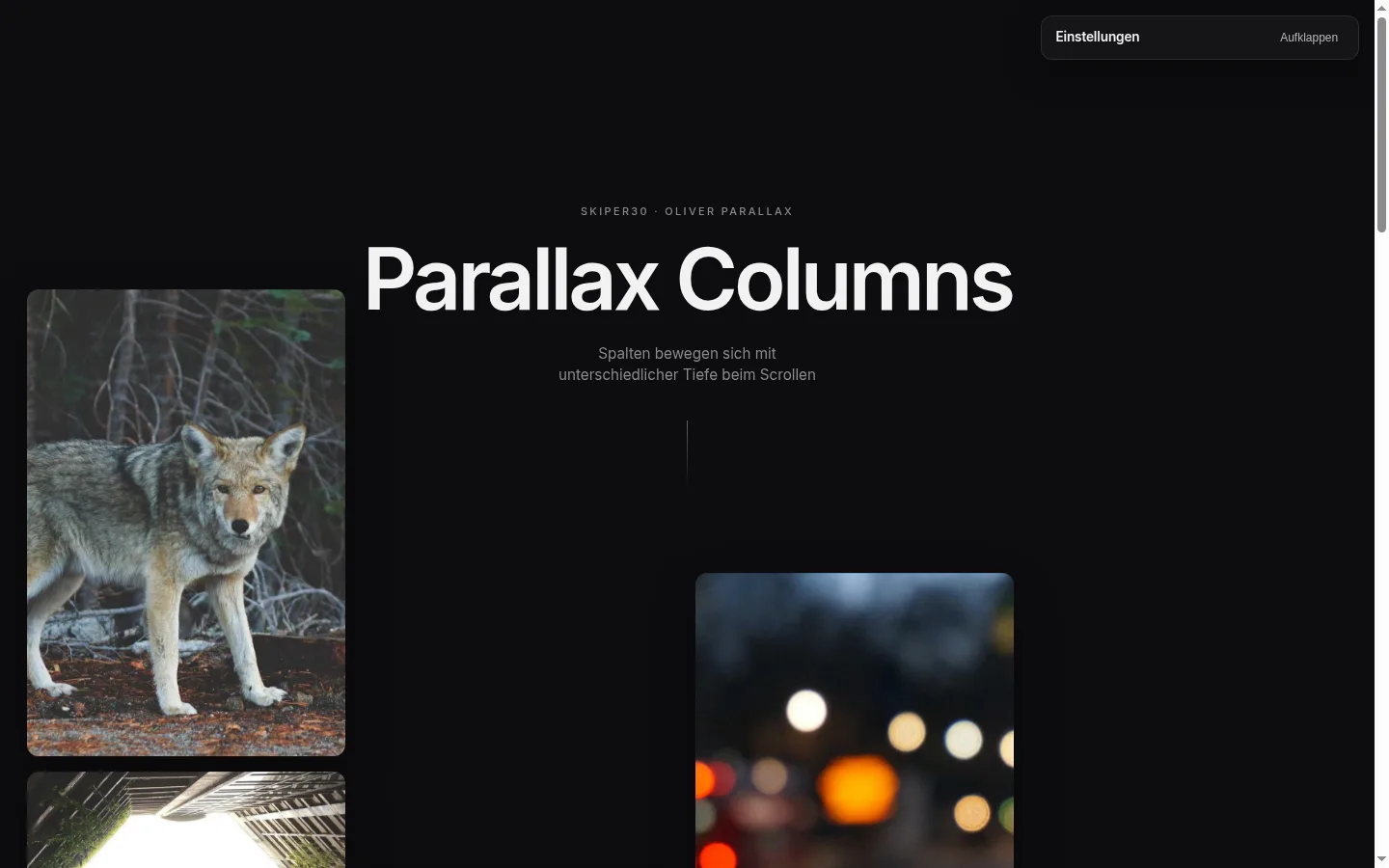
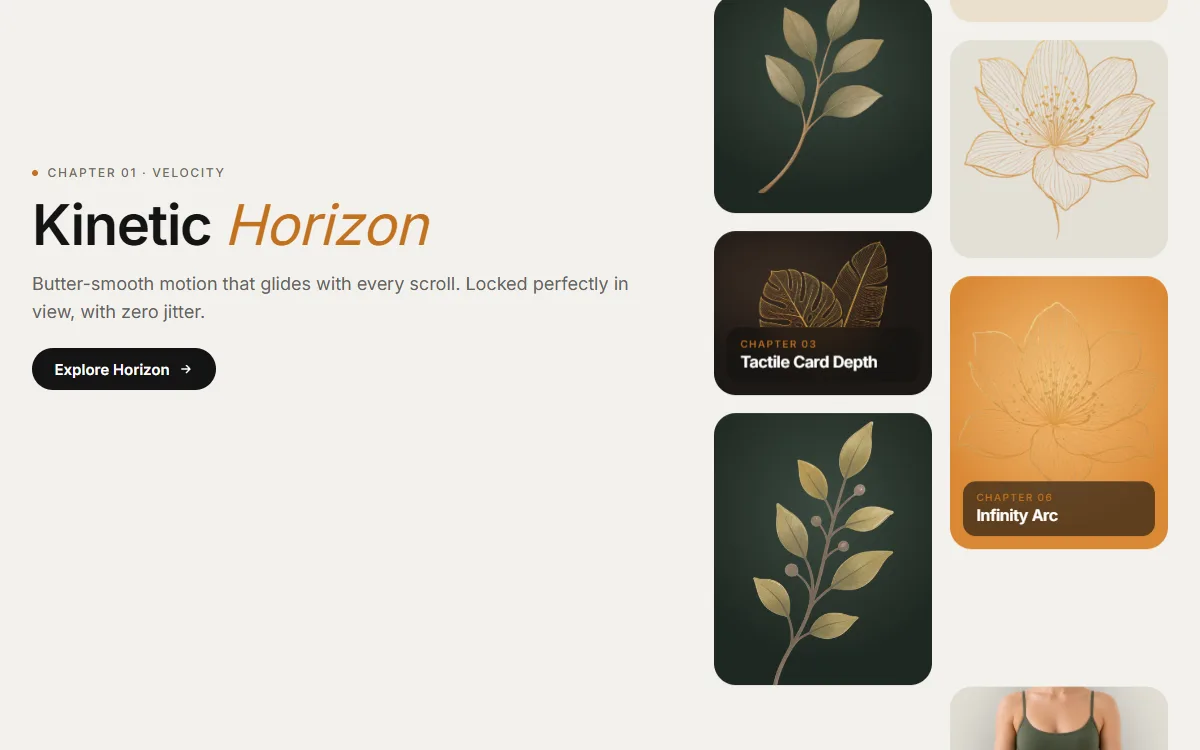
Open live demoColumns move at different speeds, and a tap opens the large view.
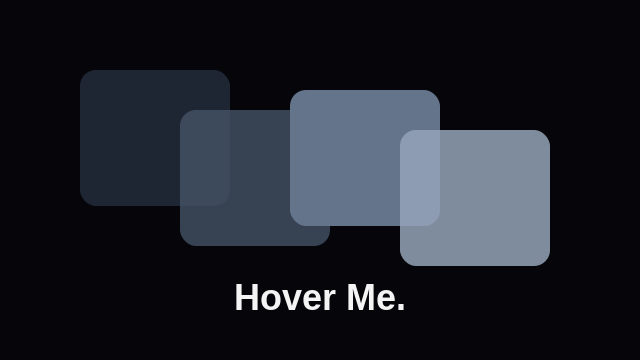
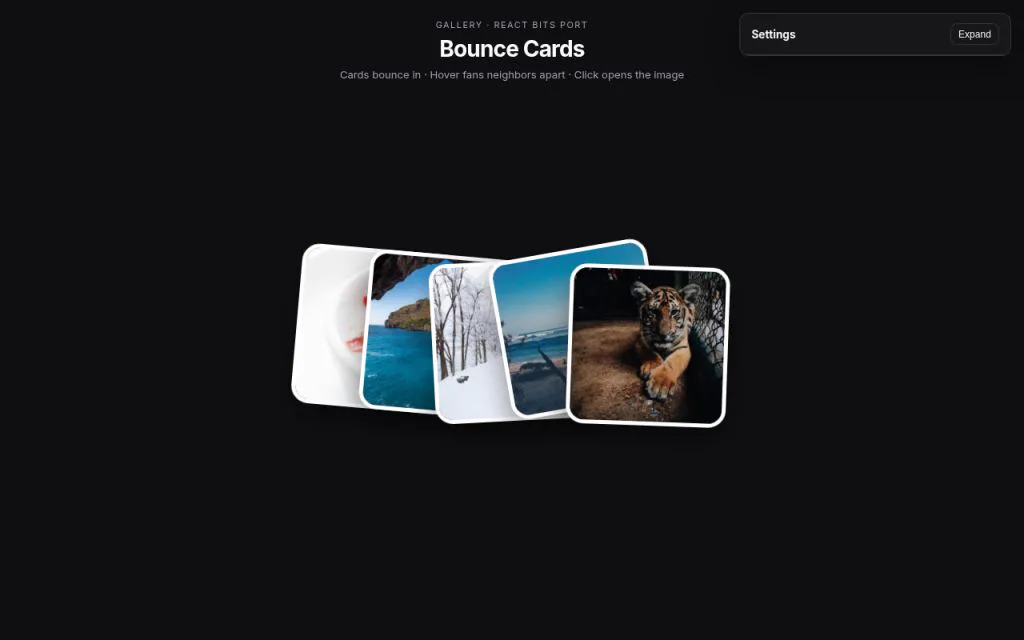
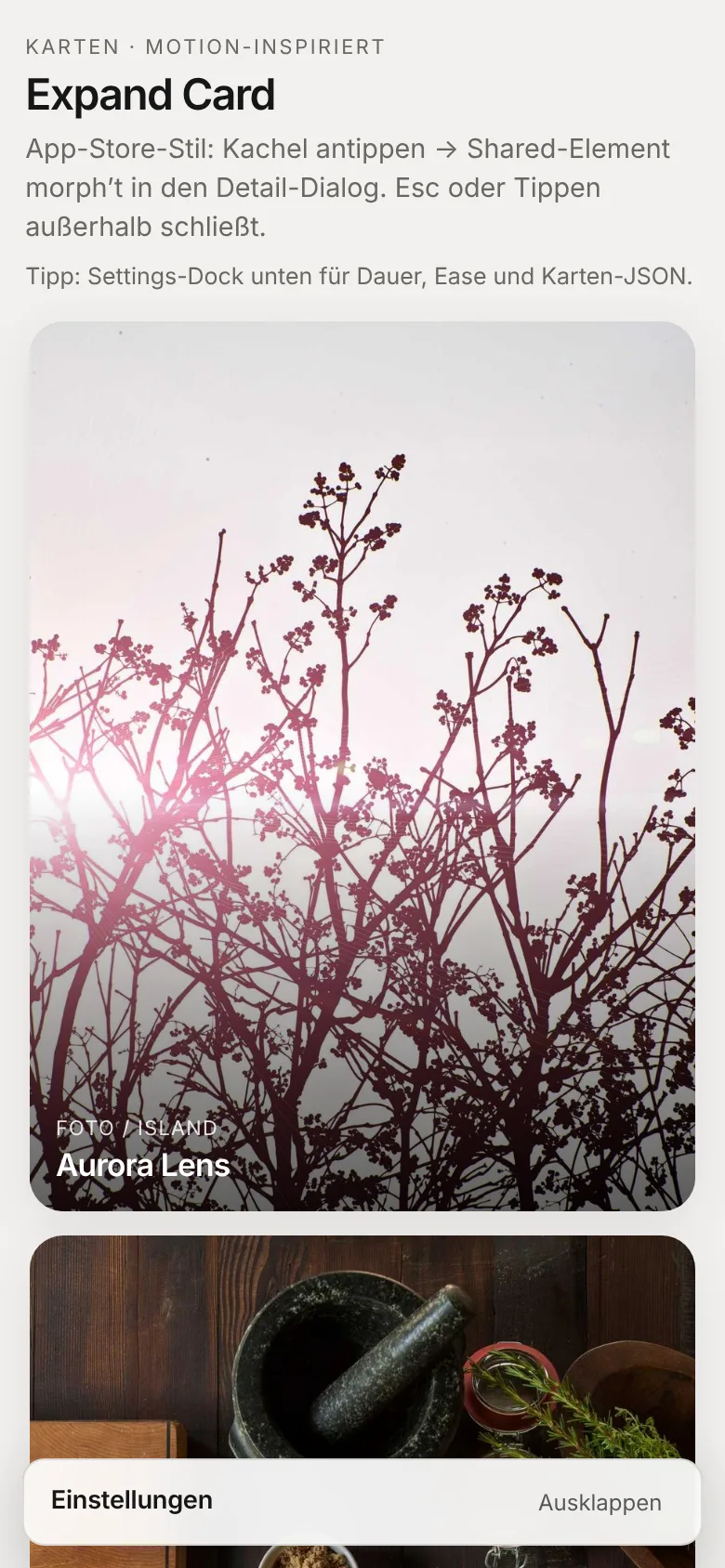
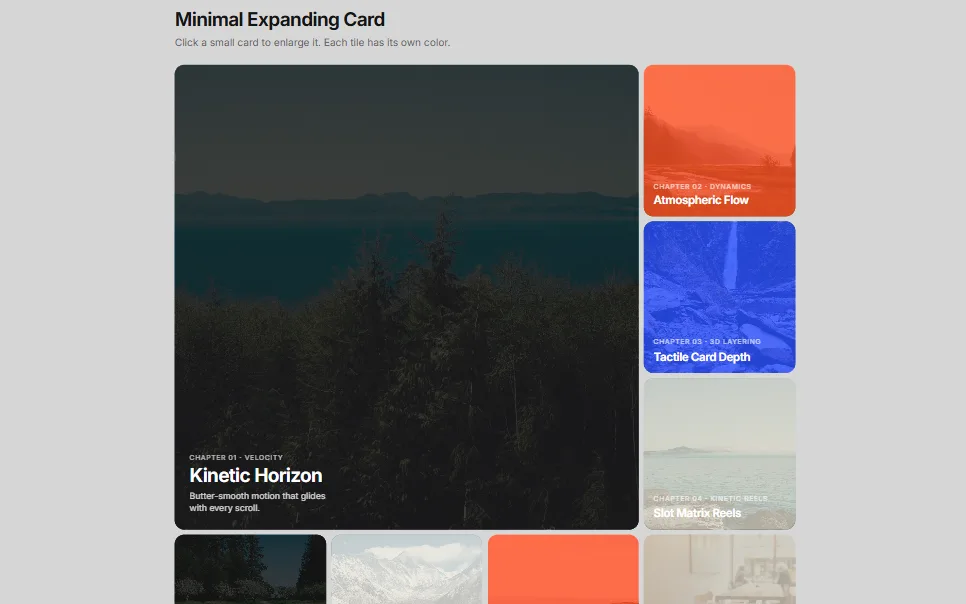
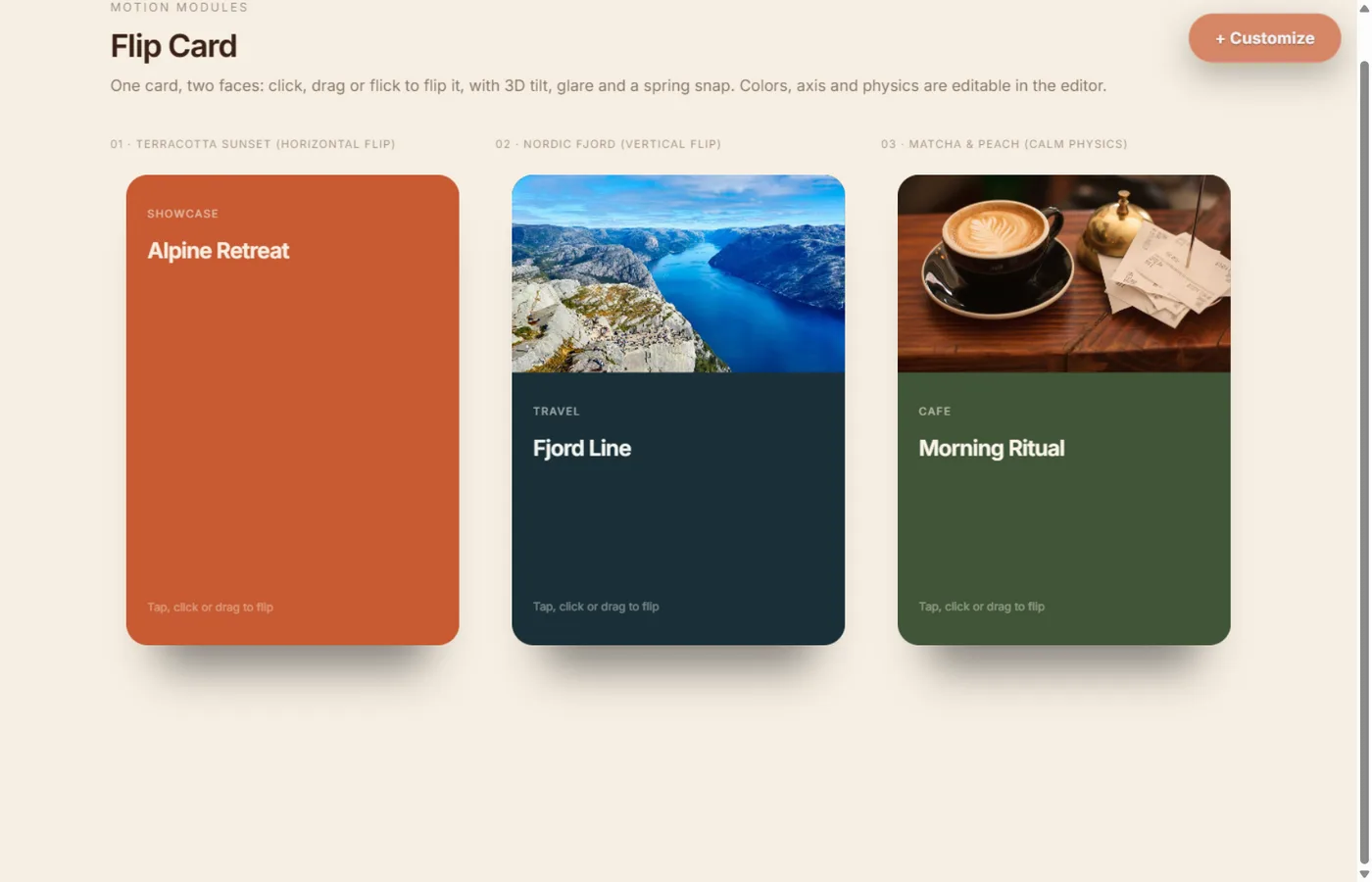
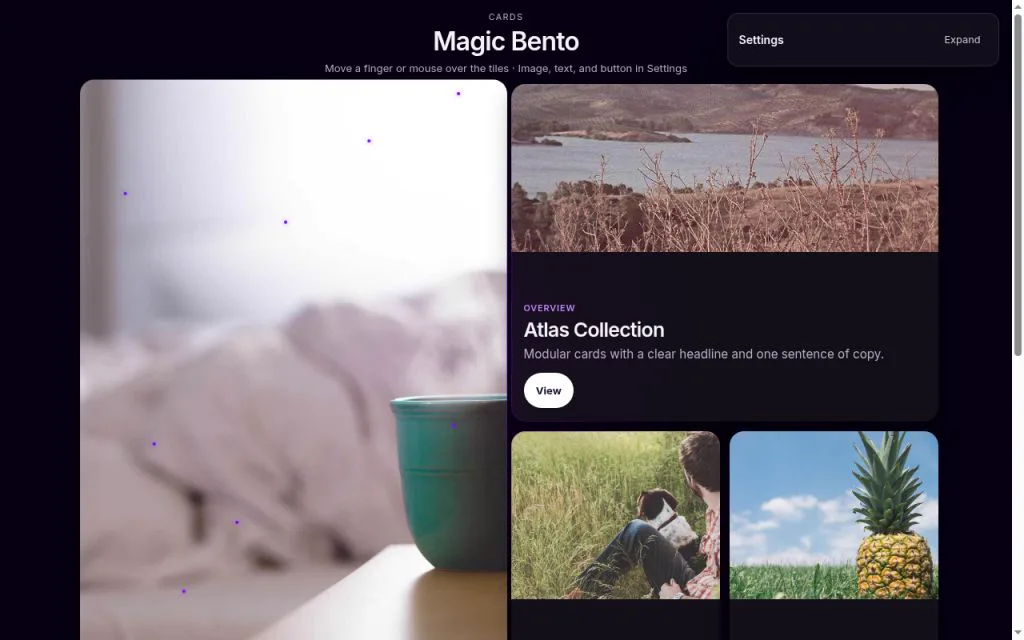
Open live demoCards that flip, stack, expand or react to the pointer, plus a bento grid module for features and services inside any Beaver Builder column.
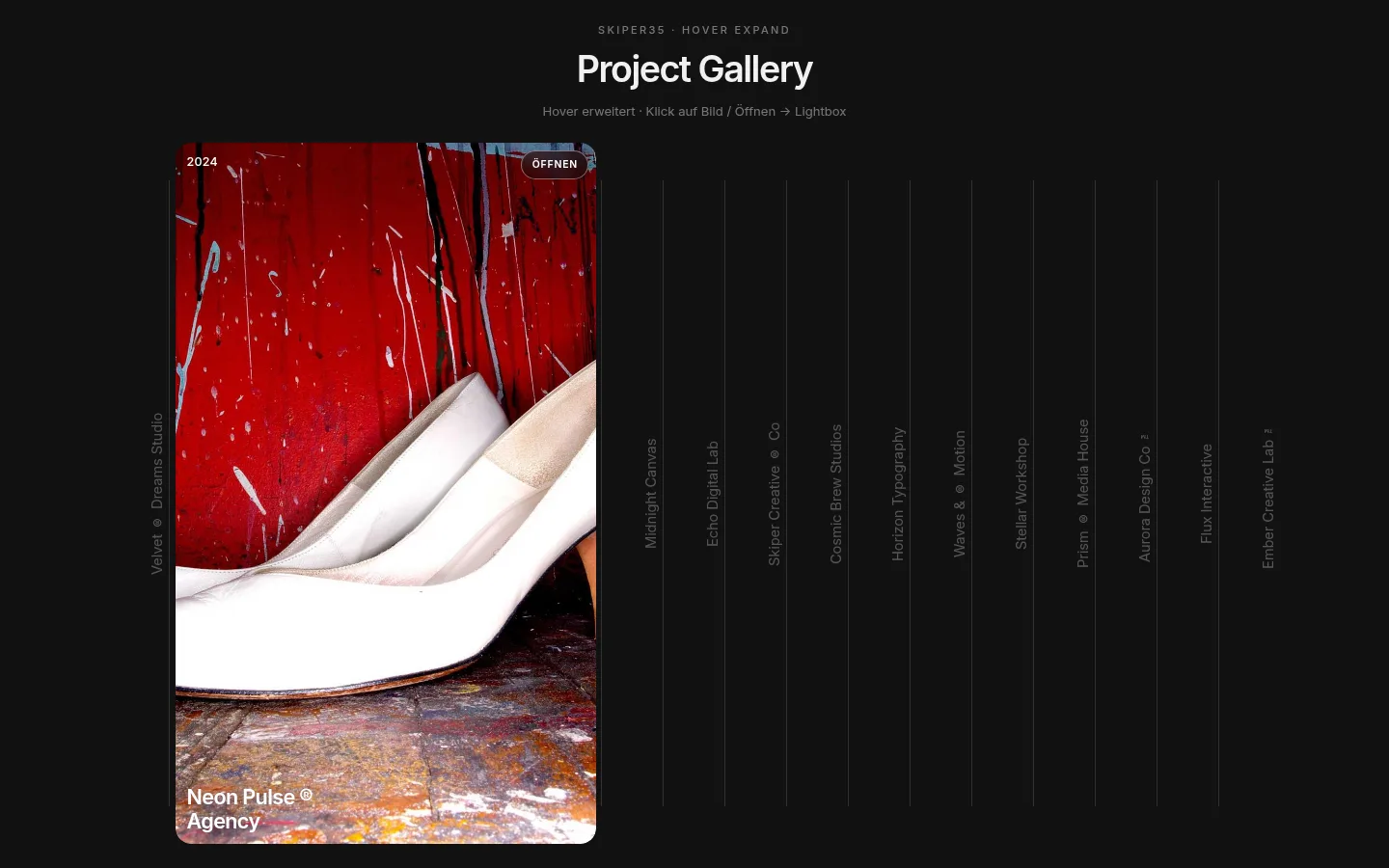
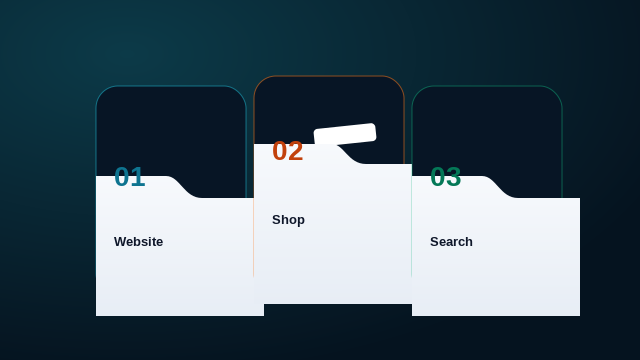
In the library ↗Service folders open on hover. A click can follow a link or open the detail.
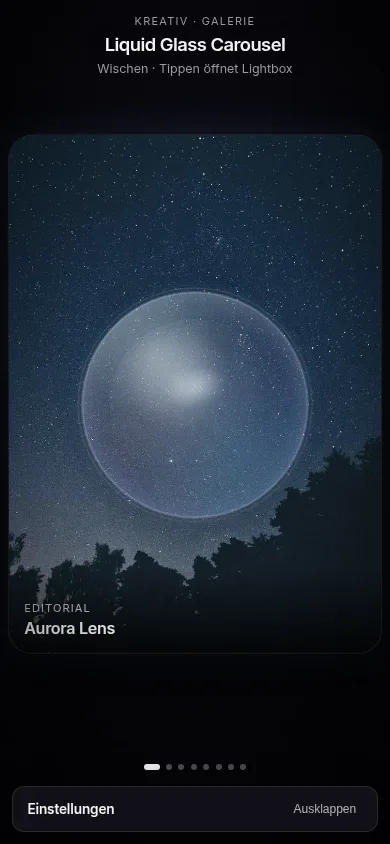
Open live demoCarousels with real depth: perspective rings, swipe stacks and clip wipes that feel natural with a mouse and with touch.
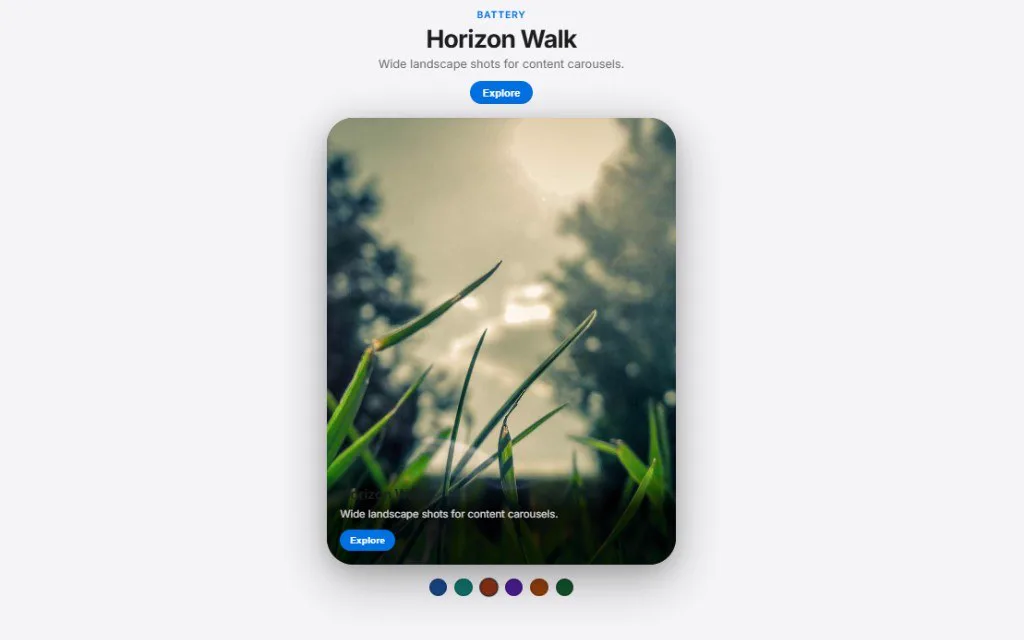
In the library ↗Slides advance on their own, with a progress bar on the active one.
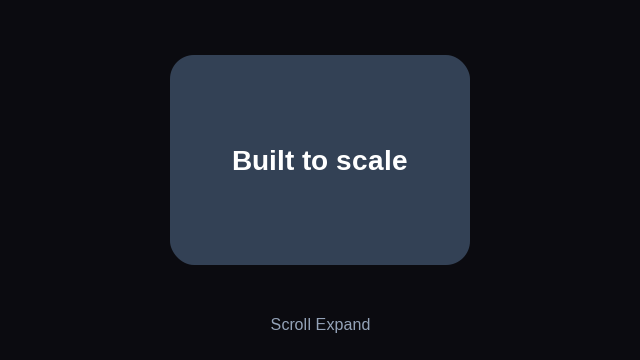
Open live demoRows that pin while the content travels sideways, so a long story fits into one scroll. This is motion Beaver Builder does not ship on its own.
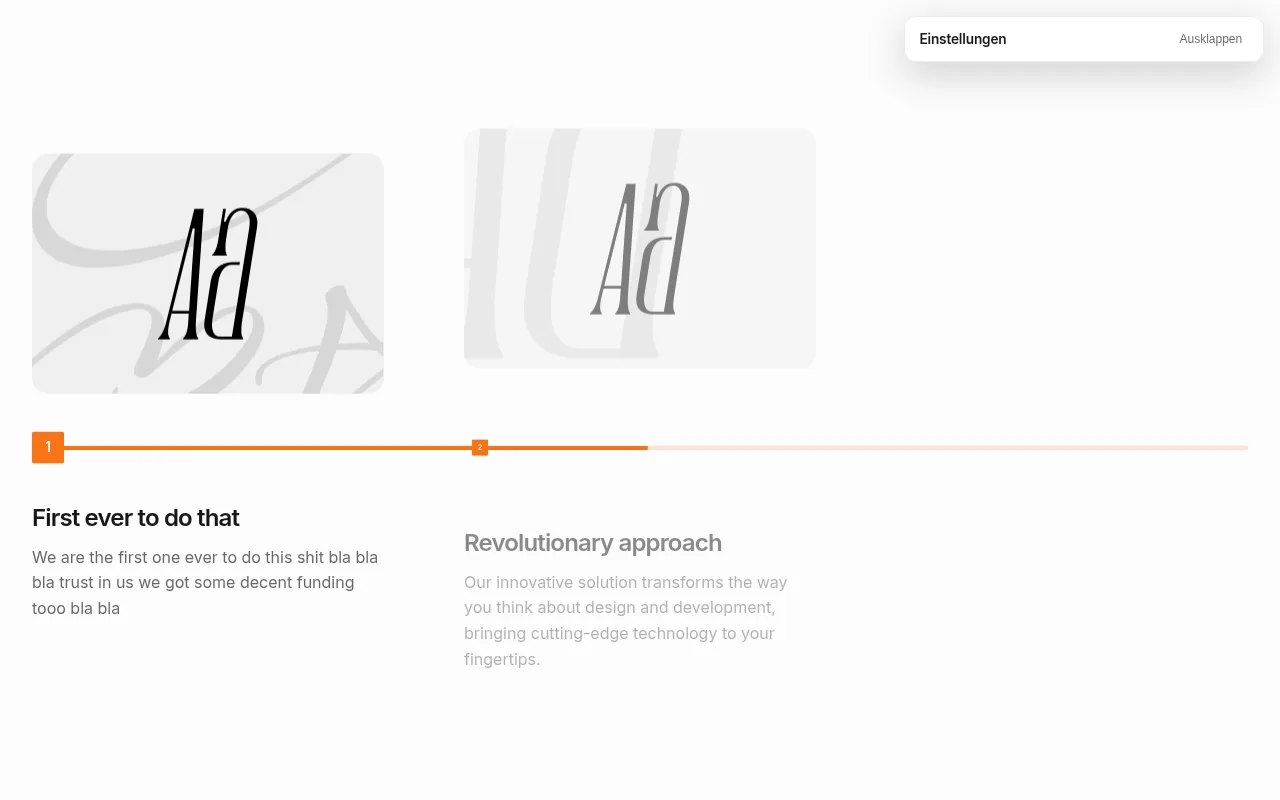
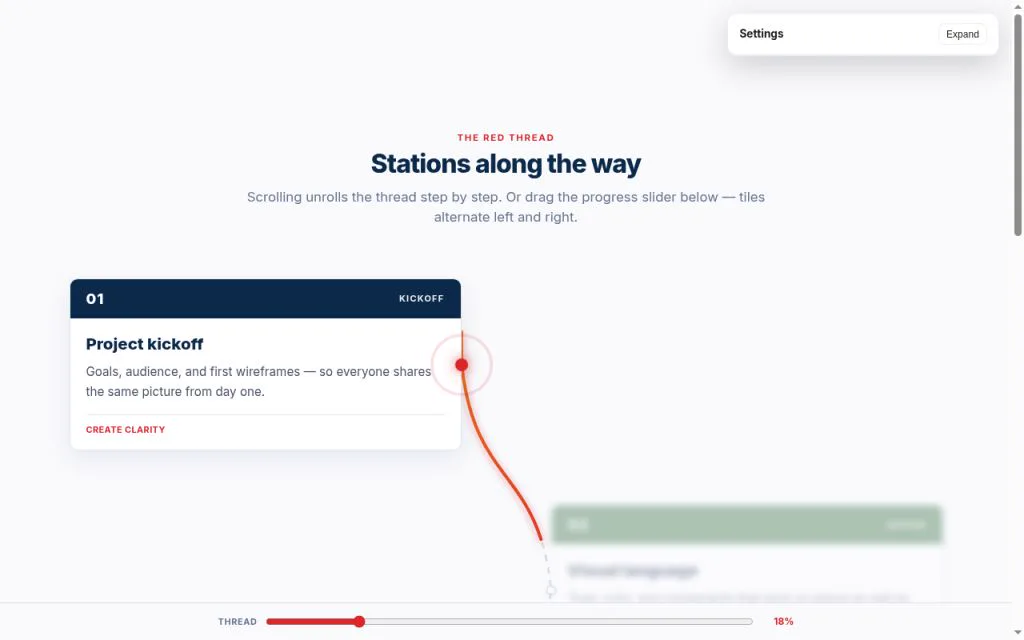
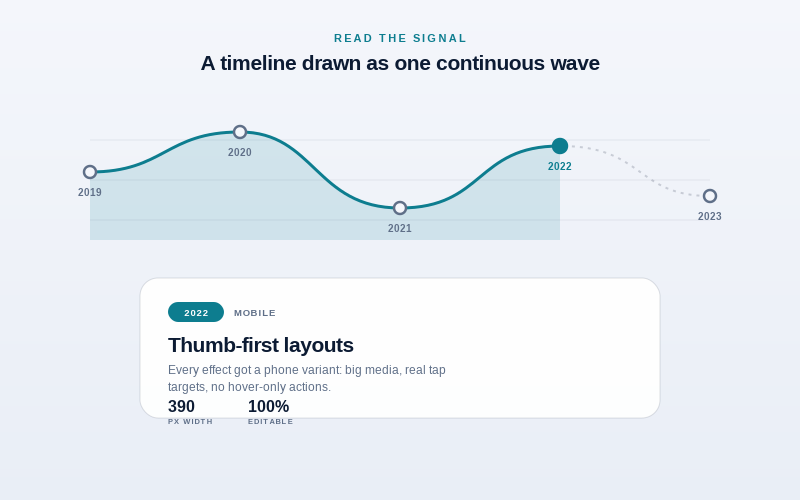
In the library ↗Milestones, company history and process steps that reveal themselves while visitors read, without stacking columns by hand.
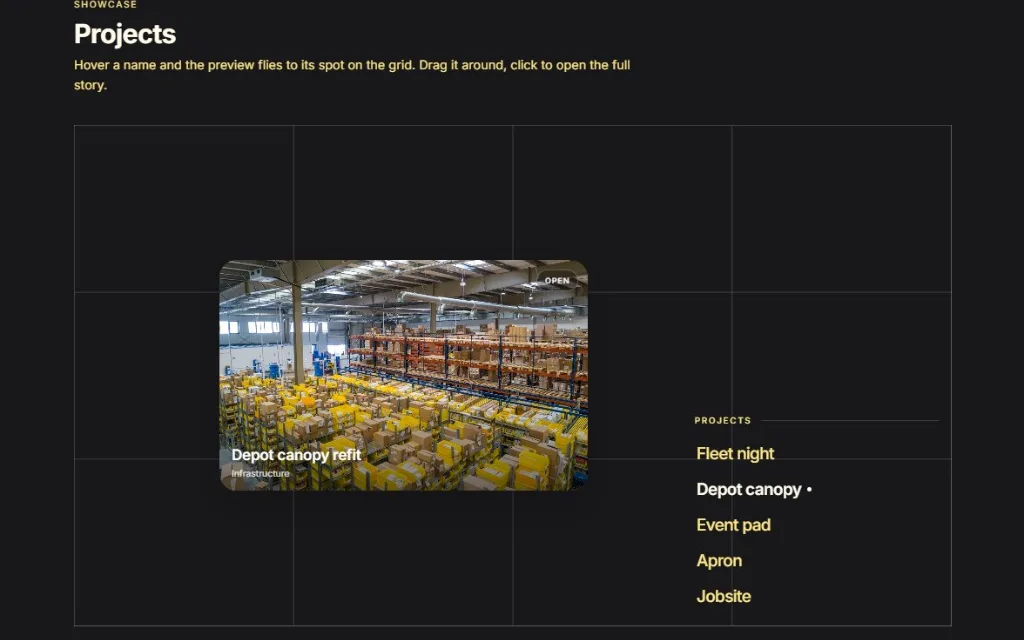
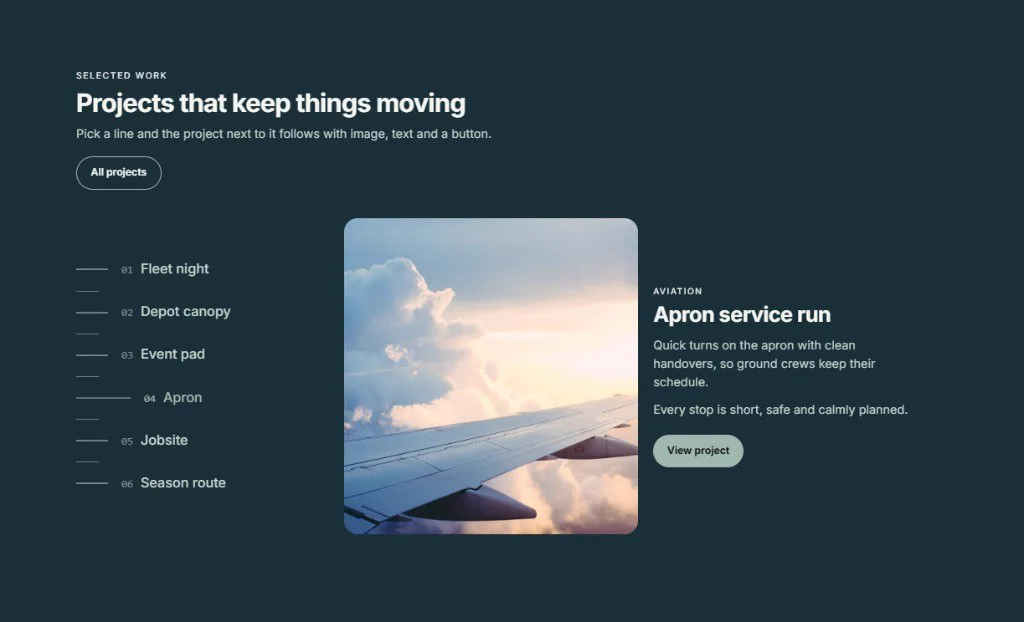
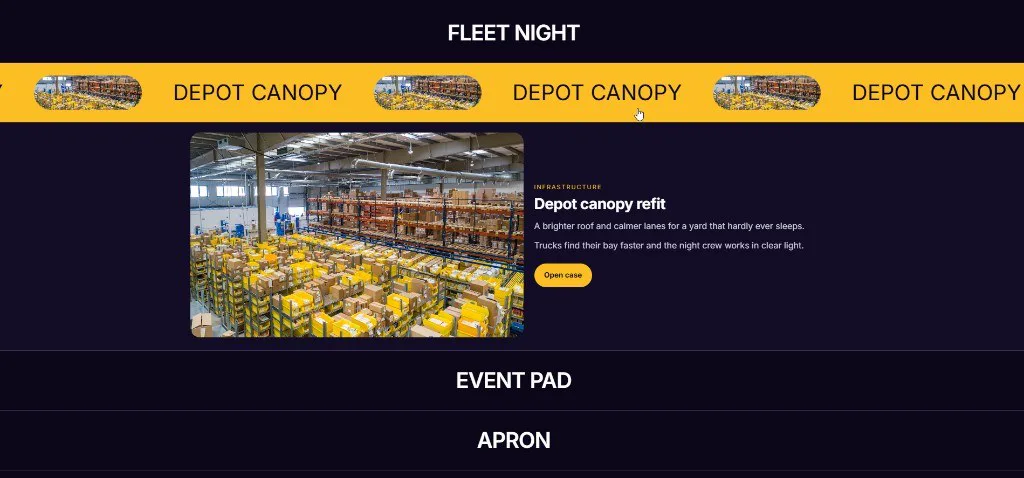
In the library ↗Project showcases and content tabs with motion between the selected panels, for agencies and studios that build with Beaver Builder.
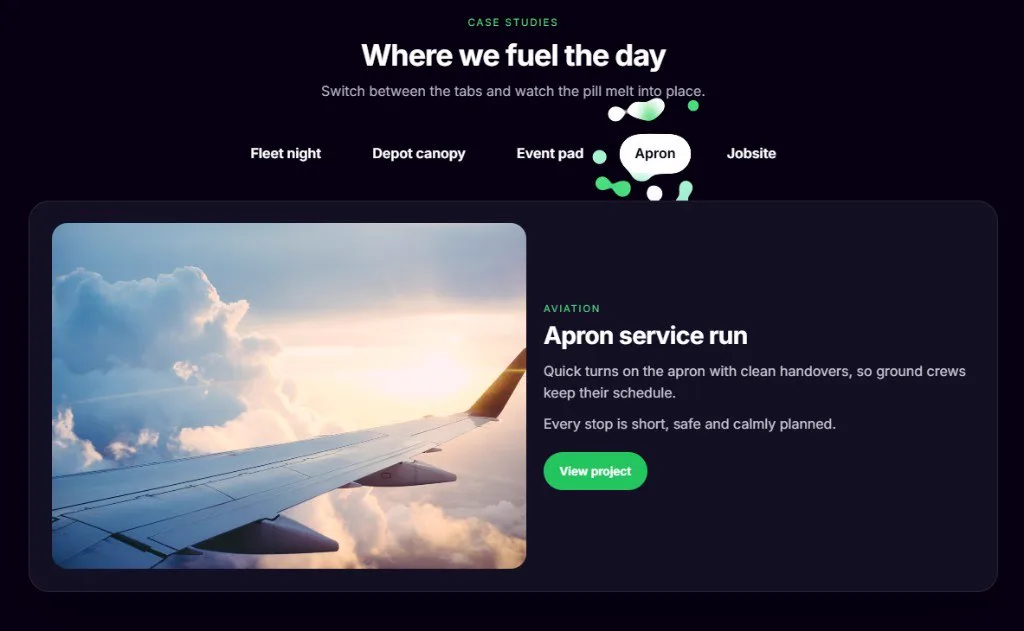
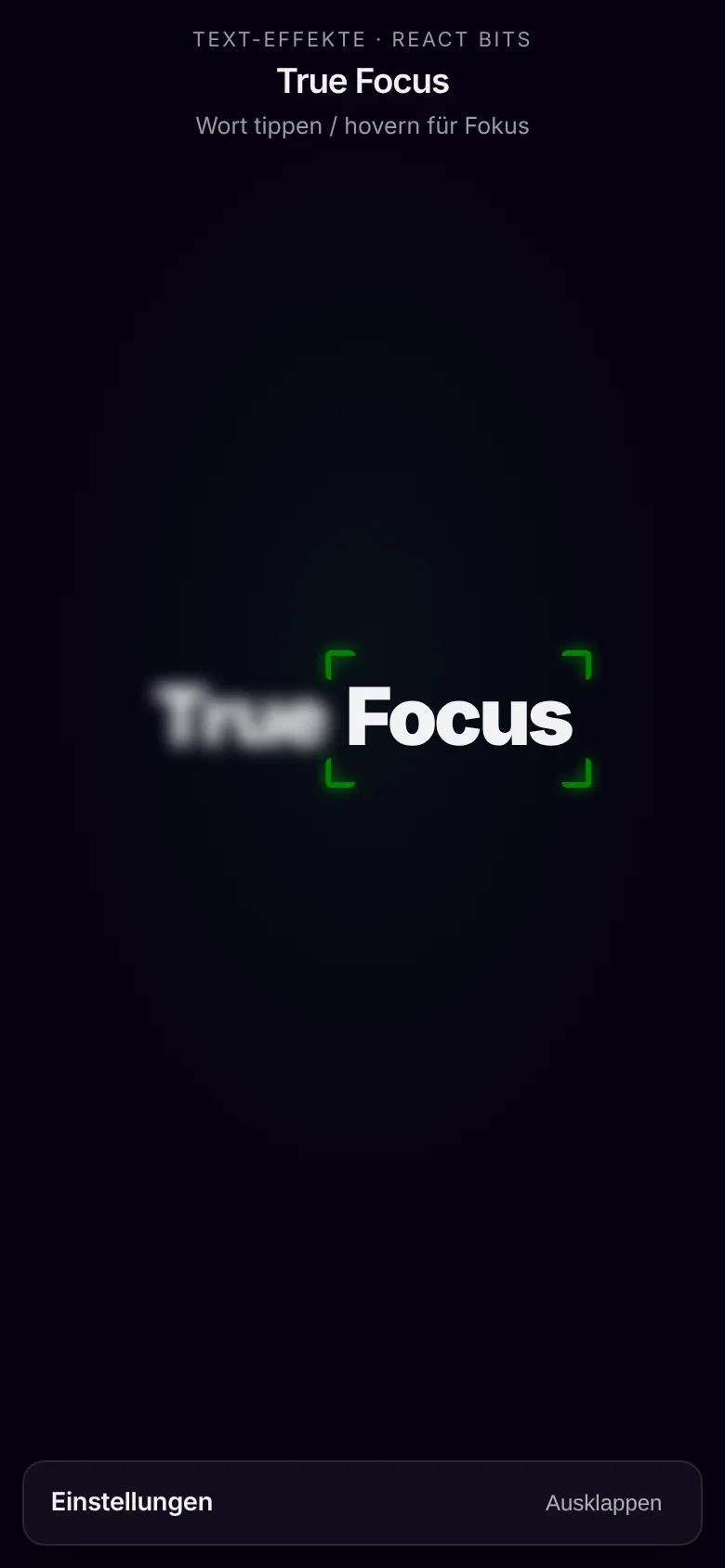
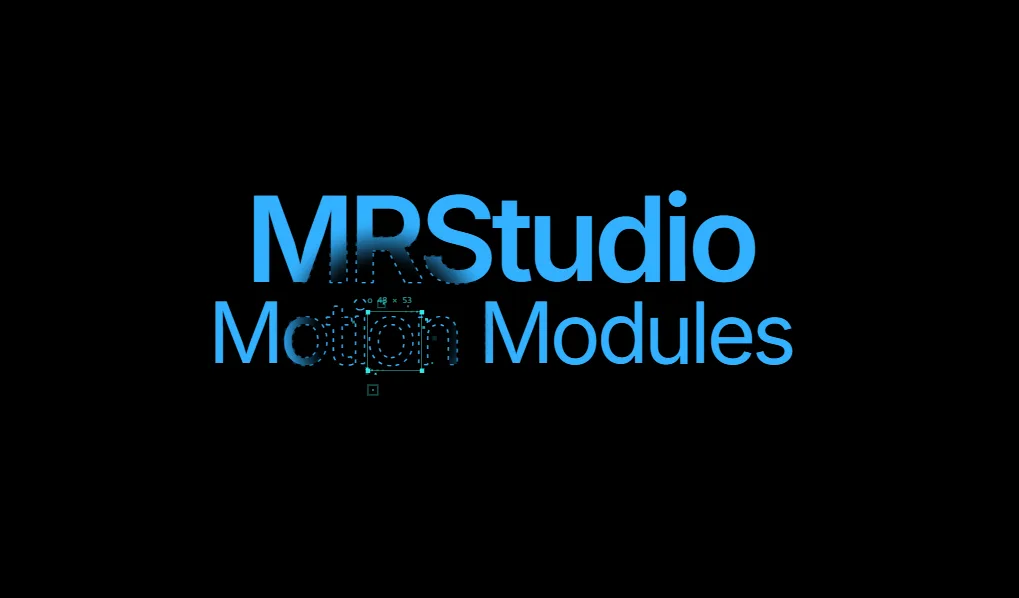
In the library ↗Headings and phrases that type, focus or react to the pointer and stay real, searchable text.
In the library ↗A call to action button with a liquid hover effect that stays readable and accessible.
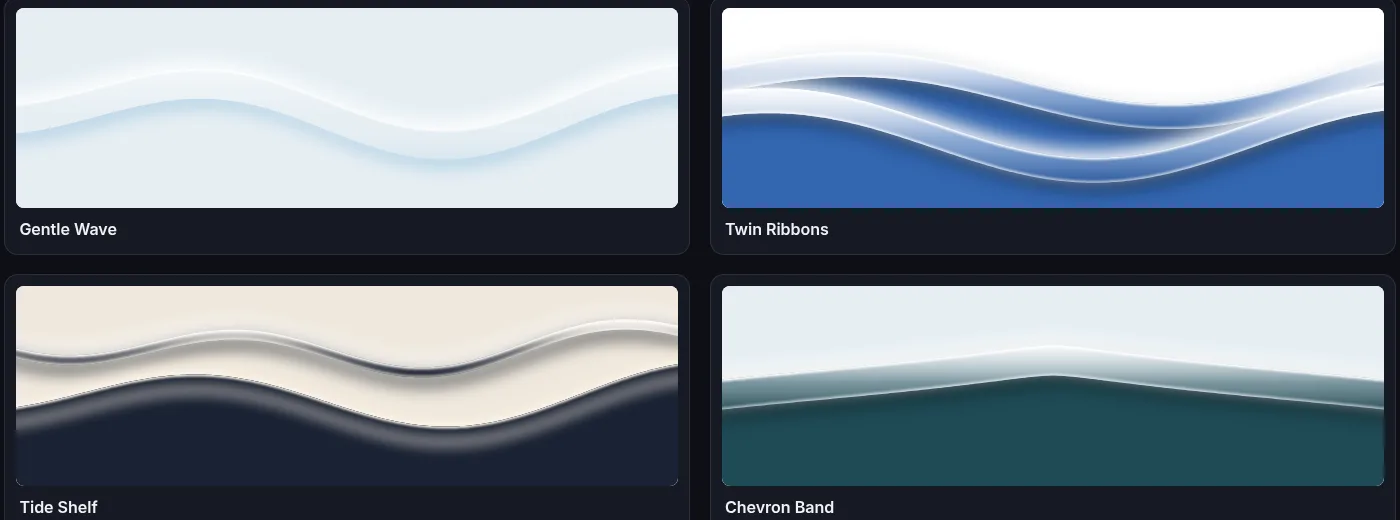
In the library ↗Animated waves and soft relief bands that connect two Beaver Builder rows.
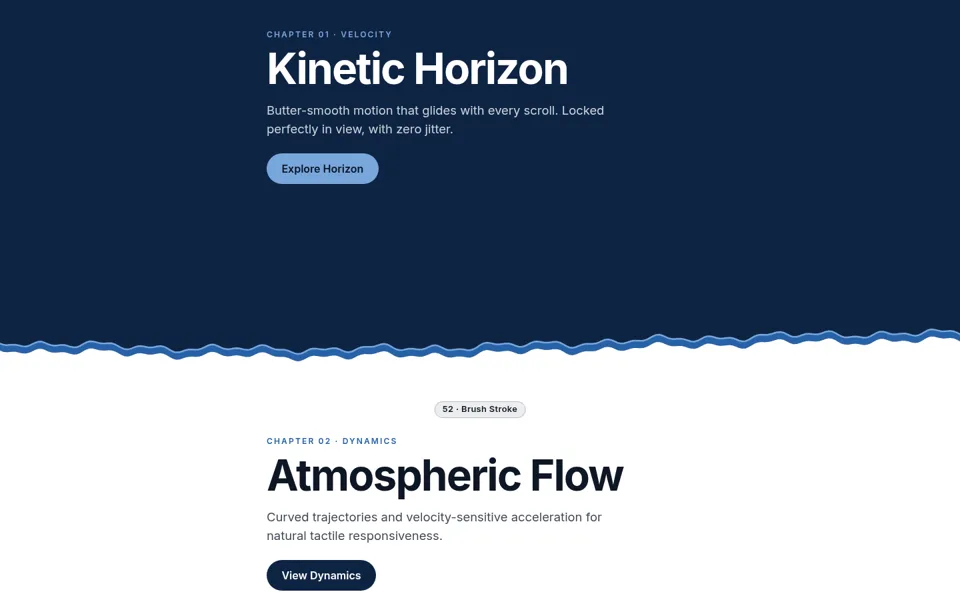
In the library ↗Animated dividers between two sections, from soft waves to painted edges.
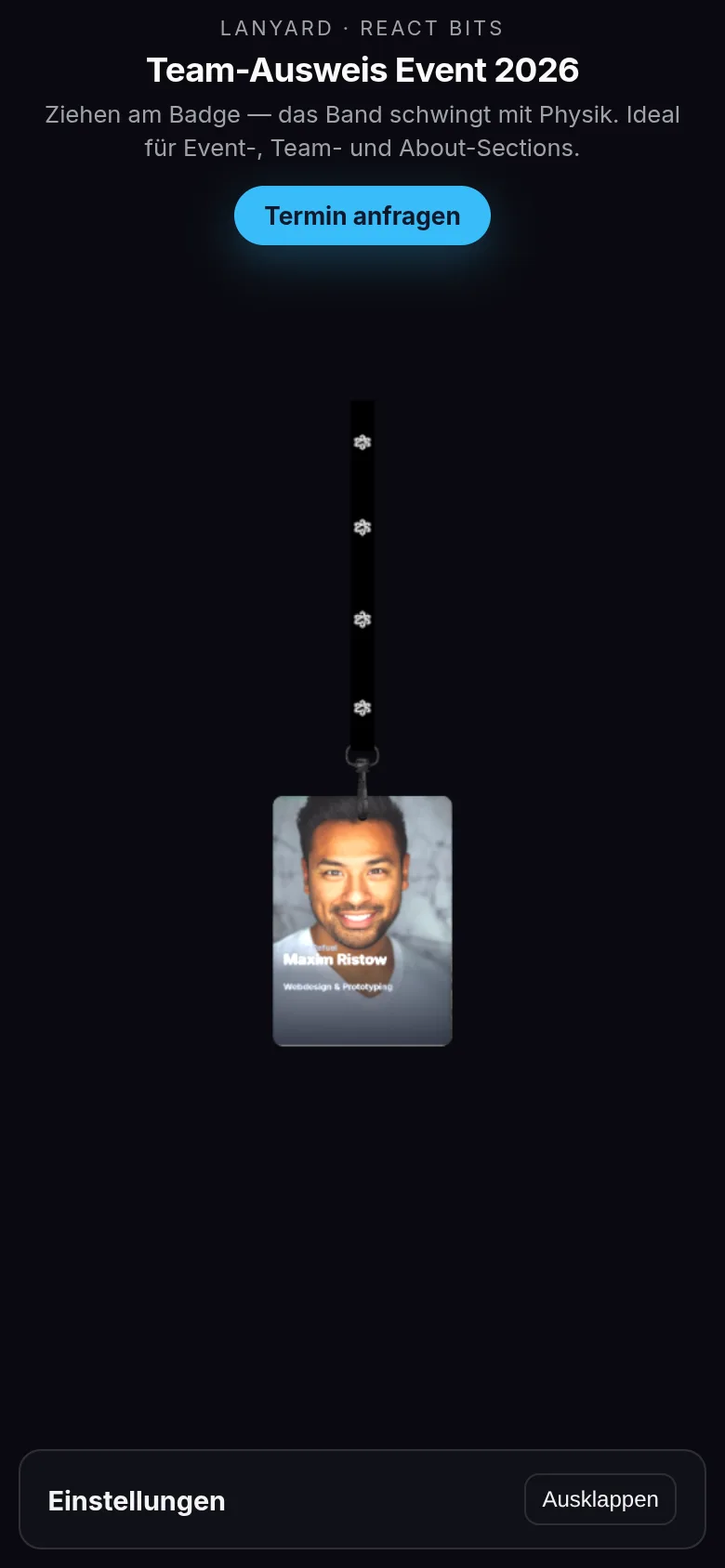
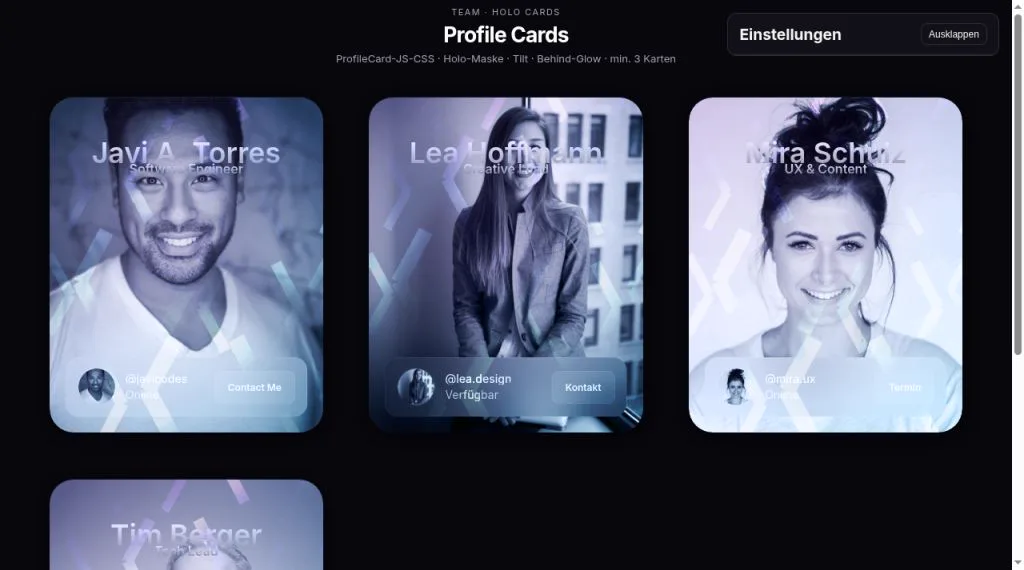
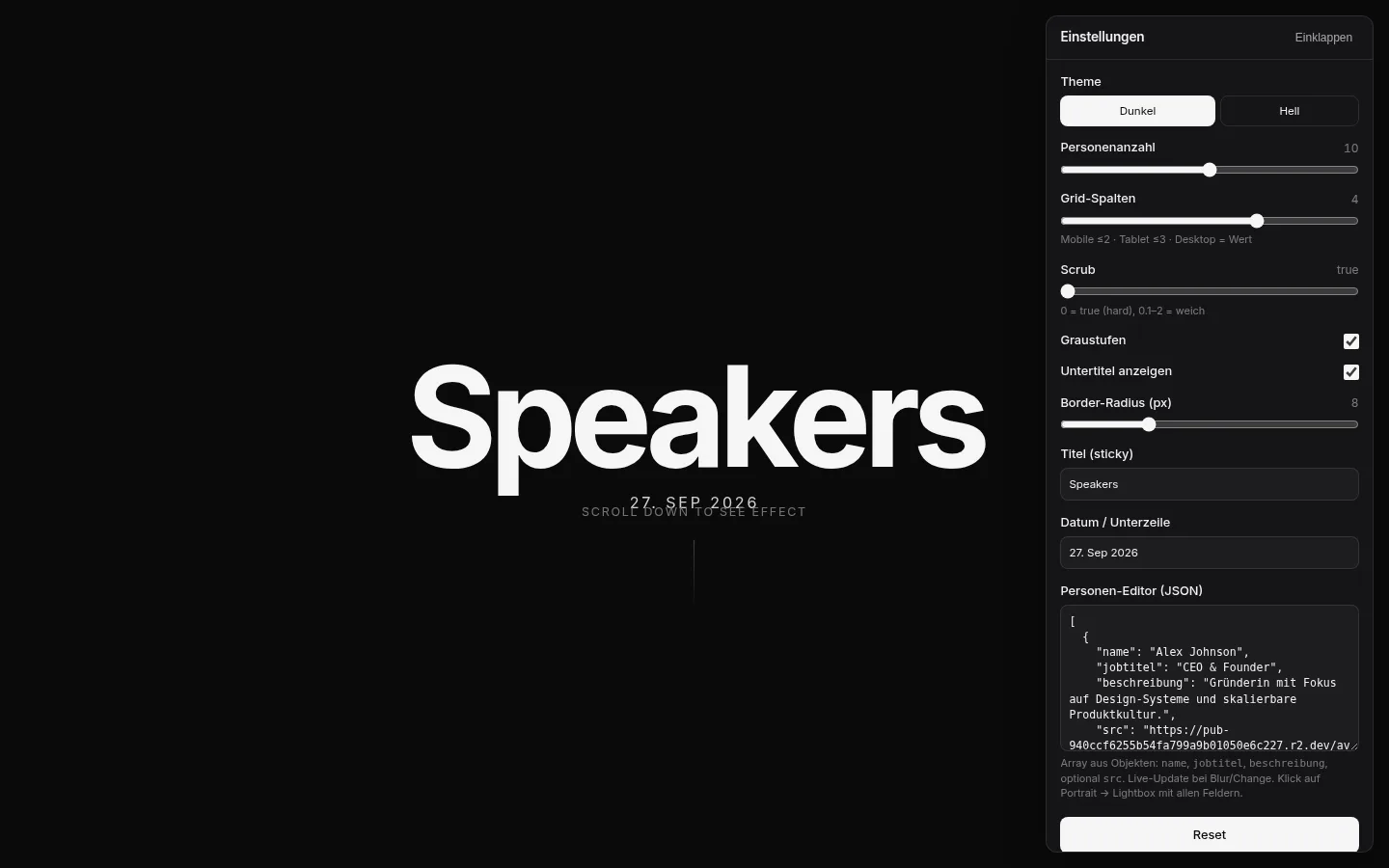
Open live demoA hanging 3D badge, holographic profile cards, a scrolling portrait wall or a spotlight grid. Members are a real repeater in the module settings, so names, roles and photos stay easy to edit.
In the library ↗Team badges hang on a strap in 3D. Drag one to swing it, tap it to flip to the back with contact details.
Open live demoHolographic profile cards where light and glare follow the pointer, with name, role and a contact button.
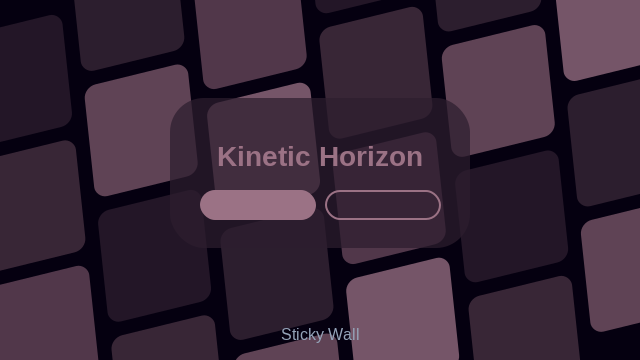
Open live demoA portrait wall for your team page. The portraits move in while the page scrolls and a large title stays pinned.
Open live demoA team grid that stays grey outside a spotlight. The light follows the pointer and brings the colors back.
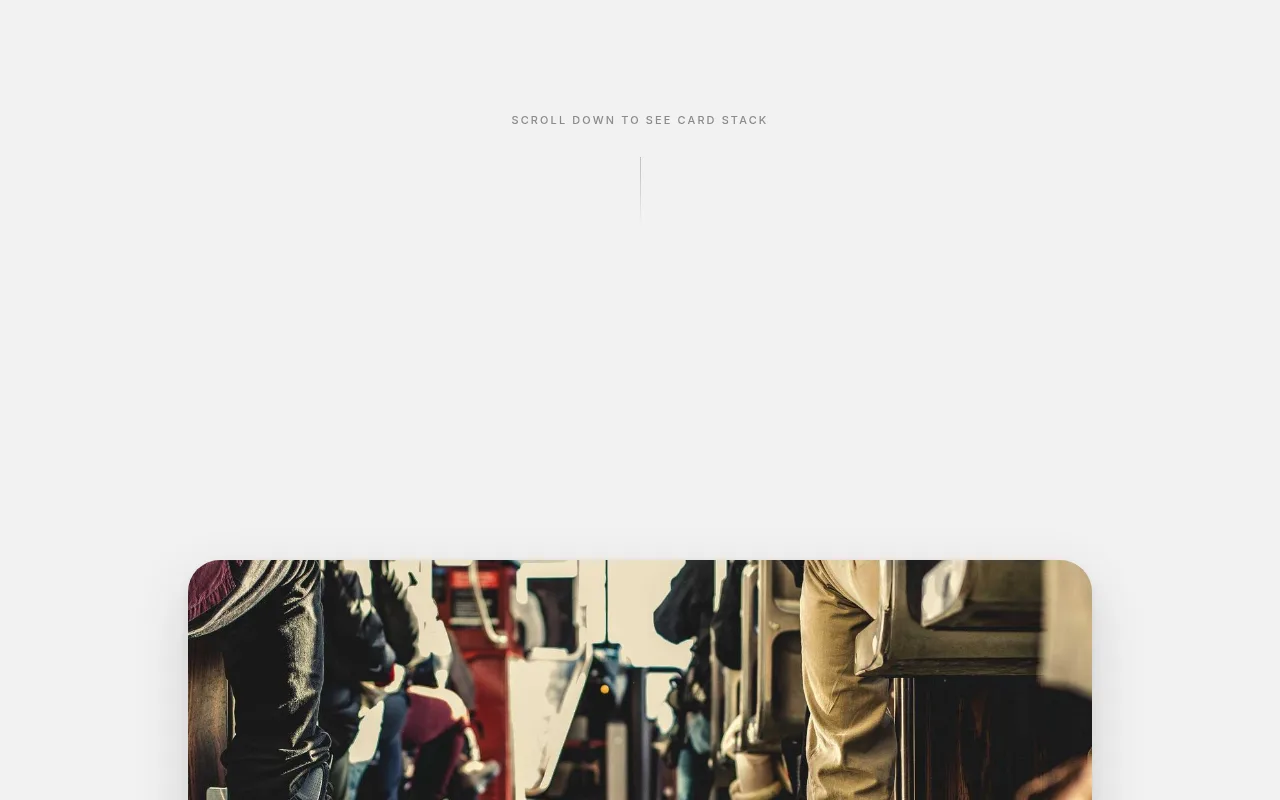
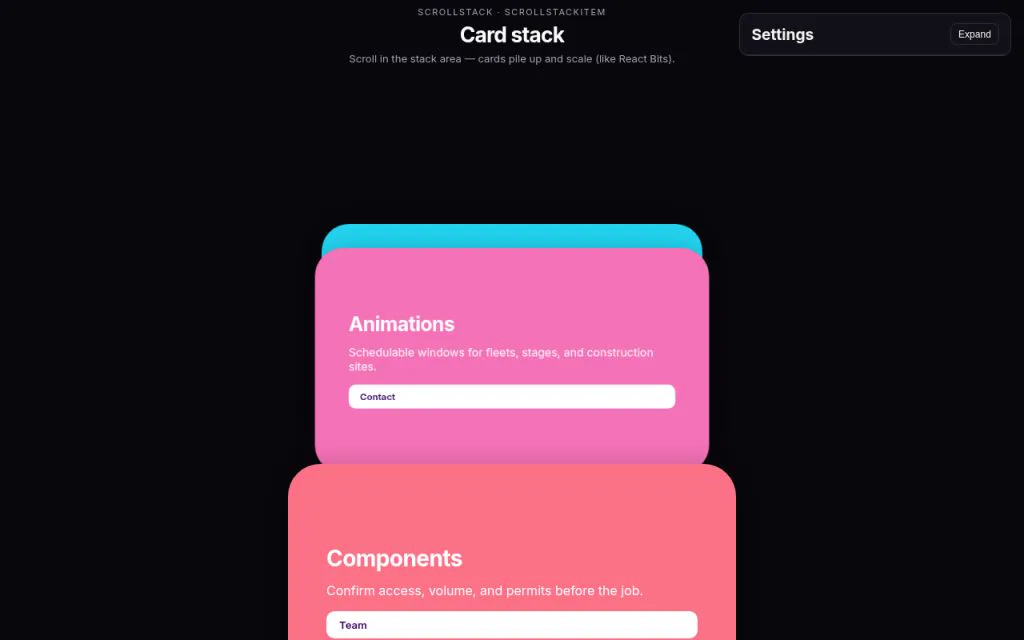
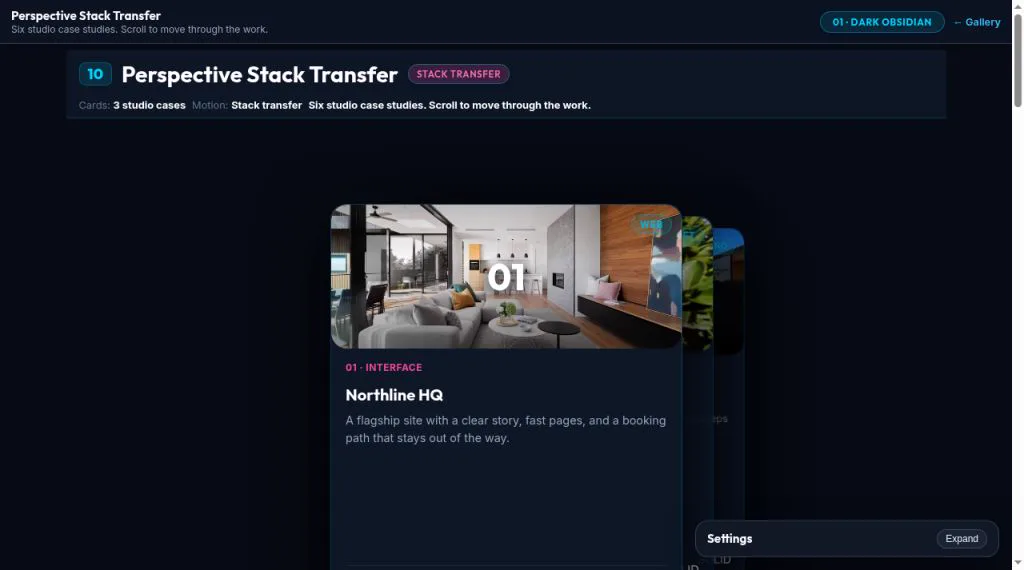
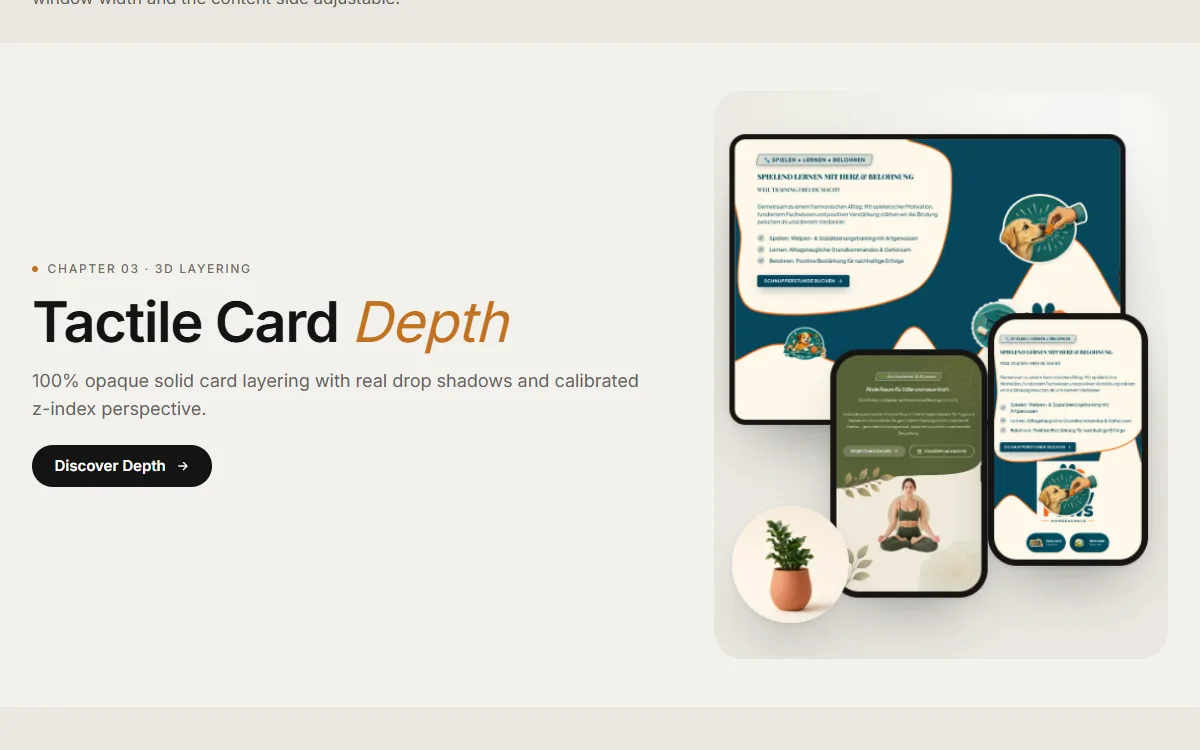
Open live demoLayered 3D card stacks, full-bleed depth planes, staggered gallery columns and pinned curtain reveals. Runs with Beaver Builder Lite and self-hosted GSAP ScrollTrigger.
WordPress parallax guide ↗Full-bleed scenic depth planes glide at calibrated speeds behind headline copy.
Open live demoThree visual columns travel at staggered speeds for editorial showcases.
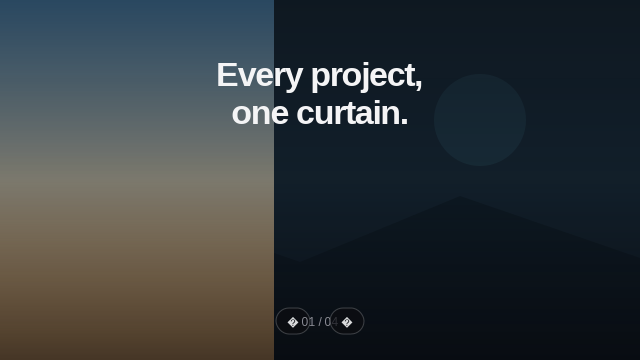
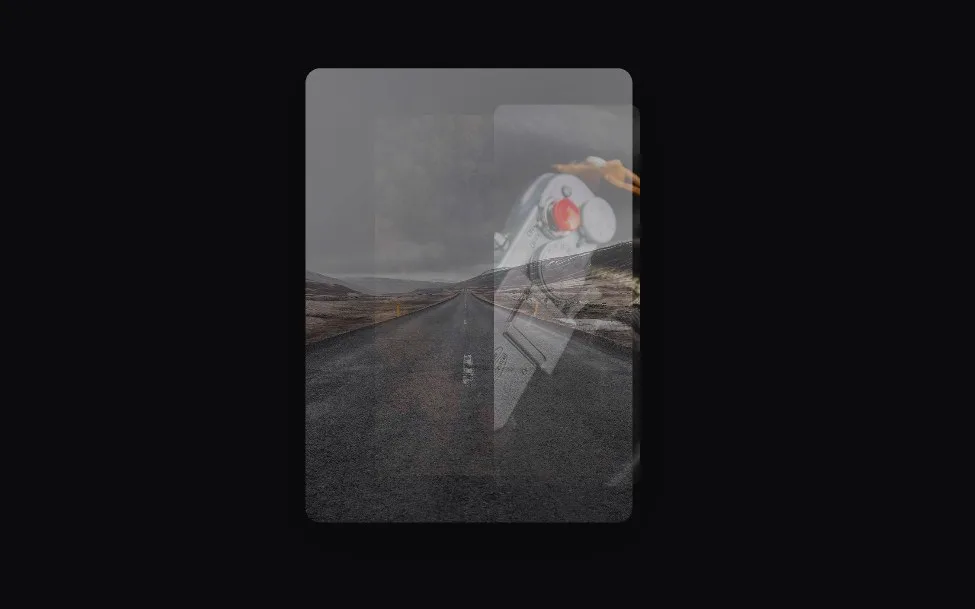
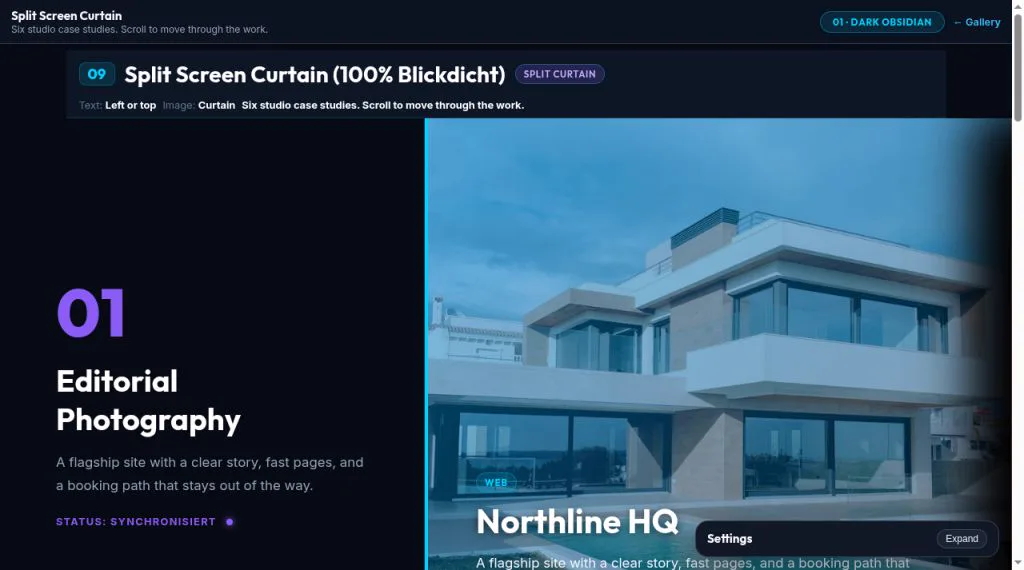
Open live demoA pinned shutter opens on scroll to reveal a centered subject and floating side cards.
Open live demoDedicated FAQ and story accordions with clean transitions and responsive layouts. Items are editable right in the module settings.
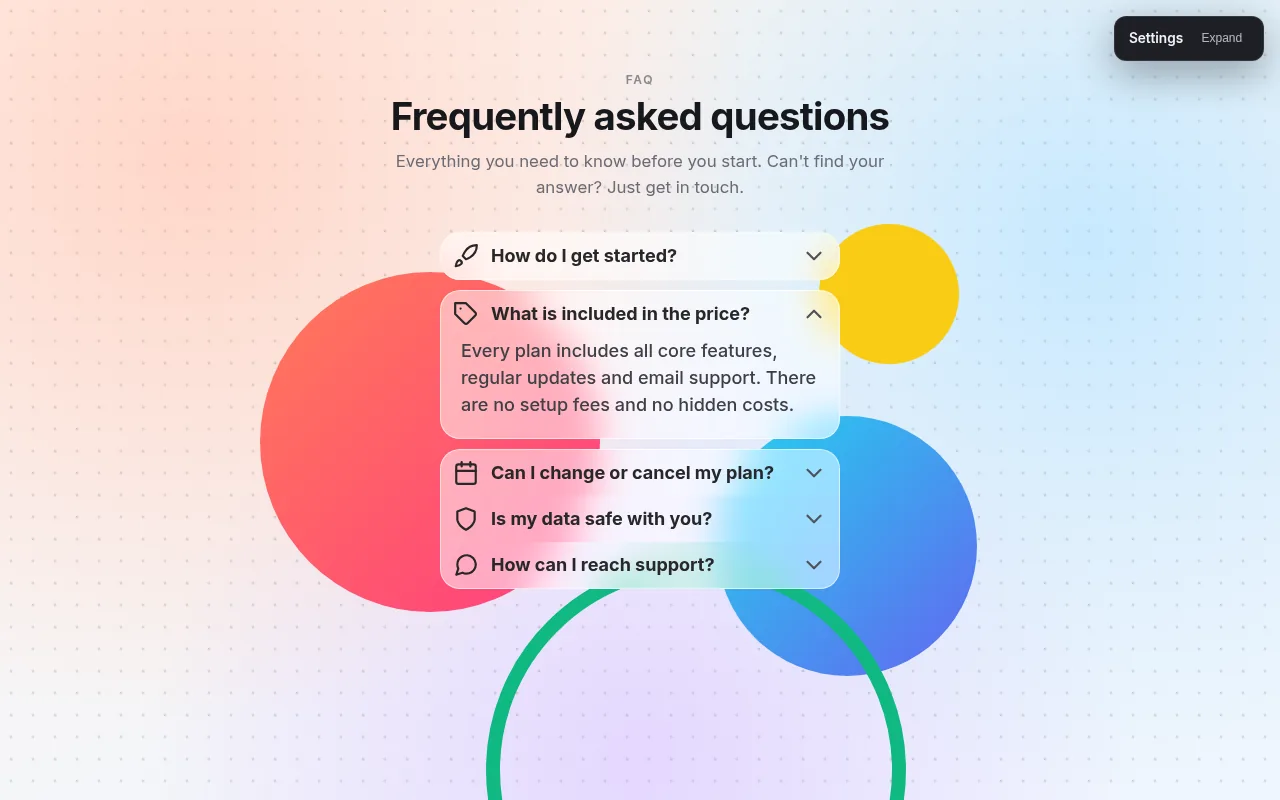
In the library ↗An FAQ accordion that cleanly separates the active card from the closed stack with smooth motion.
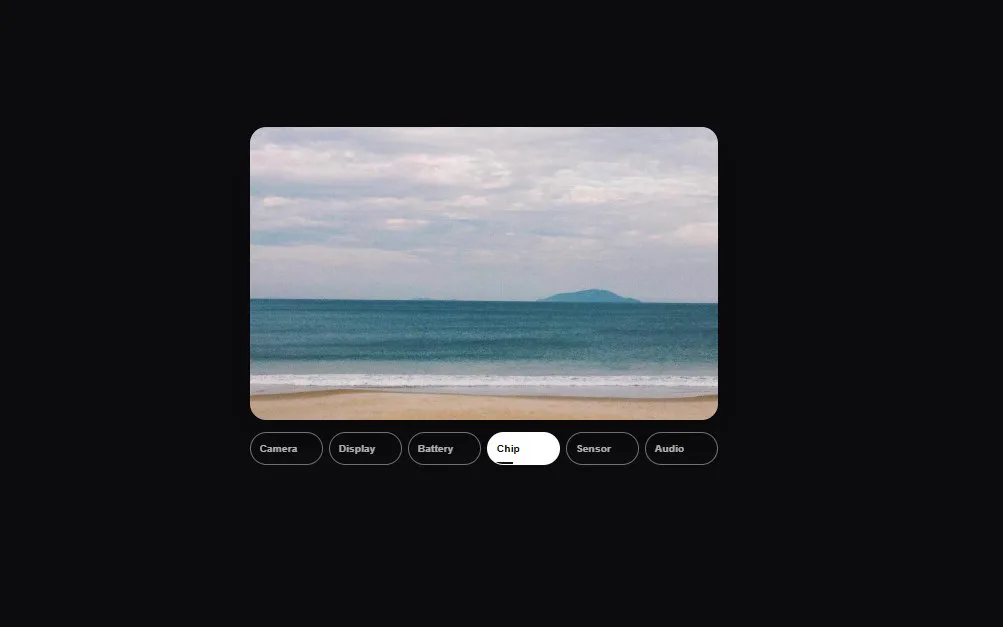
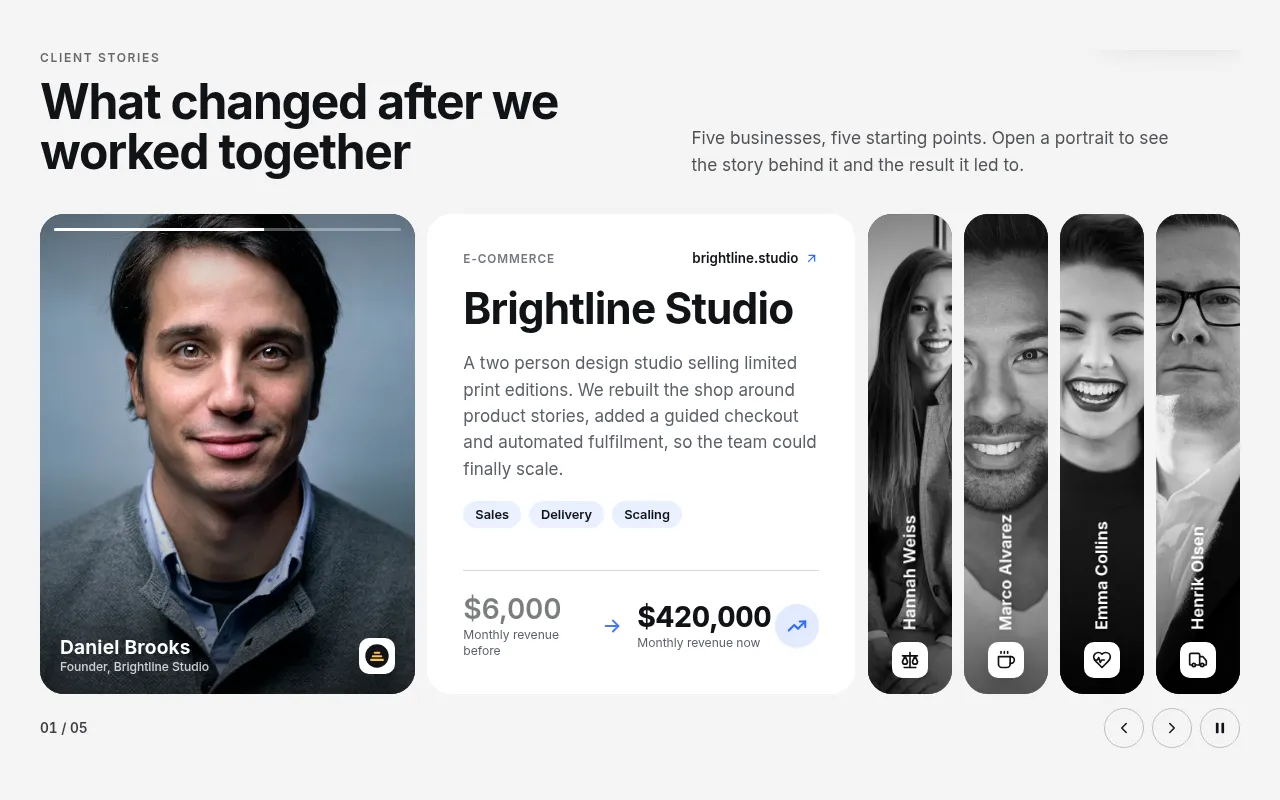
Open live demoInteractive portrait strips expand on click to reveal a full story card alongside each visual.
Open live demoThree simple steps from the demo to a live row on your Beaver Builder site. Beaver Builder was the first builder I built Motion Modules for, and I test every module in it before it is released.
Choose it in the Motion Modules Library, complete with a live preview on desktop and mobile.
Adjust copy, images, colors, timing and layout in the Motion Modules editor without writing a line of code.
On your first login the account asks for your builder. Choose Beaver Builder, download the Motion Modules for Beaver Builder plugin and activate it. Then drag the matching module onto your page, paste your design file into its Studio import field and save once. After that you keep editing in the normal module settings.
Works with Beaver Builder Lite. Every effect is its own native module with a full settings form and responsive settings. The plugin is completely independent and also runs with the free Lite version, just as it does with the free version of Elementor. You only need Beaver Builder and Motion Modules for Beaver Builder. The plugin needs WordPress 6.0 or newer and PHP 7.4.
Most Beaver Builder sites already run an addon pack such as PowerPack or Ultimate Addons for Beaver Builder. Those packs are great for forms, posts, pricing tables and info boxes. When people search for a Beaver Builder addon or Beaver Builder plugins today, they often want something different: a row that really moves, without writing a custom module in PHP. Before you install another plugin, I would check four things.
Some plugins hide their effects behind shortcodes, HTML modules or a template library. That works until a client wants to change a headline. Look for effects that appear as normal Beaver Builder modules, keep their settings in the module form and work with rows, columns and the responsive settings. Every Motion Modules effect is exactly that.
A demo always looks good with the vendor's photos. The question is what happens with your own images, your headline and your link. Every module comes with editable headings, text, images and buttons, and items you can add for slides, cards, members or timeline steps. You design them visually in the Motion Modules editor and fine tune them later in Beaver Builder.
Scroll animation that feels great with a mouse can break on touch screens. I build every module mobile first, check it at phone width before release and give pinned rows their own mobile behaviour. Ready made animated rows only save time if you do not have to rebuild them for the smaller breakpoint.
Animation should guide attention, not compete for it. A good pattern is one strong opening, for example an animated hero row, followed by one storytelling module such as a horizontal scroll or a timeline, while the rest of the page stays calm. The animation setting Beaver Builder gives every module is perfect for the quiet parts. Save the bigger modules for the moments that carry your message.
If you are unsure where to start, open three demos from different categories in the Motion Modules Library, replace the demo text with your own in the editor and compare them on your phone. The one you still like after five minutes is usually the right choice.
Beaver Builder is a stable, clean page builder. Here is what it already does well and where my modules add something new.
| Area | Beaver Builder built in | Motion Modules adds |
|---|---|---|
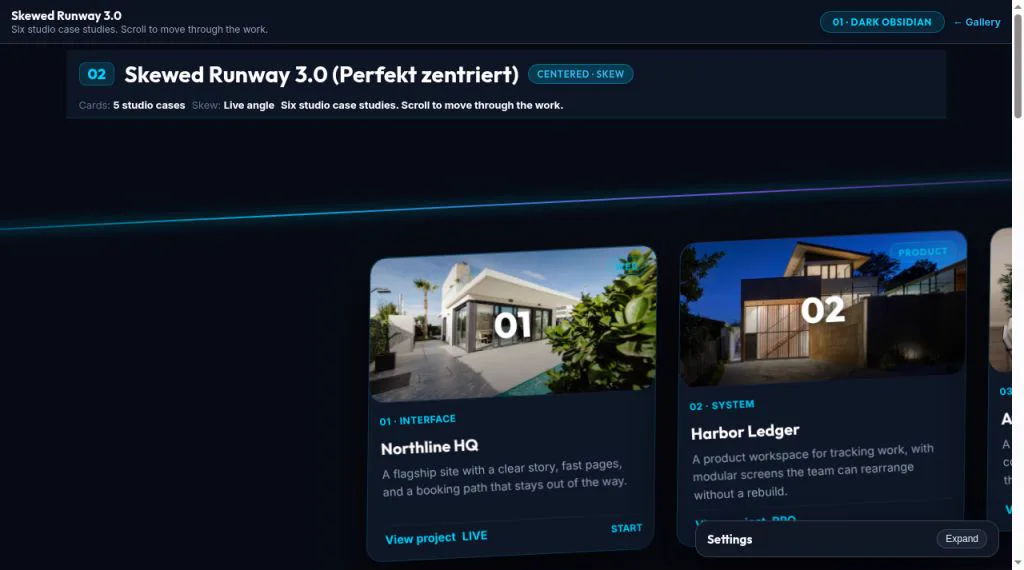
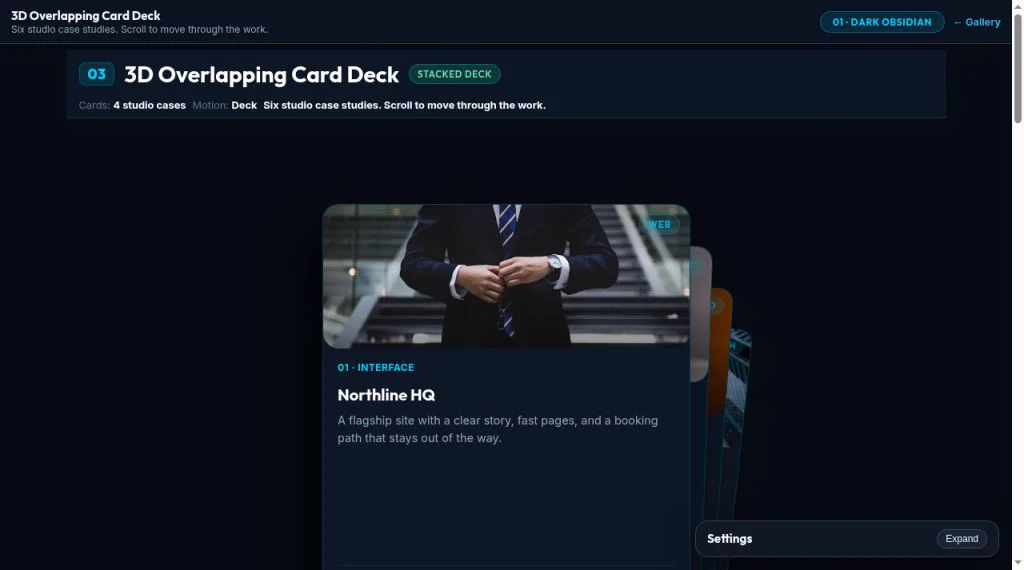
| Scroll motion | An entrance animation per module, plus row backgrounds with photo or video. | Complete scroll scenes: pinned horizontal tracks, 3D card decks, slot reels and split screen curtains. |
| Galleries | Photo module, and gallery and slideshow modules in the paid version. | Masonry with lightbox, image accordions, 3D rings, domes, spirals and drifting image walls. |
| Sliders | Content slider and carousel style modules for classic slides in the paid version. | Spatial carousels with perspective, door and clip transitions and autoplay progress. |
| Timelines | You build timelines yourself from rows and columns. | Seven timeline modules that reveal milestones while visitors scroll. |
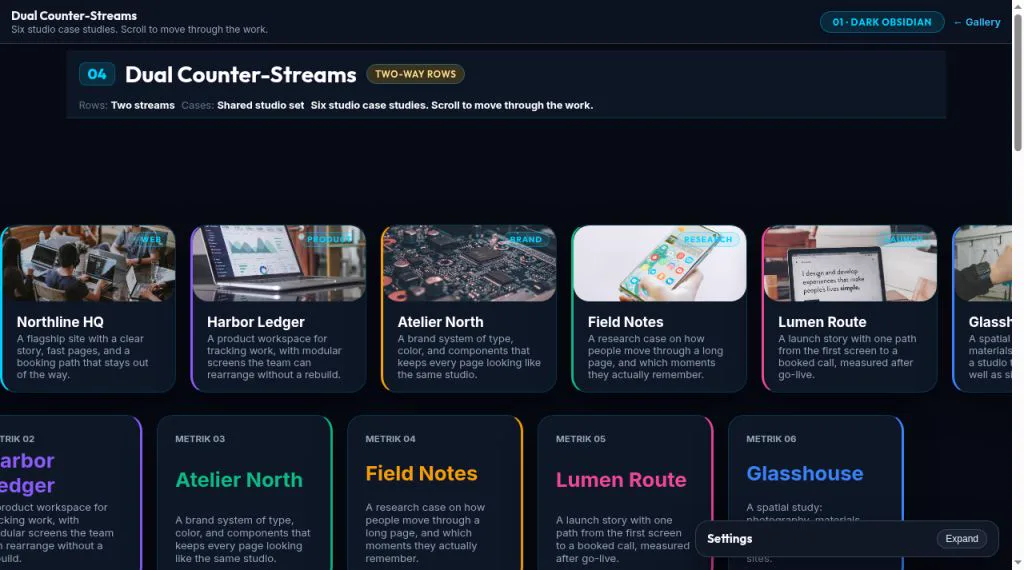
| Text and buttons | Heading, Button and Button Group modules with hover colours. | Pointer reactive text, gravity letters, typing effects and liquid button hover effects. |
If an entrance animation or a simple slider is all you need, use what Beaver Builder ships. Motion Modules makes sense when you want a signature row that would otherwise take a custom module. All 85 modules also run with the free Beaver Builder Lite version, because the plugin is completely independent.
Beaver Builder, including the free Lite version, and Motion Modules for Beaver Builder. No other addon is needed. The plugin requires WordPress 6.0 or newer and PHP 7.4.
Yes. Motion Modules also runs with the free Beaver Builder Lite version. The plugin is completely independent, just as it is with the free version of Elementor, so you do not need the paid version of Beaver Builder.
Yes. Every effect is a native Beaver Builder module with its own settings form, so you edit text, images, colours and timing in the familiar module settings. A design from the Motion Modules editor is imported once through the Studio import field of the module.
Yes. Motion Modules focuses on animation and adds to the addon packs you already use instead of replacing them. Each module has its own prefixed classes, scripts and styles, so it does not change other modules on the page.
A module only loads its runtime script and stylesheet on pages where you use it, and the animation libraries ship inside the plugin, so nothing comes from an external CDN. Heavy 3D effects always cost more than a static row, so I recommend one or two motion highlights per page and a quick test on a real phone.
Yes. Both the yearly and the lifetime licence cover every module, every builder and unlimited websites, including client projects.
Yes. The 14-day trial starts in the app and needs no credit card. In WordPress every installation of the plugin also starts its own 14-day import trial, and modules you placed stay visible on your site after it ends.
The same library is also available for Divi, Elementor, Gutenberg and Breakdance. Explore builder-neutral guides for the WordPress slider plugin, WordPress gallery plugin, WordPress parallax plugin, WordPress team members plugin WordPress timeline plugin, WordPress accordion plugin and animated hero sections. Browse every module with its builder list in the full Motion Modules Library.
All 85 modules and every builder, starting at 39 € per year for one website or unlimited websites with a Yearly or Lifetime licence. Start with the free 14-day trial, no credit card required.