Masonry Gallery with Lightbox
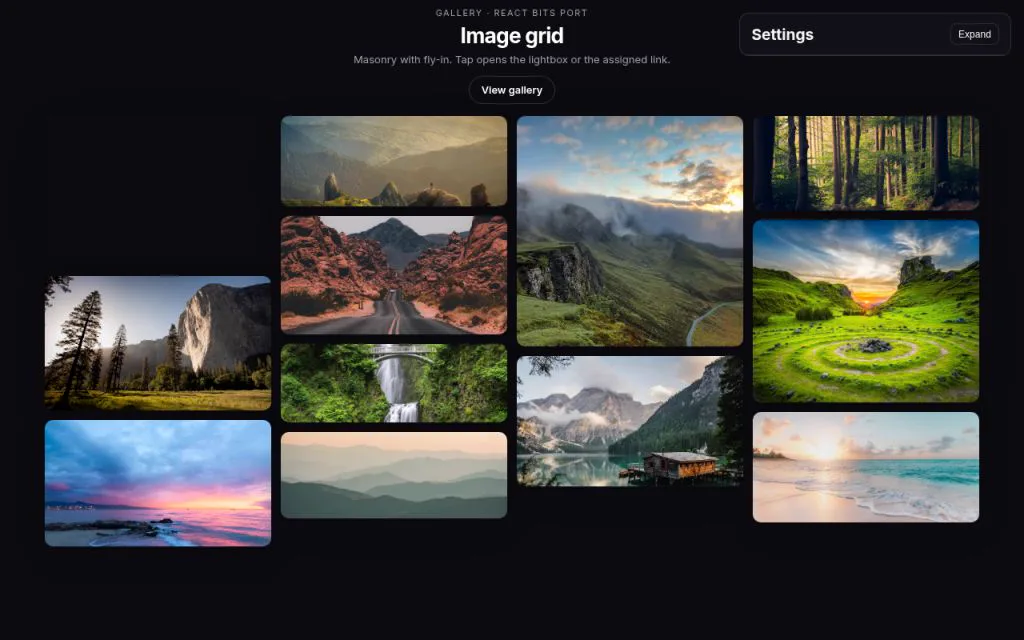
Photos settle into a staggered brick grid, and a tap opens the lightbox.
Open live demoStandard WordPress galleries stack thumbnails in equal squares. I built 15 released gallery and lightbox modules that turn photography and project collections into staggered masonry grids, expanding hover accordions, scroll reveals and interactive 3D rooms for Divi 5, Elementor (incl. Elementor Free), Gutenberg, Breakdance and Beaver Builder Lite.


All 15 gallery modules below are released in the Builder Matrix for Divi 5, Elementor, Gutenberg, Breakdance and Beaver Builder. Every demo opens in a new tab.
Swipe the demo rows left or right on a phone.
Two of the modules run live on this page. Try them out, then explore every demo of this category below.
Staggered brick layouts with a clean image lightbox, parallax columns and expanding hover panels that spotlight one photo at a time.
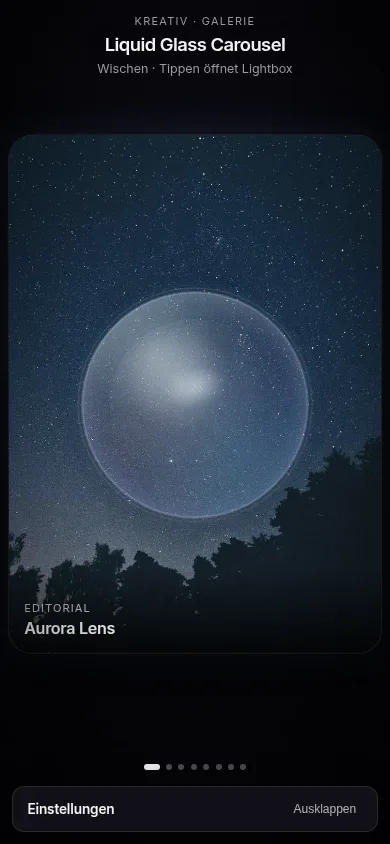
Photos settle into a staggered brick grid, and a tap opens the lightbox.
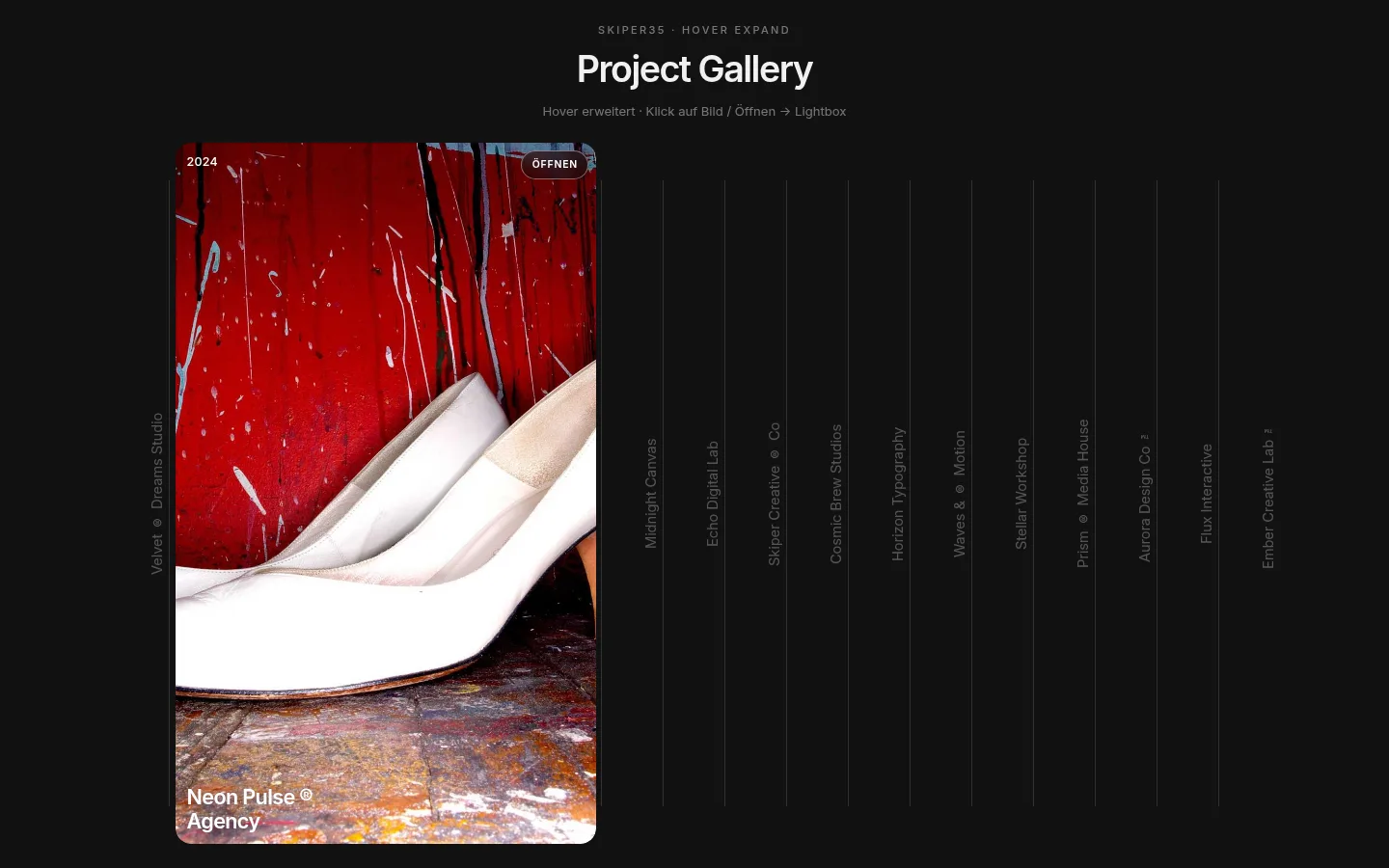
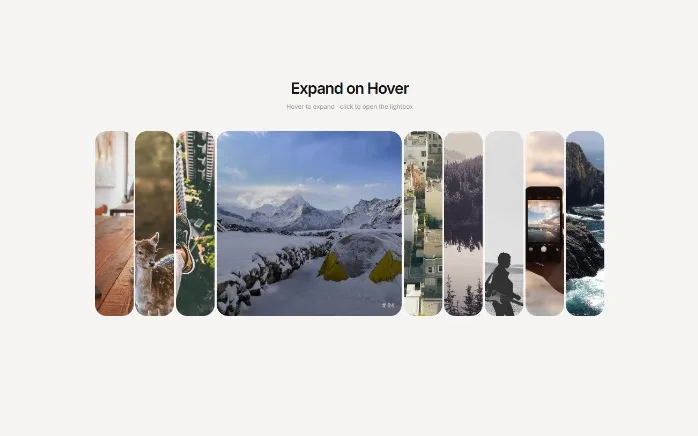
Open live demoPanels widen smoothly on hover, and a click opens the full lightbox view.
Open live demoOne active image grows while neighboring strips stay compact.
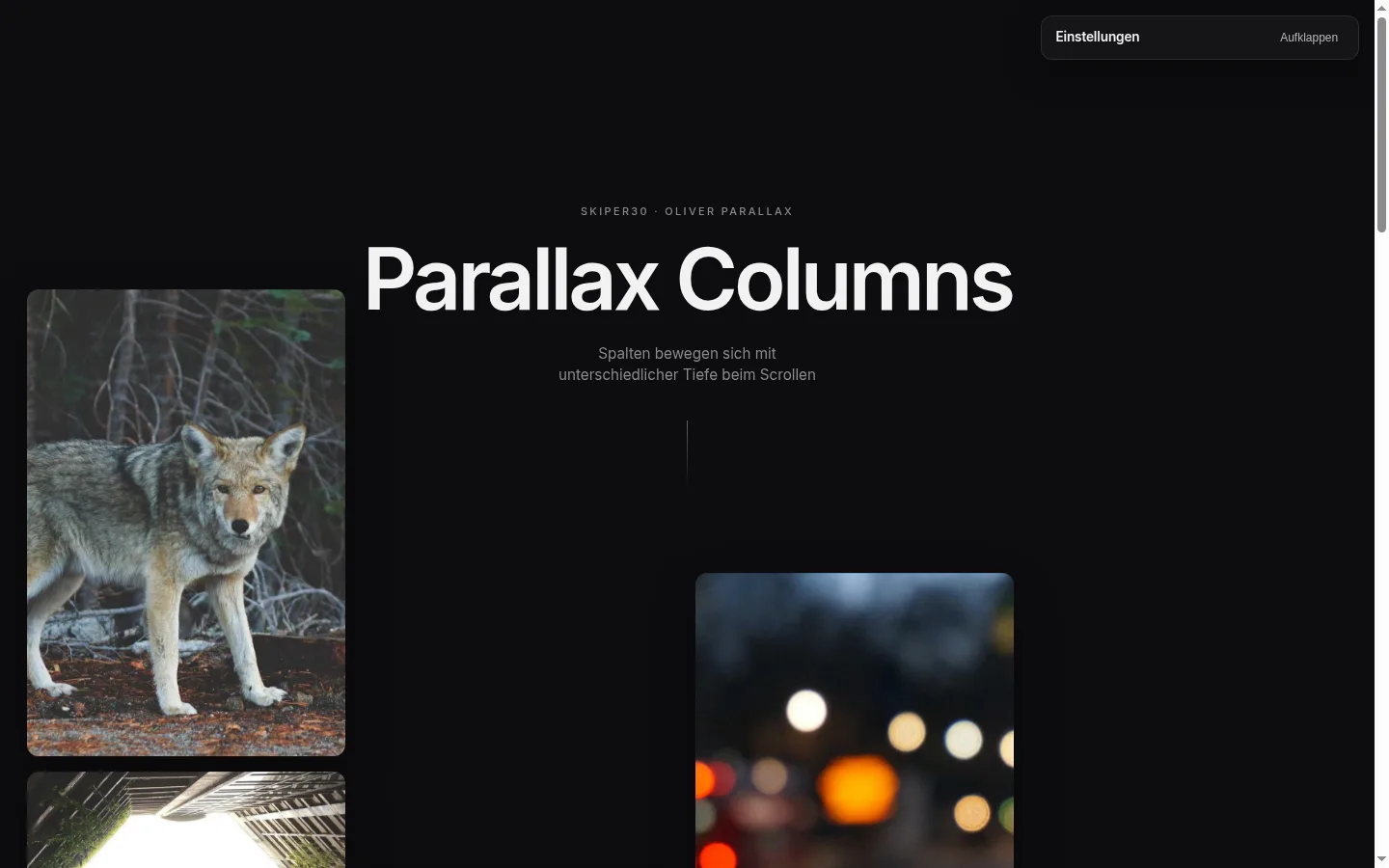
Open live demoColumns travel at different scroll speeds, with lightbox click support.
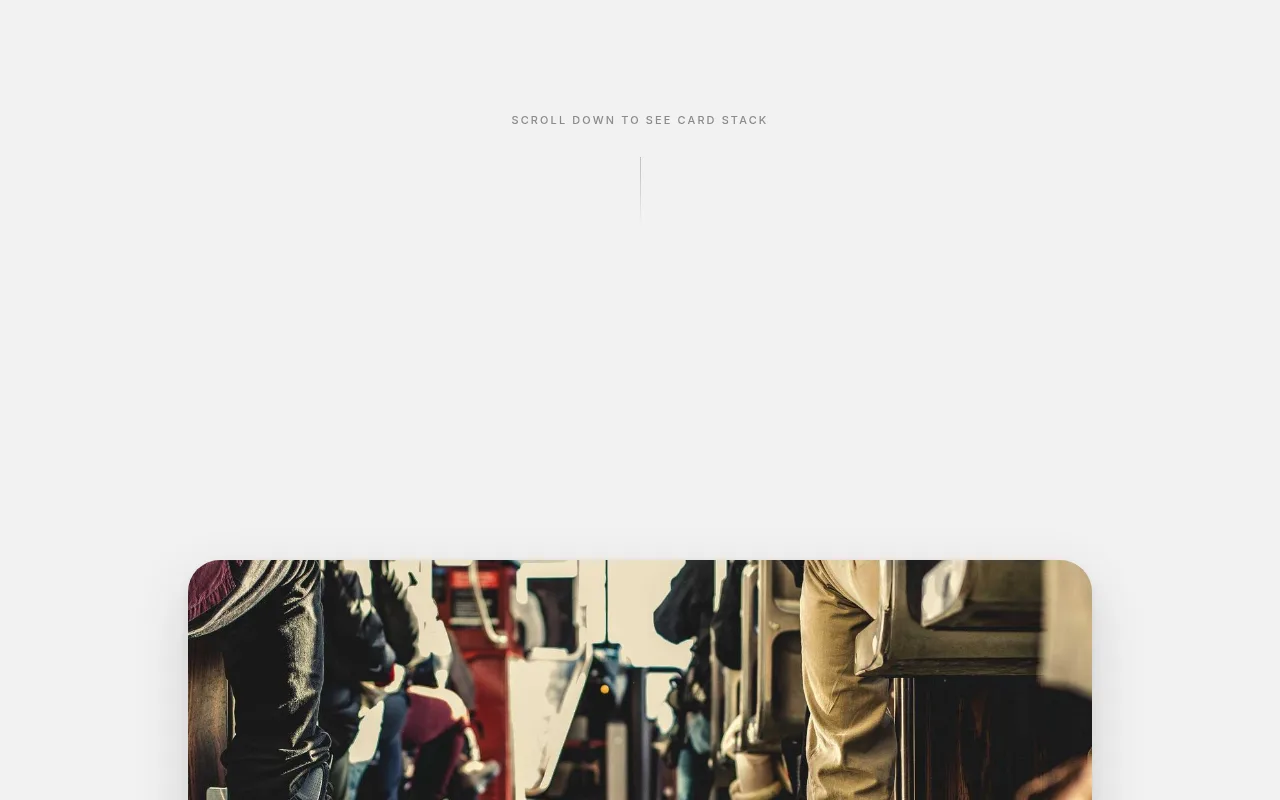
Open live demoPhoto cards pile up into a stack as visitors scroll down the page.
Open live demoOrdered photographic sequences where frames rise out of depth, stack cleanly or counter-rotate in response to scrolling.
A photographic strip shifts through 3D perspective as you scroll.
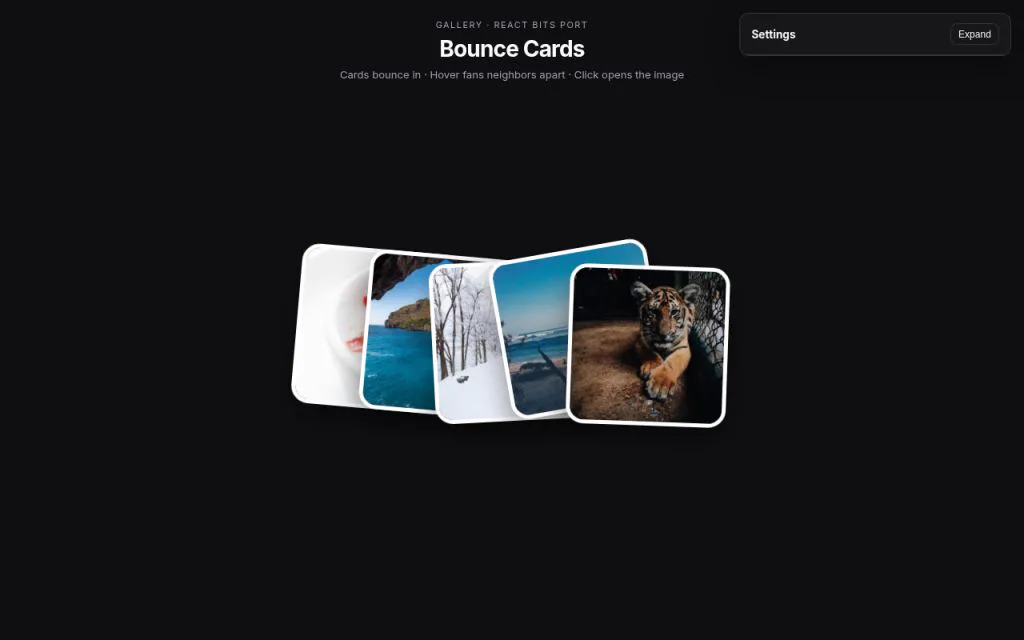
Open live demoImage cards spring apart elastically on hover and open the lightbox.
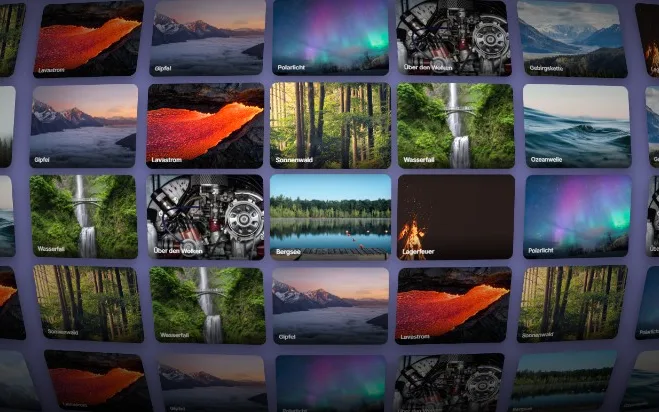
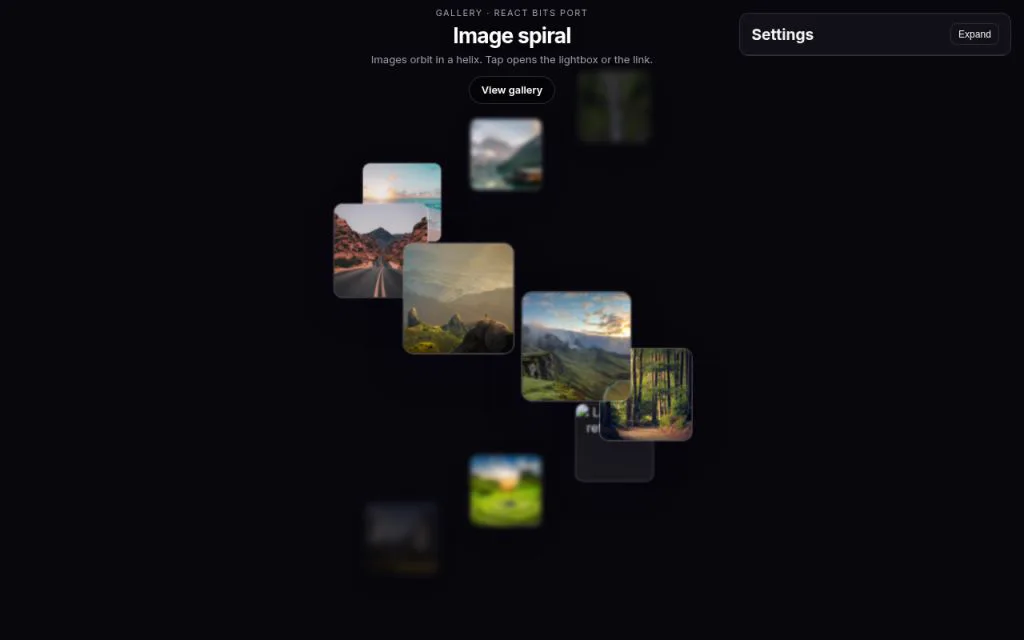
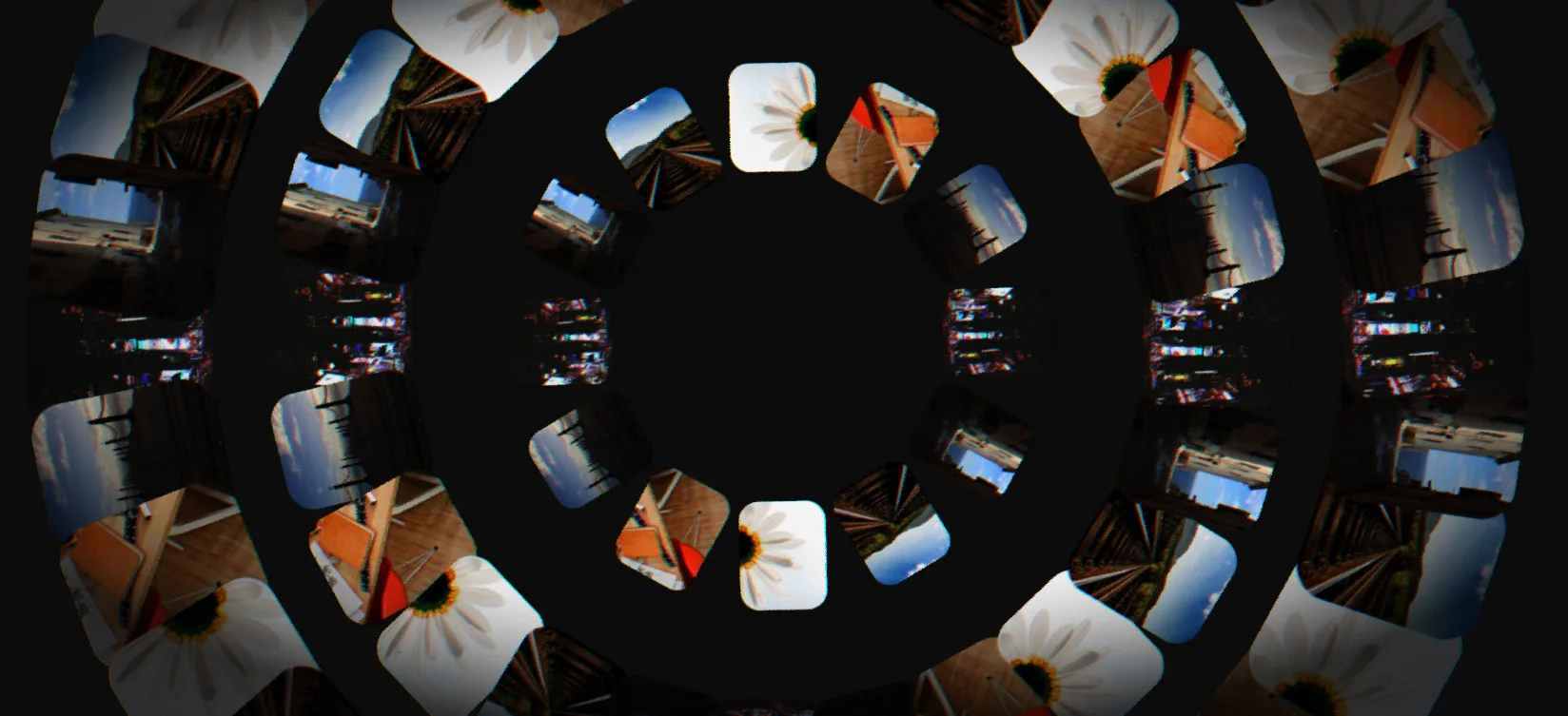
Open live demoInteractive image exploration around a curved 3D dome, an orbiting spiral, a drifting wall or a panoramic cylinder ring.
From selecting a gallery style in the library to embedding crisp, responsive photography inside your page builder.
Compare masonry, hover accordions, scroll stacks and 3D spatial views live before adding your own photos.
Paste or pick your WordPress media URLs, write descriptive alt text, choose lightbox or link click actions and set column counts.
Insert the module as a native block, Divi 5 module, Elementor Free widget, Breakdance element or Beaver Builder Lite module.
All 15 gallery modules run in Divi 5 (not Divi 4), Elementor & Elementor Free, Gutenberg, Breakdance, and Beaver Builder & Beaver Builder Lite.
When your photo shoot mixes tall portraits and wide architecture shots, cropping everything into identical squares destroys the framing. Masonry Gallery with Lightbox respects each image's natural proportions and opens crisp full-size previews on click. If you have five to nine hero visuals to compare side by side, an image accordion keeps neighbors visible while expanding the hovered frame.
A 3D Dome Gallery, 3D Spiral Gallery or Image Ring invites curious exploration on portfolio and studio websites. Keep file sizes compressed (WebP around 800 to 1400 px wide is usually plenty) and pair one strong visual centerpiece with calm sections above and below it.
Modules such as Masonry Gallery with Lightbox, Image Accordion Gallery and Expanding Image Accordion open clicked photographs cleanly inside an image lightbox overlay with customizable backdrop colors and close controls. They are dedicated image lightboxes rather than video players.
Instead of installing a separate WordPress masonry gallery or Gutenberg gallery block plugin on each site, you work in one consistent editor. If you build primarily with Divi 5, you can also compare built-in options on my Divi lightbox galleries page.
| Builder | Status | How you insert it |
|---|---|---|
| Divi 5 | All 15 gallery modules released. | Activate Motion Modules for Divi and insert the module directly in the Divi 5 Visual Builder (Divi 4 is not supported). Divi lightbox galleries guide |
| Elementor & Elementor Free | All 15 gallery modules released. Tested with Elementor Free (no Pro needed). | Activate the Motion Modules plugin for Elementor and drag the widget from the panel into any container. All Elementor widgets |
| Gutenberg (Block Editor) | All 15 gallery modules released as native blocks. | Activate the Motion Modules plugin for Gutenberg and insert the block directly inside your WordPress post or page. All Gutenberg blocks |
| Breakdance | All 15 gallery modules released as Breakdance elements. | Activate Motion Modules for Breakdance and add the element straight from the Breakdance Add panel. All Breakdance elements |
| Beaver Builder & Lite | All 15 gallery modules released. Runs with free Beaver Builder Lite. | Activate Motion Modules for Beaver Builder, drop the native module onto your page and import your design JSON. All Beaver Builder modules |
Masonry Gallery with Lightbox preserves tall and wide crops side by side, while Parallax Scrolling Gallery adds multi-speed vertical motion to columns.
3D Scroll Image Reveal, Sticky Scroll Reveal and Card Stack Scroll step through images in a deliberate reading order as visitors scroll.
3D Dome Gallery, Image Ring Gallery and Drifting 3D Image Wall reward dragging and clicking when exploration is part of the experience.
Yes. In the Motion Modules editor you add any uploaded WordPress image URL along with proper alt text, captions or titles supported by that gallery layout.
Yes. The Motion Modules Gutenberg plugin registers clean native blocks inside the standard WordPress block editor with zero shortcodes required.
Yes. You do not need Elementor Pro or a paid Beaver Builder tier. Every gallery module installs as a self-contained widget or module inside both free and paid versions.
Several galleries including Masonry Gallery with Lightbox let you switch the click behavior between opening the image lightbox, following a custom link or disabling click action, and edit titles and descriptions per photo.
The scripts and styles load only on pages using the gallery, and images lazy-load inside the layout. Compressing your photography to WebP before upload keeps pages fast on mobile connections.
Also see my builder-neutral pages for the WordPress slider plugin, WordPress parallax plugin, WordPress timeline plugin and WordPress team members plugin, or explore the full Motion Modules Library.
One licence covers all 85 modules, every builder and unlimited websites. Start with the free 14-day trial, no credit card required.