Elementor timeline widgets with real scroll motion
Turn company milestones, product roadmaps and process steps into an interactive elementor timeline. Explore 7 native Elementor Free and Pro widgets spanning vertical scroll threads, horizontal rulers, stack folds and rotary dials.
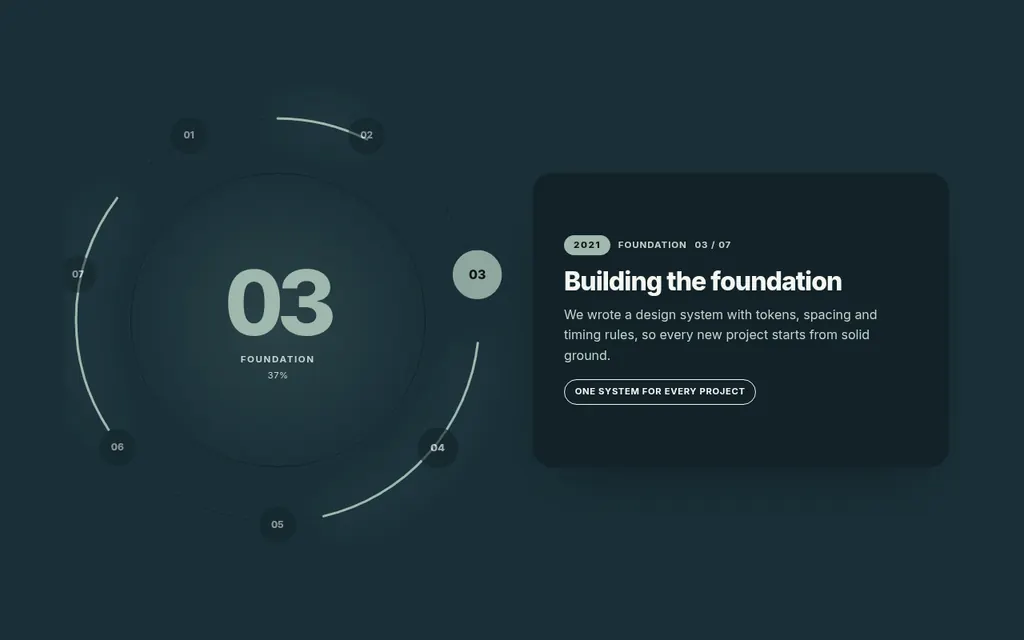
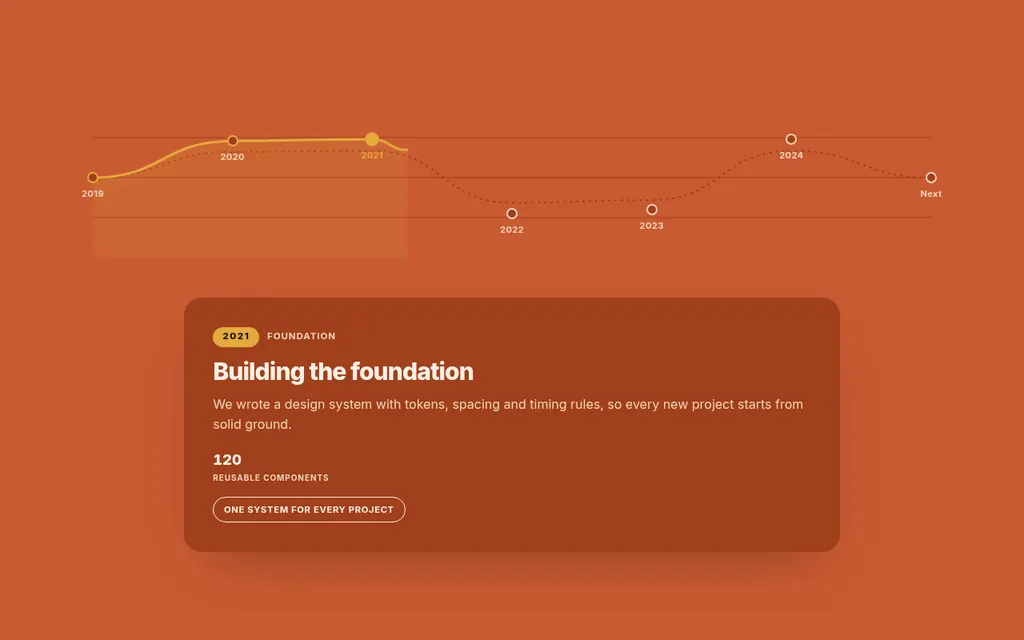
Two Elementor timelines live
Click milestones, drag dials and inspect horizontal transitions inside both live embeds below.
Try them right here
Switch chapters in Pinned Chapter Timeline or step around the circular milestones inside Orbit Dial Timeline.
One licence model, all 85 modules.
Besides these 7 Elementor timeline widgets, every licence unlocks all 85 modules across 13 categories, ready for all five WordPress builders. Start at 39 € per year for 1 website with Single Site, or cover unlimited websites with Yearly and Lifetime. Browse all Elementor widgets
All 7 Elementor timeline widgets
Every elementor timeline widget below works cleanly in Elementor Free and Pro without custom CSS or external JavaScript setup.
On a phone, swipe the row left or right.
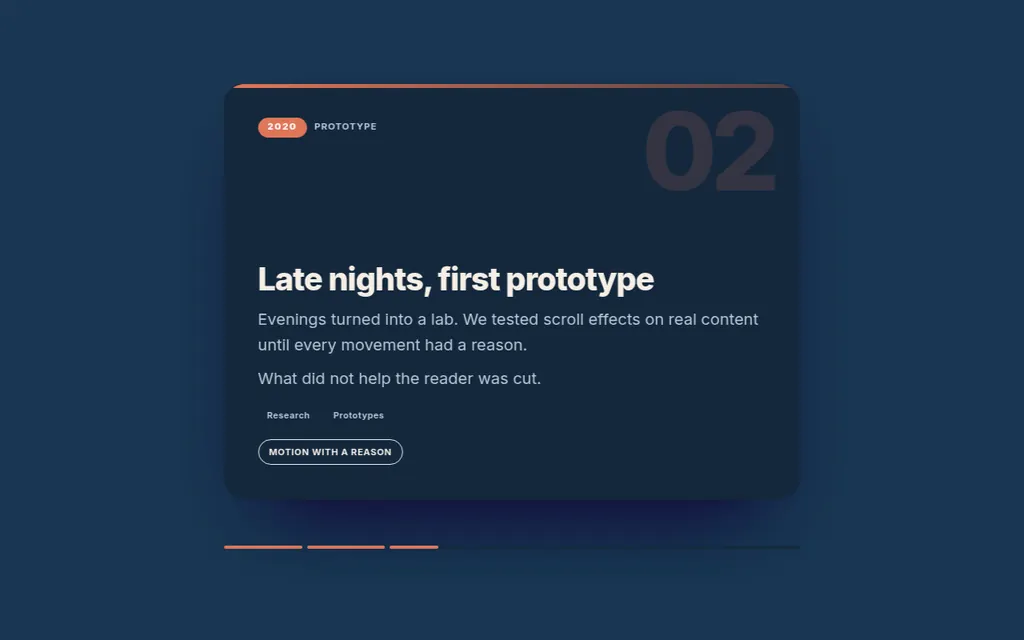
How it works in Elementor.
Three steps to drop a custom scroll-linked timeline or rotary dial into Elementor Free or Pro.
- 01
Pick a timeline widget
Open any widget in the Motion Modules Library and test its behavior across desktop and touch breakpoints.
- 02
Customize in MRStudio
Swap your own photos, headings, links, colors, speed and mobile spacing in the visual browser editor.
- 03
Use inside Elementor
Install the Motion Modules for Elementor plugin, drag the matching widget onto your Elementor container and click Import design in the widget content tab without touching custom CSS or JS.
Works with Elementor Free and Pro. Every widget uses the standard Elementor widget API and runs cleanly without an Elementor Pro subscription.
How to choose the right timeline widget for Elementor
Why built-in Elementor columns fall short for timelines
Anyone building a timeline elementor section manually with Inner Sections, Icon Lists and border lines spends hours tweaking mobile alignment, sticky markers and milestone indicators. Elementor Free does not ship a dedicated timeline widget for elementor out of the box.
With Motion Modules, each of the 7 widgets solves a distinct narrative rhythm instead of repeating one static vertical stem seven times.
Vertical story threads vs horizontal Elementor timelines
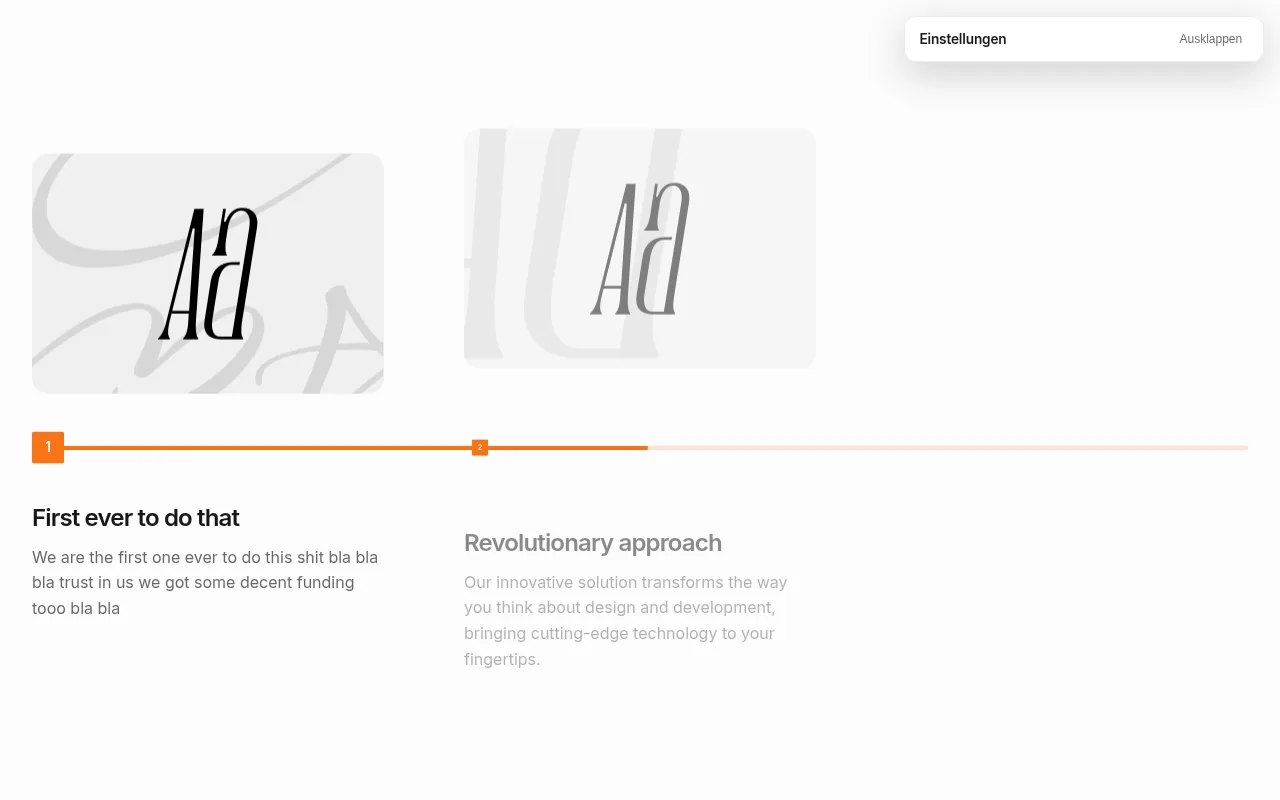
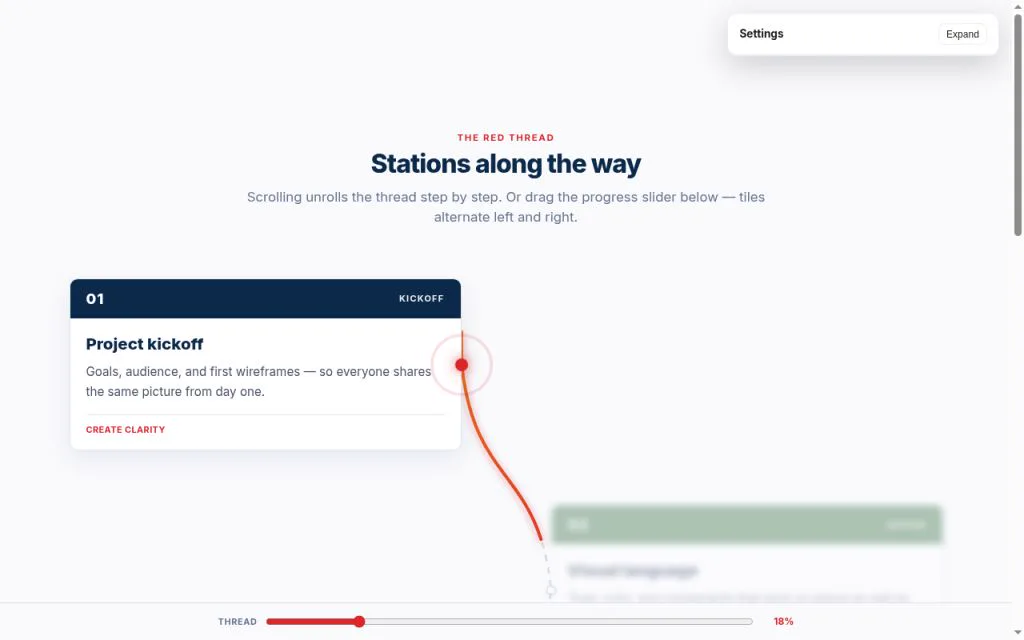
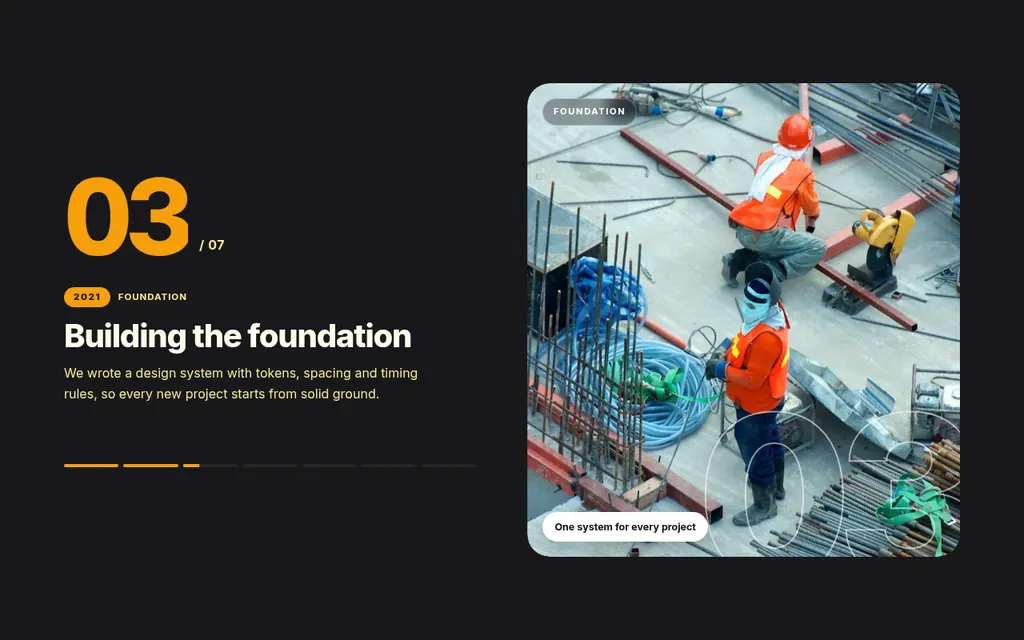
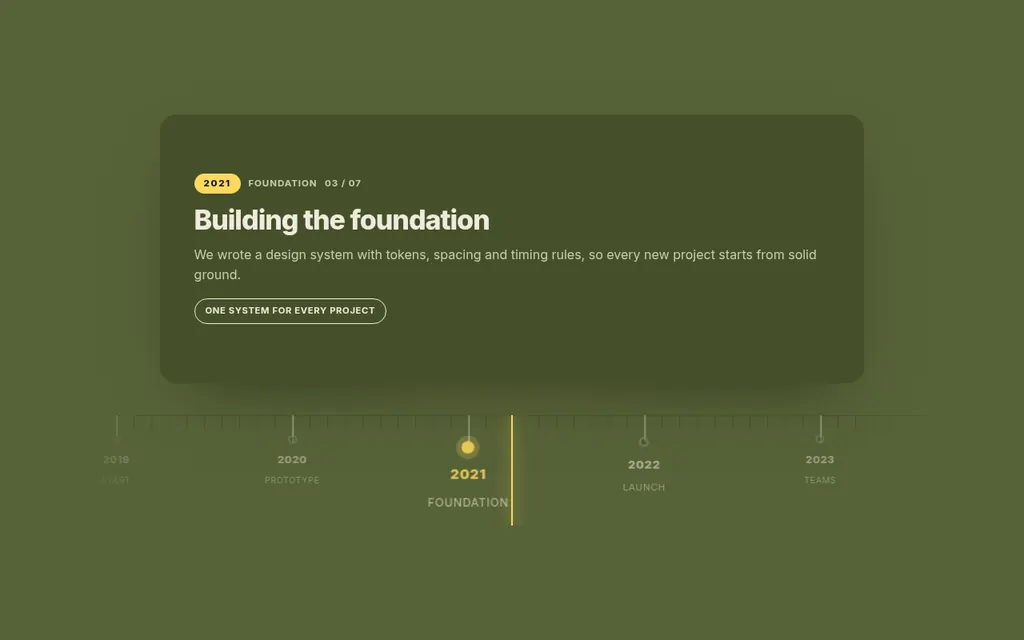
For classic company histories or case milestones where copy stays prominent, Animated Scroll Timeline and Red Thread Timeline trace visitor progress smoothly down the page. When a visual storyboard fits better, Pinned Chapter Timeline and Ruler Timeline deliver an interactive elementor horizontal timeline rhythm.
Need compact storytelling inside a single viewport? Orbit Dial Timeline maps milestones onto a rotating dial, Stack Fold Timeline layers milestones vertically like crisp cards and Waveform Timeline turns history chapters into an audio-style waveform track.
Built and tested for Elementor Free
Every elementor timeline widget runs on the standard Elementor Free widget API. Edit milestone dates, photos, headings and palette colors visually in MRStudio, then drag the matching widget straight into your Elementor container.
Manual Elementor vs Motion Modules Timelines
| Area | Elementor built in | Motion Modules |
|---|---|---|
| Timeline stem & tracking | Static CSS borders built manually inside Columns or Containers. | 7 purpose-built widgets with scroll-drawn lines, pinned tracks, dials and waveforms. |
| Horizontal timelines | Requires nested horizontal overflow tricks that often break on phones. | Ruler, Pinned Chapter and Waveform tracks adapt automatically at mobile breakpoints. |
| Elementor Pro requirement | No dedicated timeline widget even inside standard Elementor Pro. | Runs cleanly in both Elementor Free and Elementor Pro. |
| Milestone updates | Duplicating containers manually for each new milestone entry. | Edit structured milestone items in MRStudio and import updates in seconds. |
Questions before you start
Does the Elementor timeline widget work with Elementor Free?
Yes. All 7 Elementor timeline widgets run natively with the free version of Elementor as well as Elementor Pro.
Are horizontal and vertical Elementor timelines included?
Yes. You get vertical scroll-linked timelines like Animated Scroll Timeline and Red Thread Timeline, plus horizontal and interactive formats like Pinned Chapter Timeline, Ruler Timeline, Orbit Dial Timeline and Waveform Timeline.
How do complex timeline widgets behave on smartphones?
Each timeline widget switches cleanly at mobile breakpoints so text stays legible and touch navigation remains intuitive without horizontal page overflow.
Which licence covers the Elementor timeline widgets?
Single Site costs 39 € per year for 1 website, while Yearly (69 € per year) and Lifetime Early Adopter (149 € once) cover unlimited websites, all 85 modules and every supported builder.
Can I customize colors and typography to match my Elementor theme?
Yes. Background, accent color, line thickness, fonts and milestone spacing are editable visually in MRStudio before importing into Elementor.
Compare across builders or check other Elementor widgets: WordPress timeline plugin, Divi timeline modules, Elementor horizontal scroll or all Elementor widgets.
Bring your timeline to life.
Build interactive timelines in Elementor Free or Pro and unlock all 85 modules across 13 categories for all five builders, starting at 39 € per year for 1 website or unlimited websites with Yearly and Lifetime. Start free for 14 days, no credit card required.