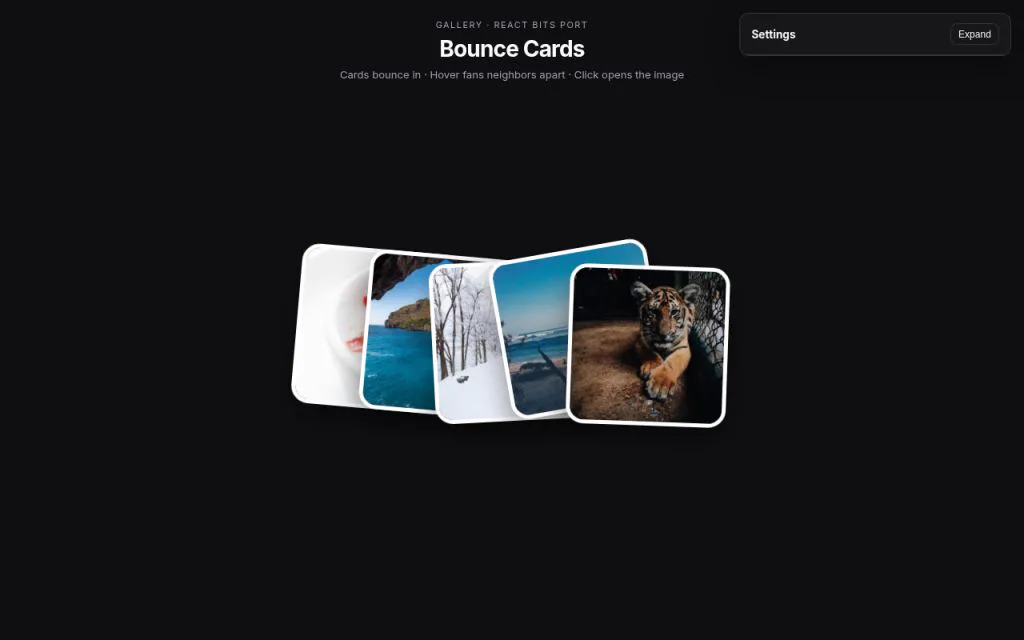
Masonry Gallery with Lightbox
Photos settle into a brick grid, and a tap opens one large.
Open live demoUpgrade the standard WordPress gallery with 15 interactive gutenberg gallery blocks: animated masonry with lightbox, expanding photo accordions, scroll stacks and spatial 3D image walls inside native Gutenberg.


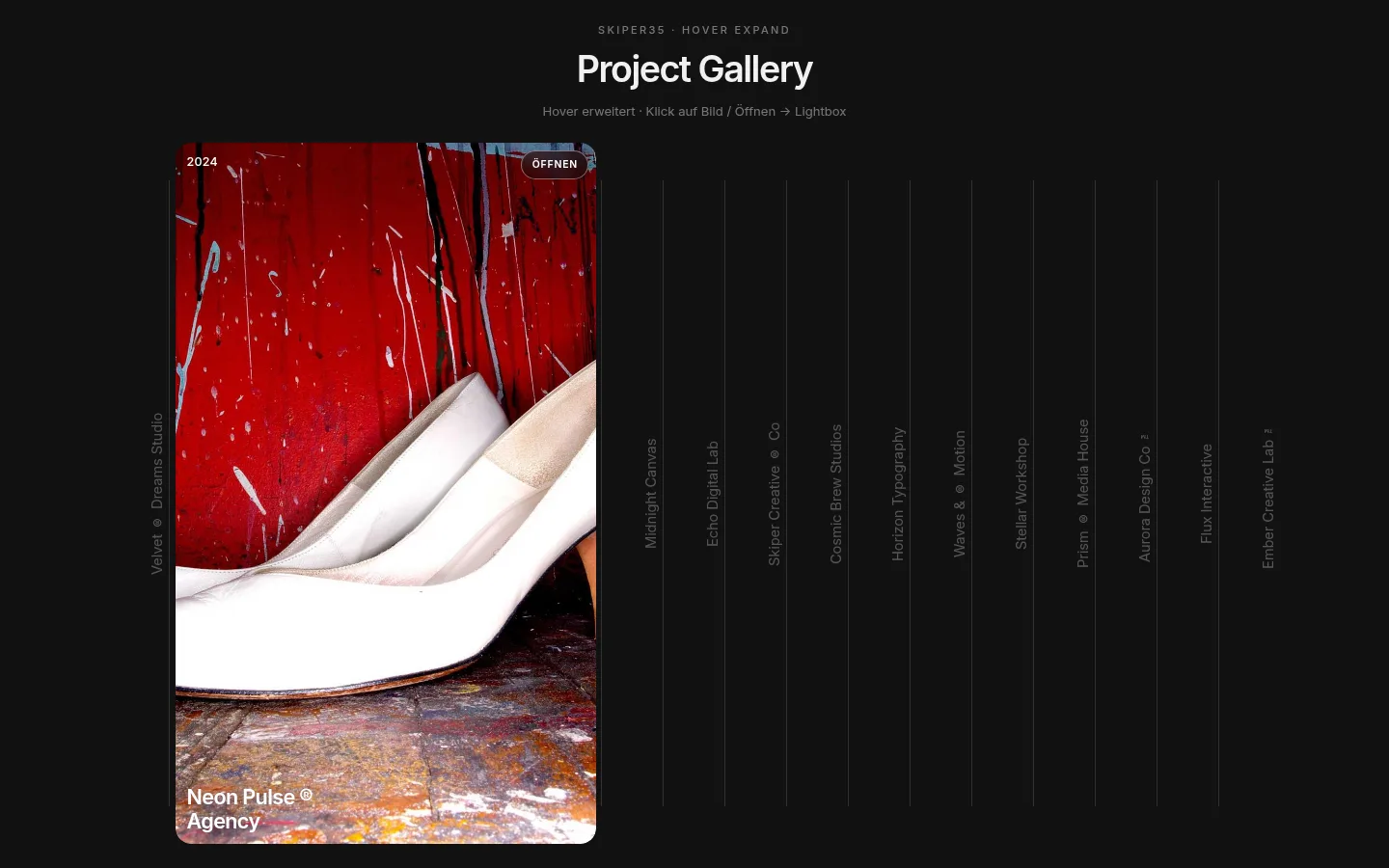
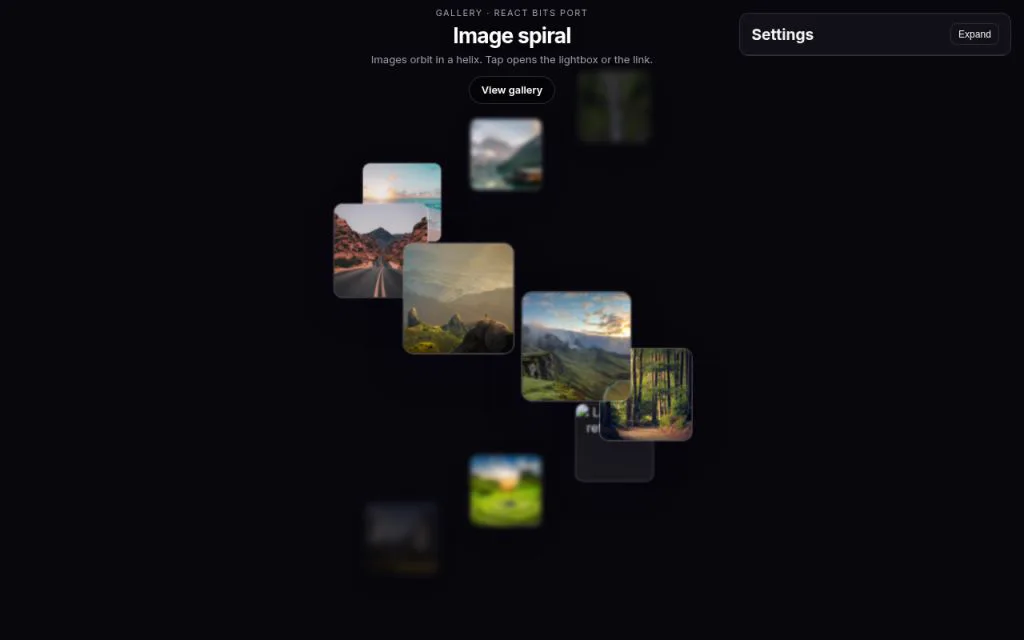

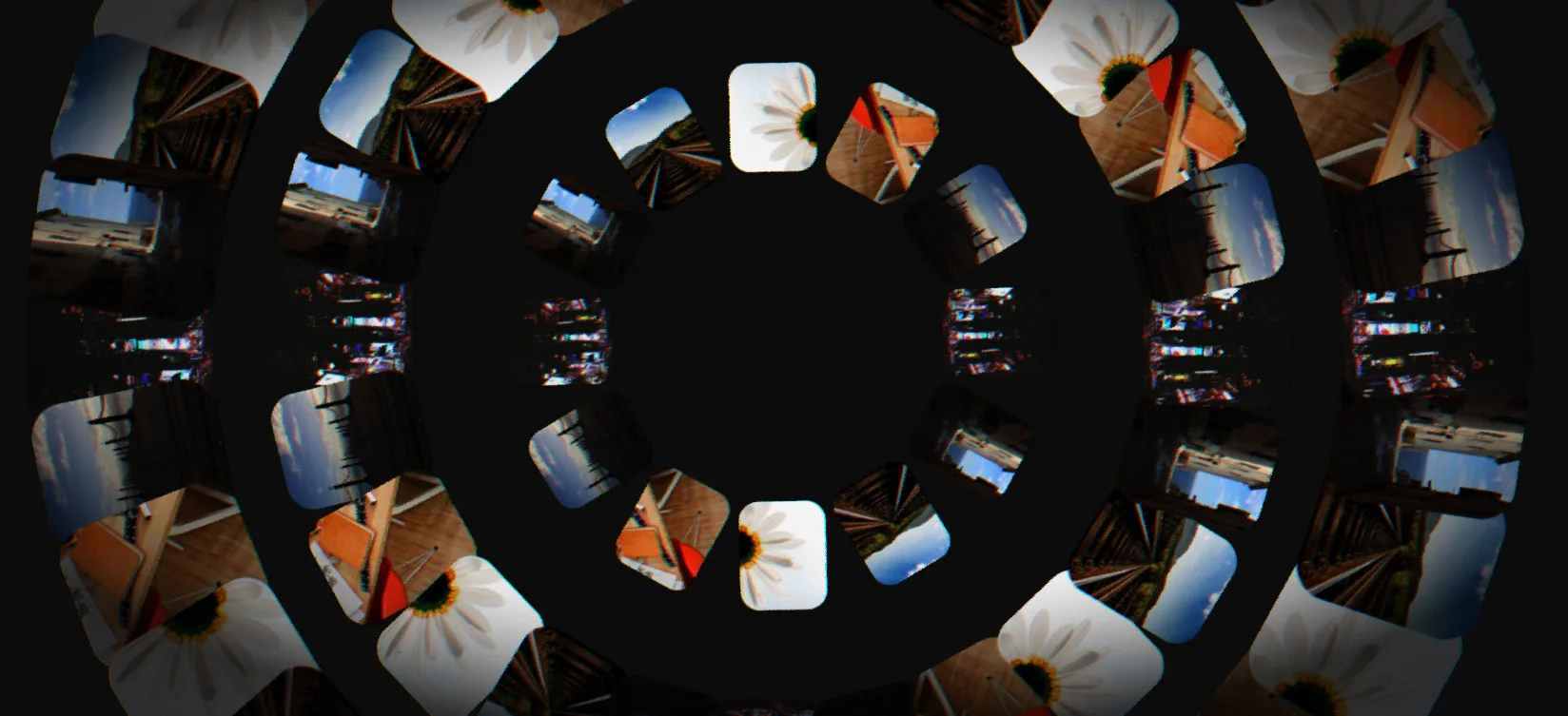
Scroll through Masonry Gallery with Lightbox and drag around the 3D Dome Gallery directly inside your browser.
Click any tile to test the lightbox or drag through the 3D sphere. Full interactive presets open in a new tab.
Besides these 15 Gutenberg gallery blocks, every licence unlocks all 85 modules across 13 categories, ready for all five WordPress builders. Start at 39 € per year for 1 website with Single Site, or cover unlimited websites with Yearly and Lifetime. Browse all Gutenberg blocks
Every gutenberg gallery block below integrates cleanly into WordPress 6.5+ without loading scripts on pages without galleries.
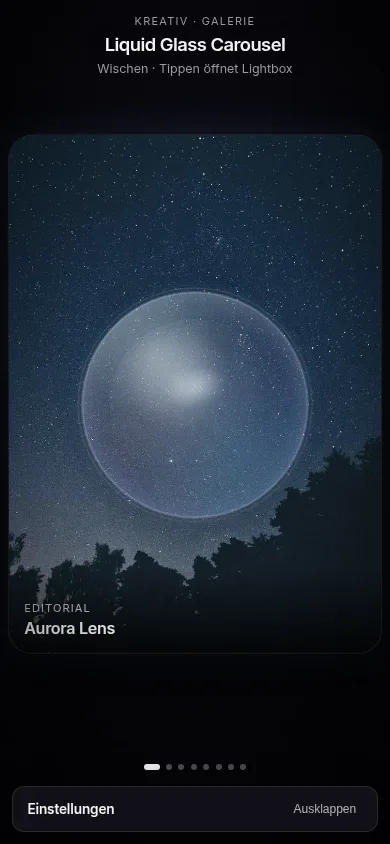
On a phone, swipe the row left or right.
Photos settle into a brick grid, and a tap opens one large.
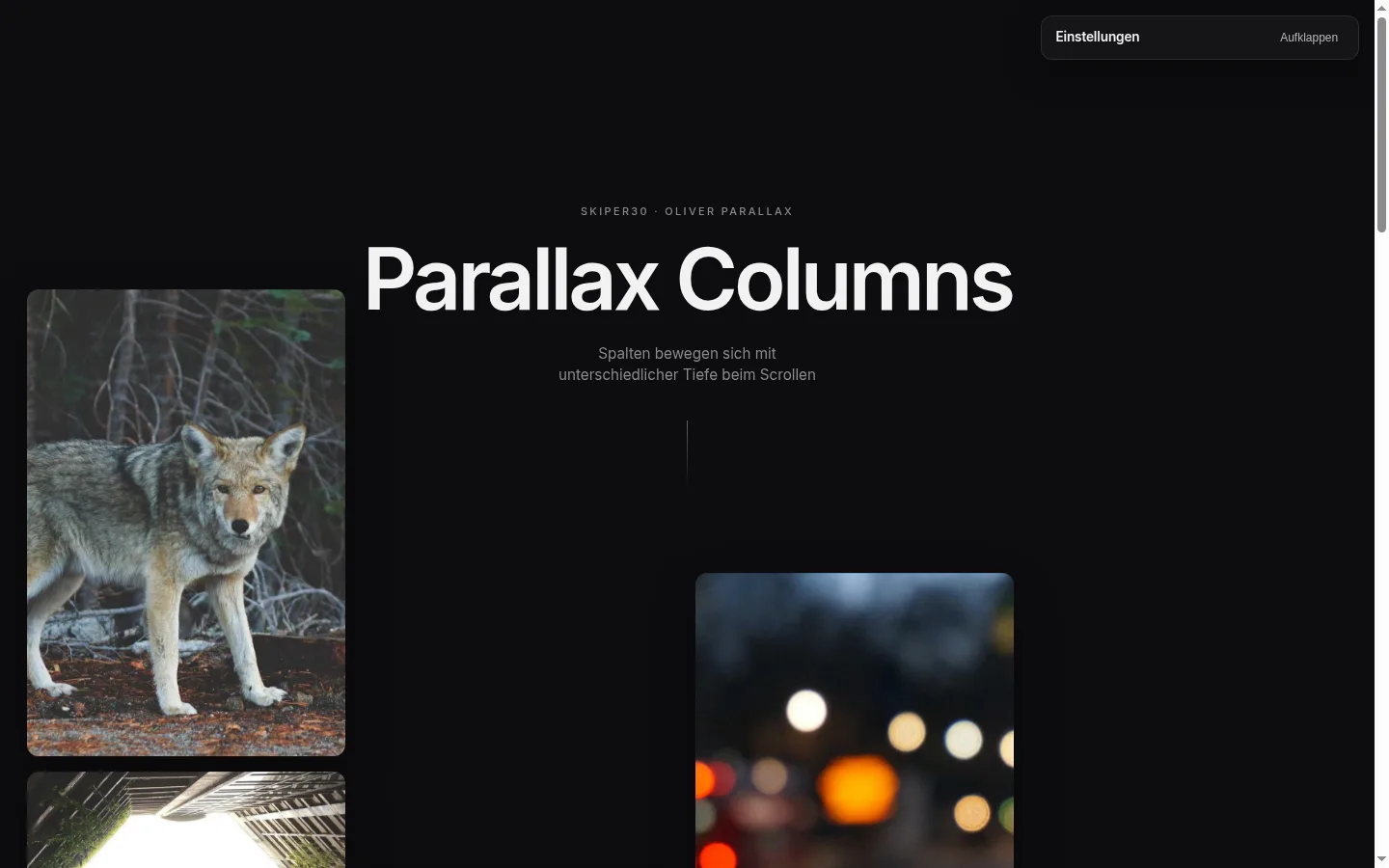
Open live demoColumns move at different speeds, and a tap opens the large view.
Open live demoThree steps to bring an interactive masonry gallery, 3D dome or lightbox showcase into the WordPress block editor.
Open any block in the Motion Modules Library and test its behavior across desktop and touch breakpoints.
Swap your own photos, headings, links, colors, speed and mobile spacing in the visual browser editor.
On your first login choose Gutenberg, download Motion Modules for Gutenberg and activate it. Insert the matching block from the Motion Modules block inserter section and import your saved design via the sidebar.
Native blocks, no page builder needed. Every effect is a real block in the motion-modules namespace with alignment, spacing and anchor controls. Requires WordPress 6.5 or newer and PHP 7.4.
The default wordpress gallery block inside Gutenberg works well for simple blog post photo grids: you select images, pick a column count and optionally link media files. What core lacks is built-in animated reveals, masonry height choreography, clean full-viewport lightboxes with captions or spatial showcase grids.
I built these 15 Motion Modules gallery blocks so photography portfolios, product lookbooks and studio case studies stay engaging without chaining separate lightbox add-ons onto core blocks.
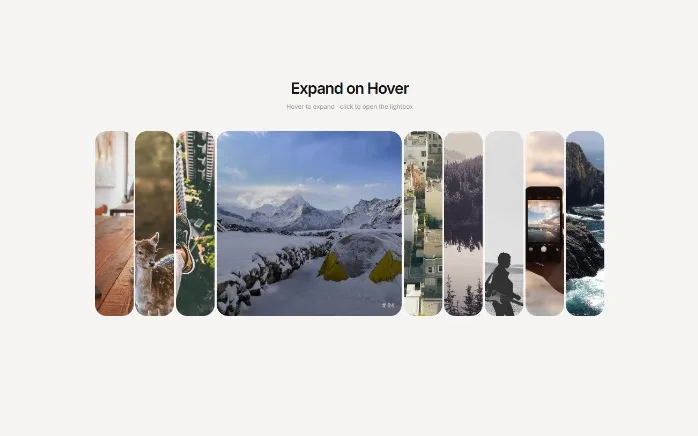
For structured architectural or portrait photography, Masonry Gallery with Lightbox delivers crisp staggered columns and responsive lightbox inspection. When screen height is tight, Image Accordion Gallery and Expanding Image Accordion reveal wide high-resolution frames inside a single horizontal row.
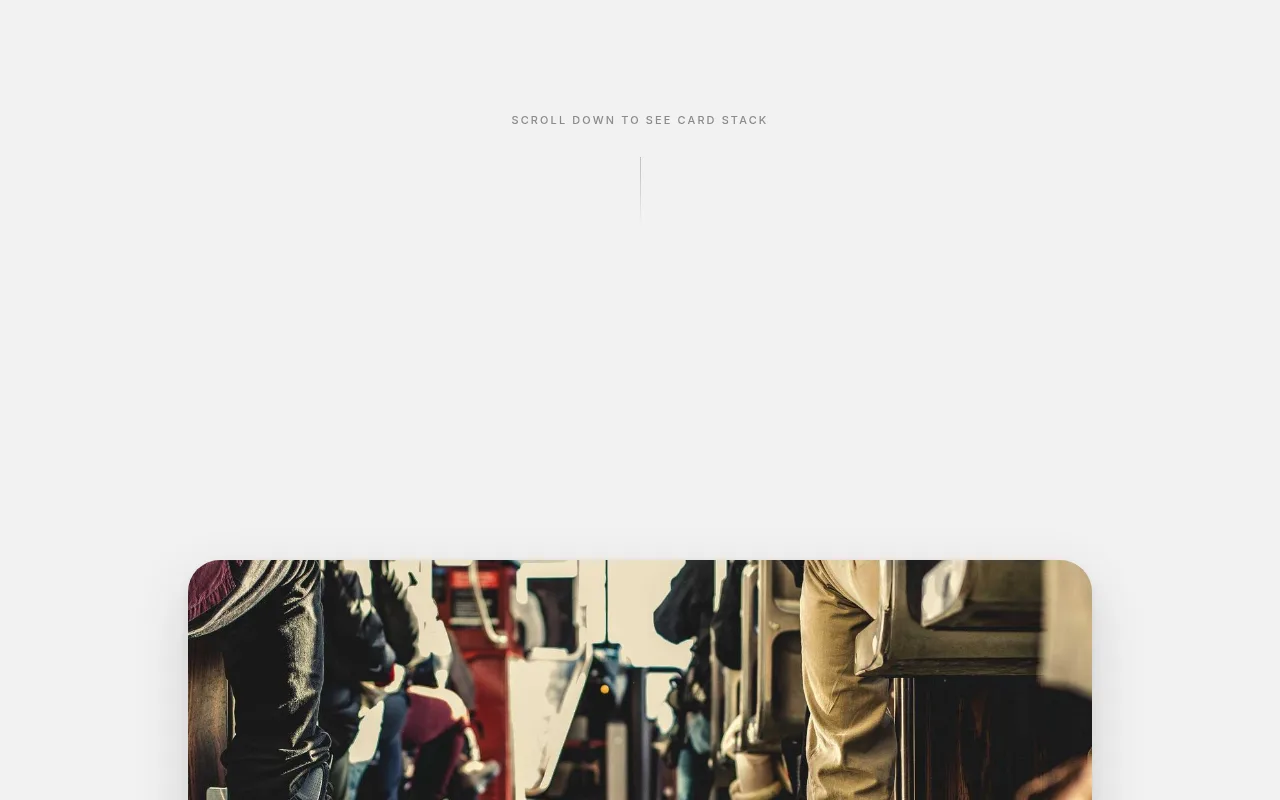
For visual flagship sections, 3D Dome Gallery, 3D Spiral Gallery and Drifting 3D Image Wall turn multi-image collections into tactile spatial exhibits, while scroll-driven galleries reveal frames smoothly as visitors read down the page.
Every gutenberg gallery block supports separate desktop and mobile parameters inside MRStudio. Columns collapse gracefully on narrow phones and hover-expand modules convert cleanly to tap interaction.
| Area | Gutenberg built in | Motion Modules |
|---|---|---|
| Grid choreography | Uniform crop or static staggered CSS columns inside Core Gallery. | 15 gallery blocks with masonry motion, scroll reveals and 3D spatial layouts. |
| Lightbox experience | Basic click-to-enlarge image toggle introduced in newer WordPress versions. | Integrated animated lightbox with captions, keyboard controls and backdrop styling. |
| Interactive hover & depth | Static thumbnails with basic border radius and shadow options. | Horizontal photo accordions, tilted 3D card stacks and pointer-driven image walls. |
| Scope inside Gutenberg | Included in WordPress core for straightforward blog post photo dumps. | Purpose-built native block.json blocks when portfolios and visual storytelling matter. |
The core wordpress gallery block displays a static thumbnail grid with basic lightbox links. Motion Modules adds 15 native Gutenberg gallery blocks with masonry choreography, animated lightbox previews, horizontal image accordions and interactive 3D spatial layouts.
Yes. Keep the core block for quick inline article images and drop a Motion Modules gutenberg gallery block wherever featured photography, lookbooks or studio galleries need motion and richer lightbox staging.
Masonry Gallery with Lightbox and spatial grid blocks open focused enlarged views cleanly, while hover accordions and scroll reveals expand selected frames inside the flow.
Single Site costs 39 € per year for 1 website, Yearly (69 € per year) and Lifetime Early Adopter (149 € once) cover unlimited websites, always including all 85 modules and all 5 builders.
Yes. Hover-based panels respond reliably to touch taps and horizontal scroll rows stay swipe-friendly across mobile viewports.
Need galleries in another editor or a cross-builder view? See my WordPress gallery plugin overview, check Divi lightbox galleries or jump back to Gutenberg blocks.
Use all 15 Gutenberg gallery blocks alongside all 85 modules across 13 categories for all five builders, starting at 39 € per year for 1 website or unlimited websites with Yearly and Lifetime. Start free for 14 days, no credit card required.